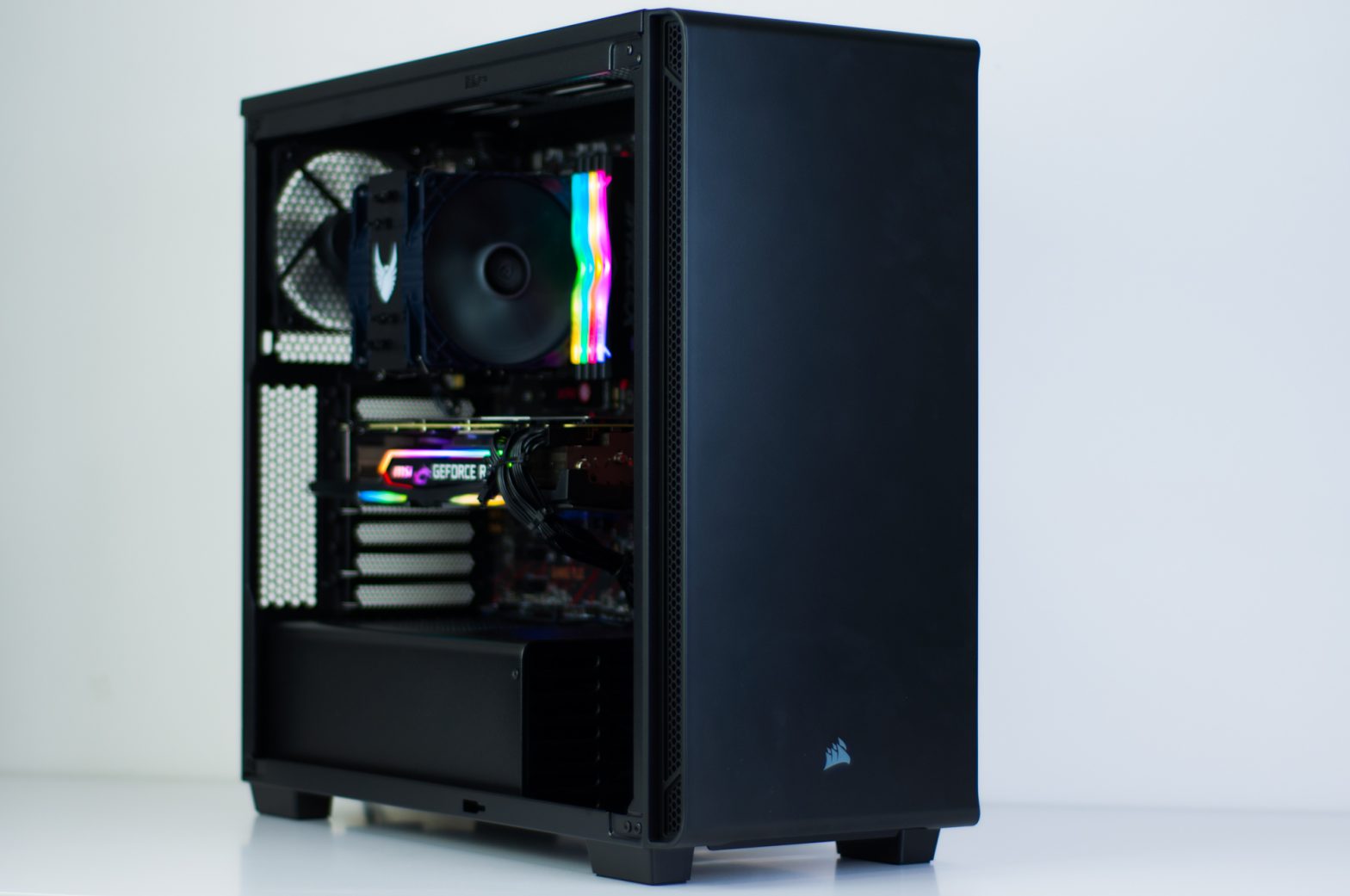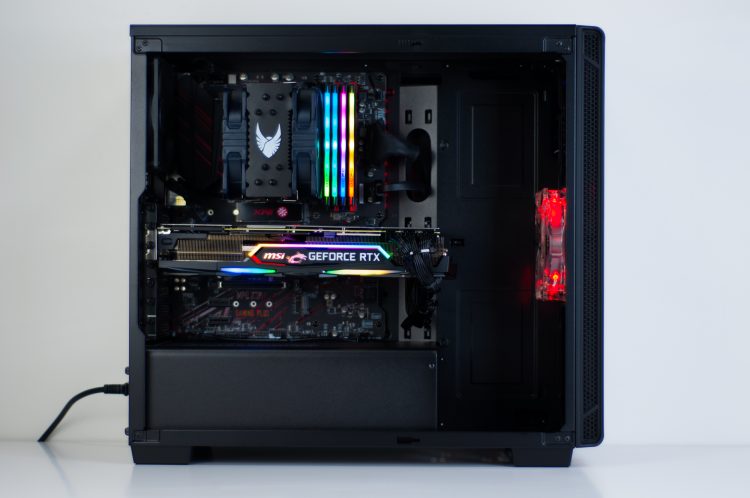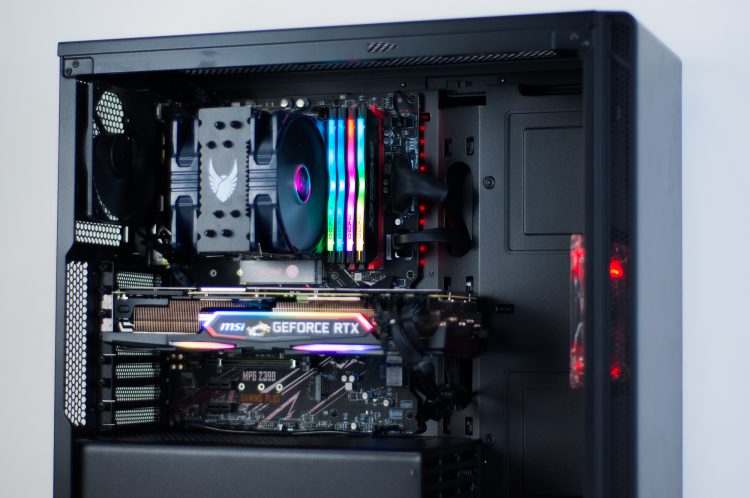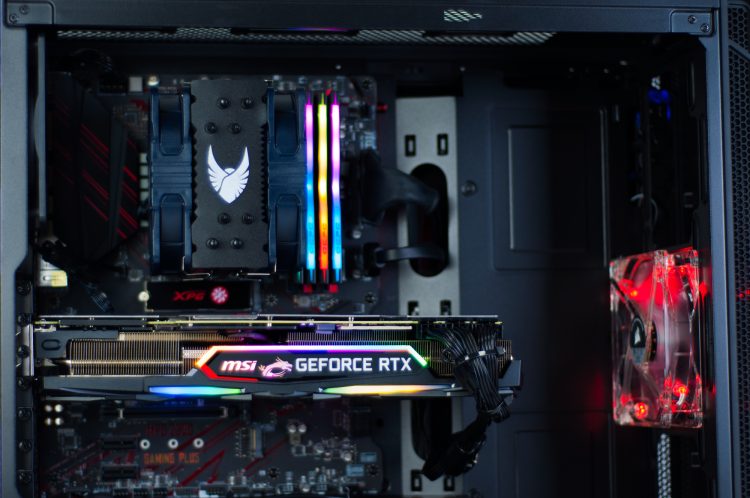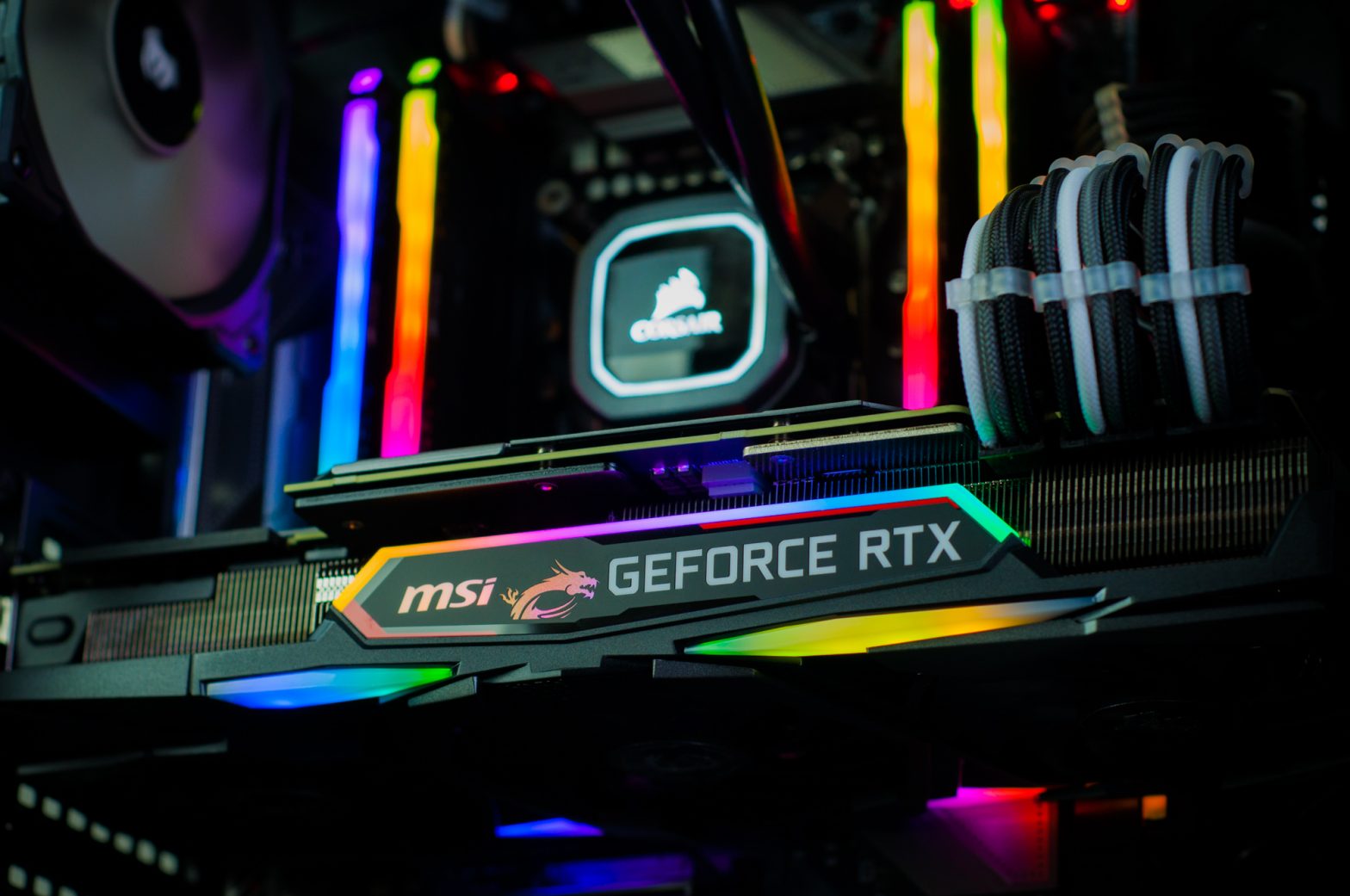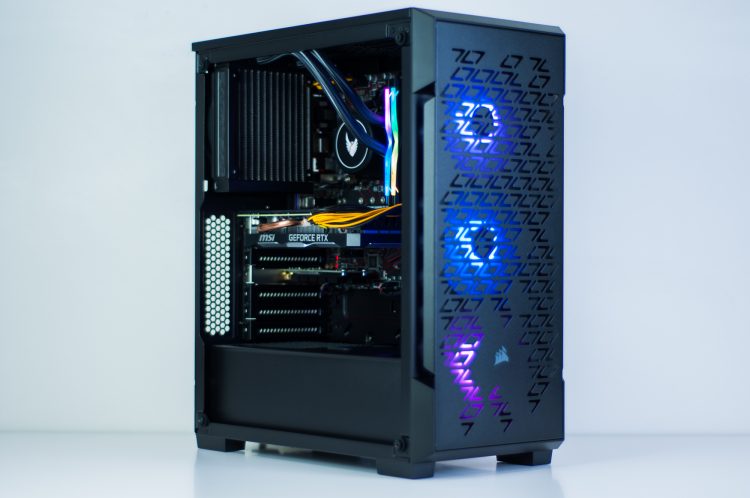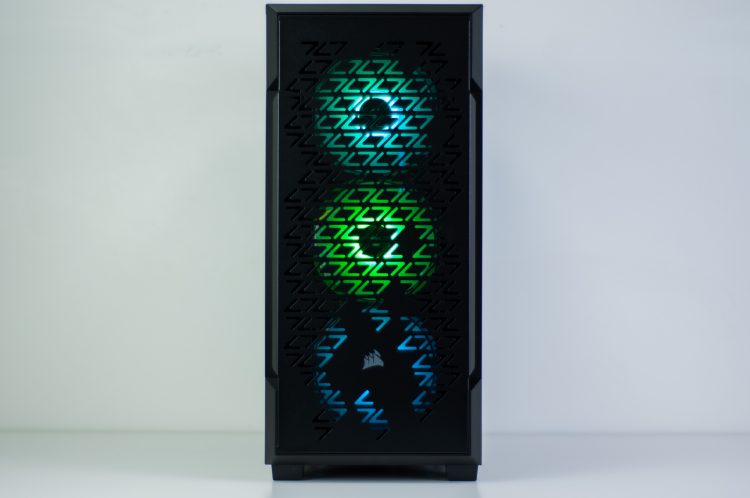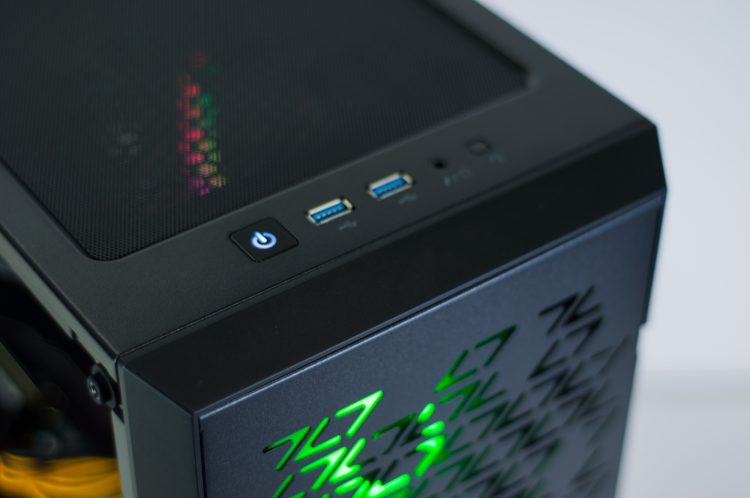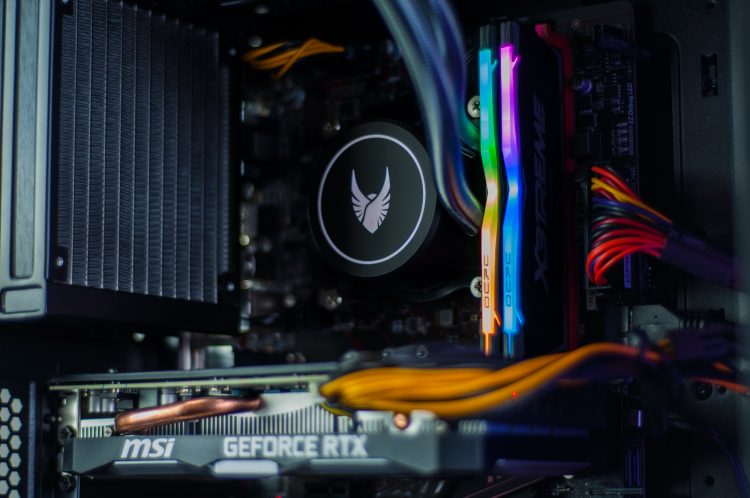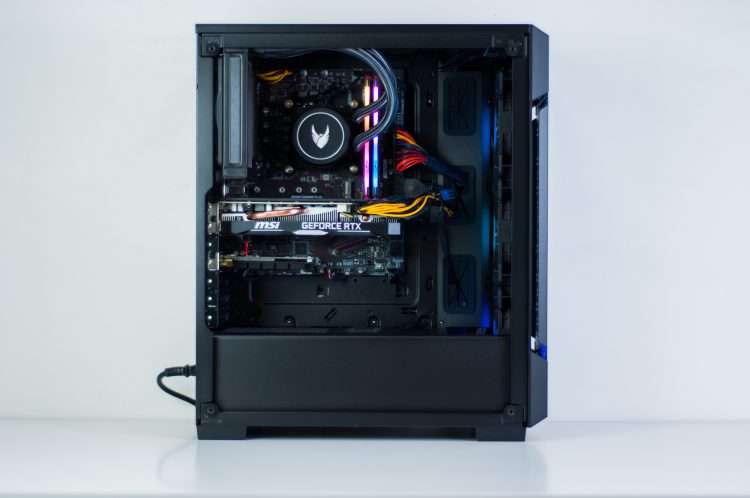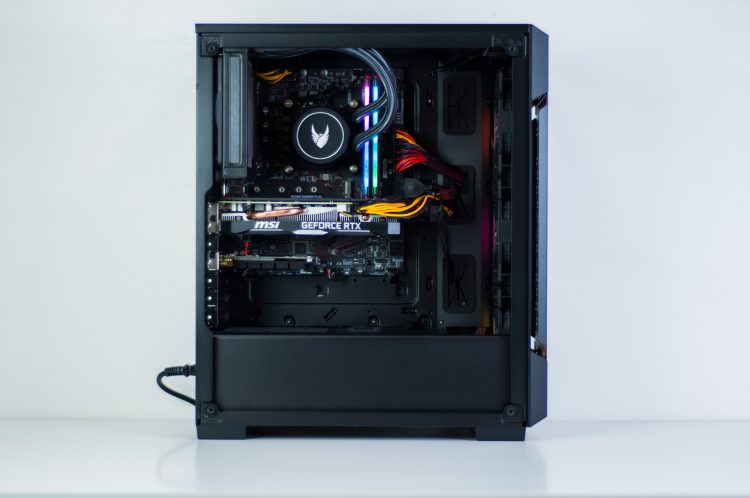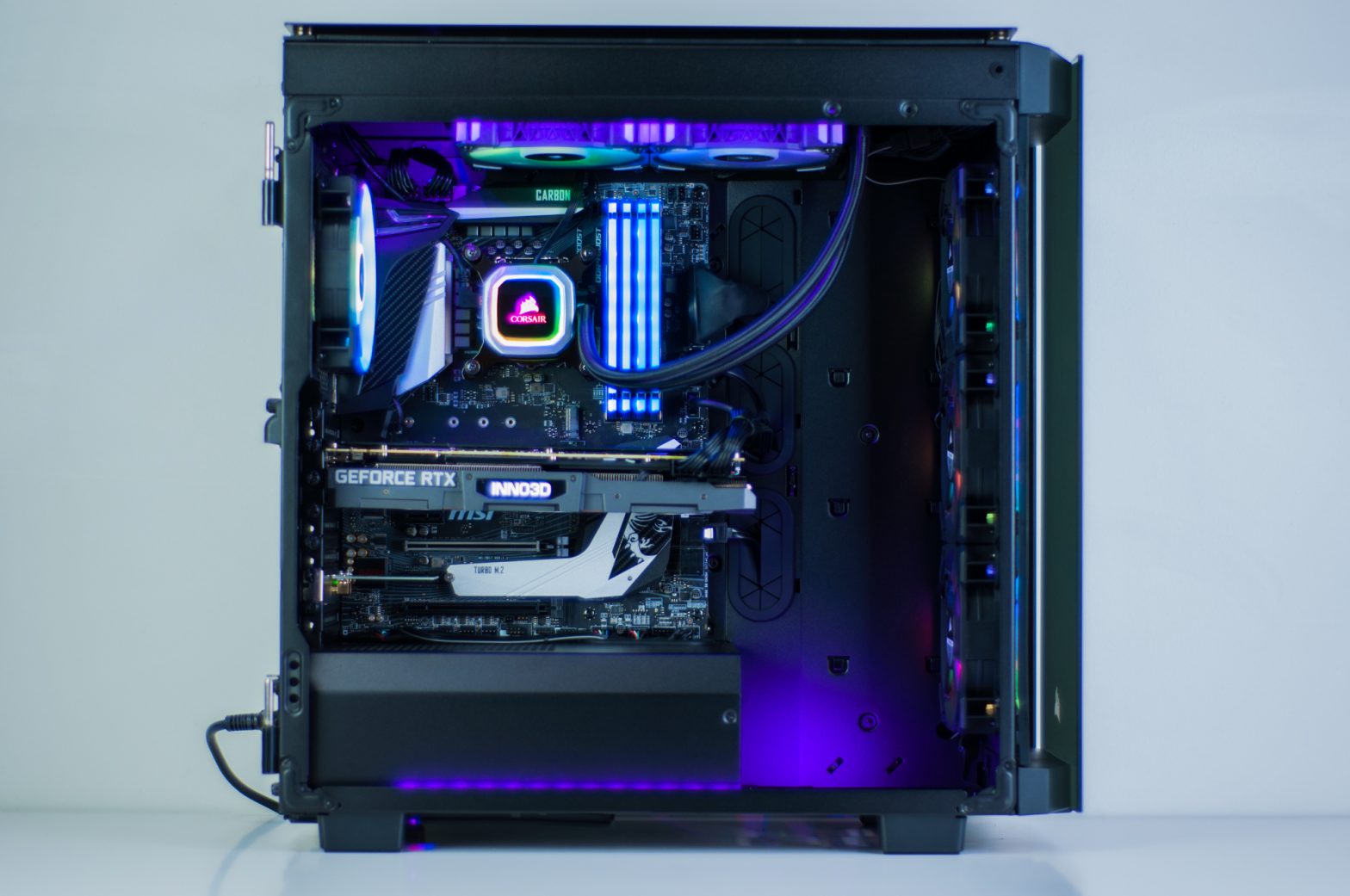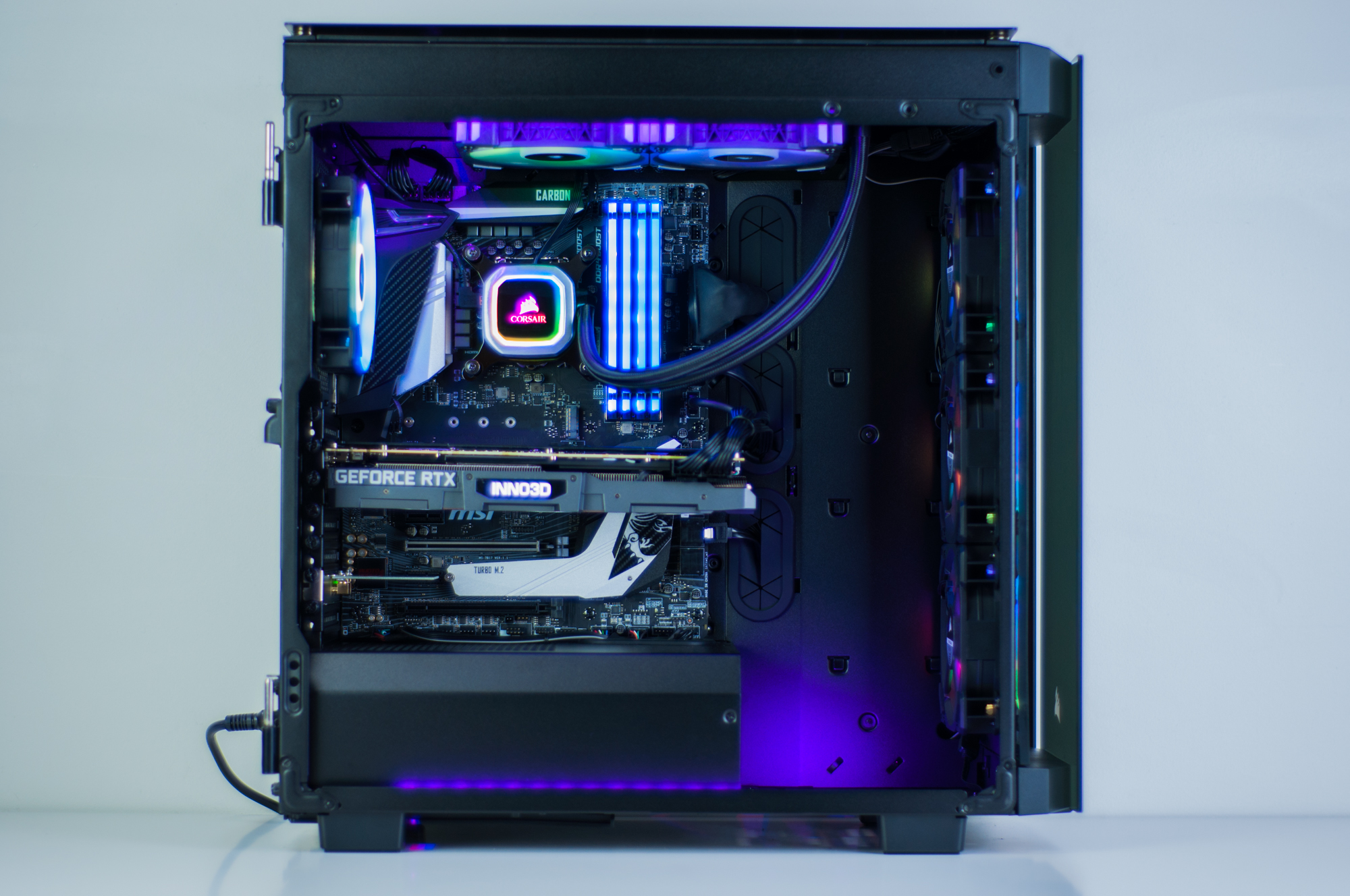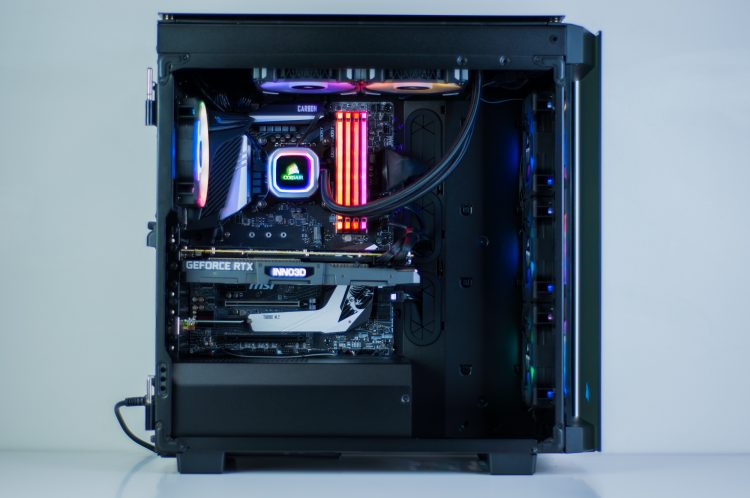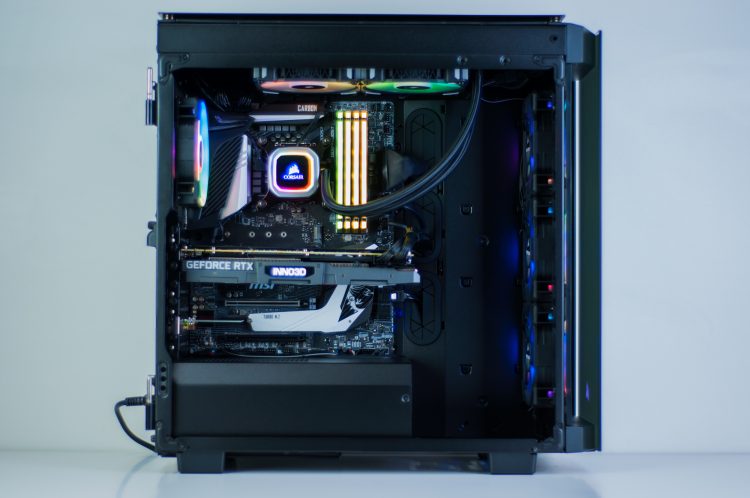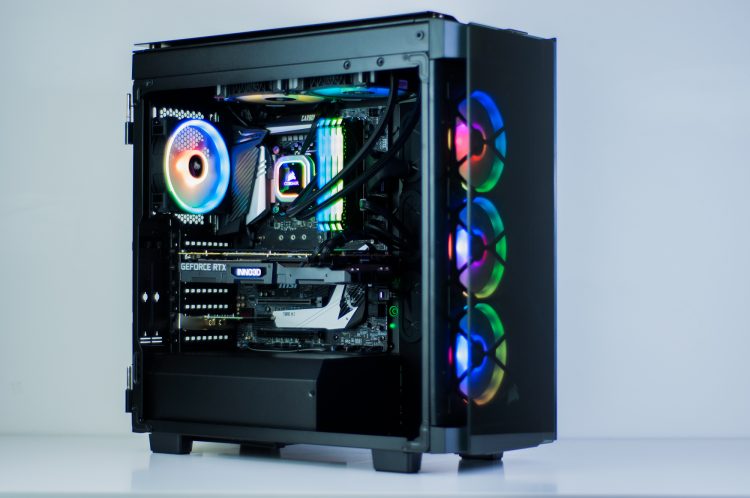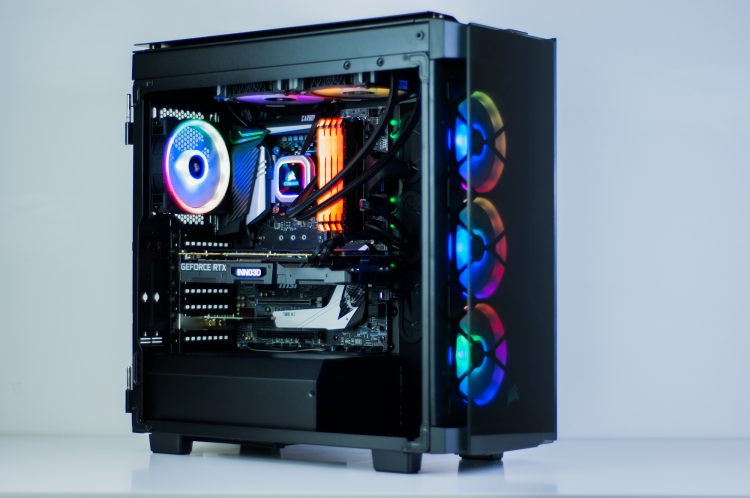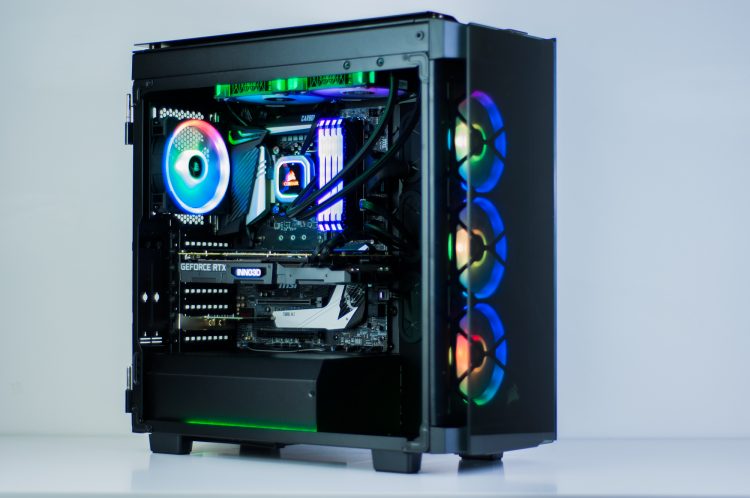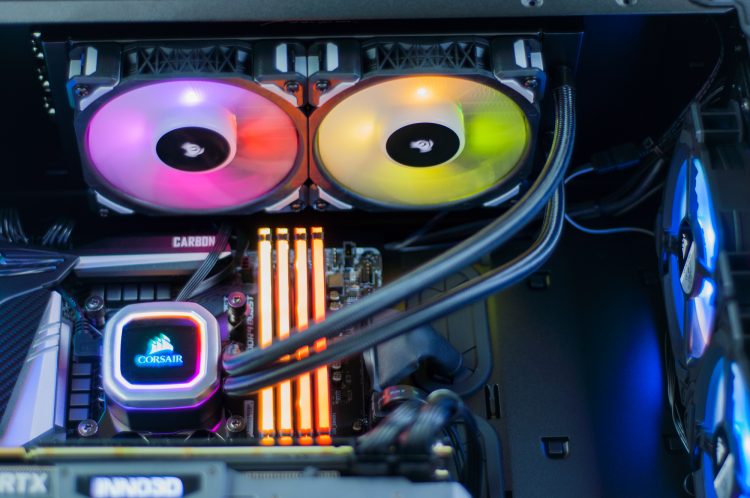
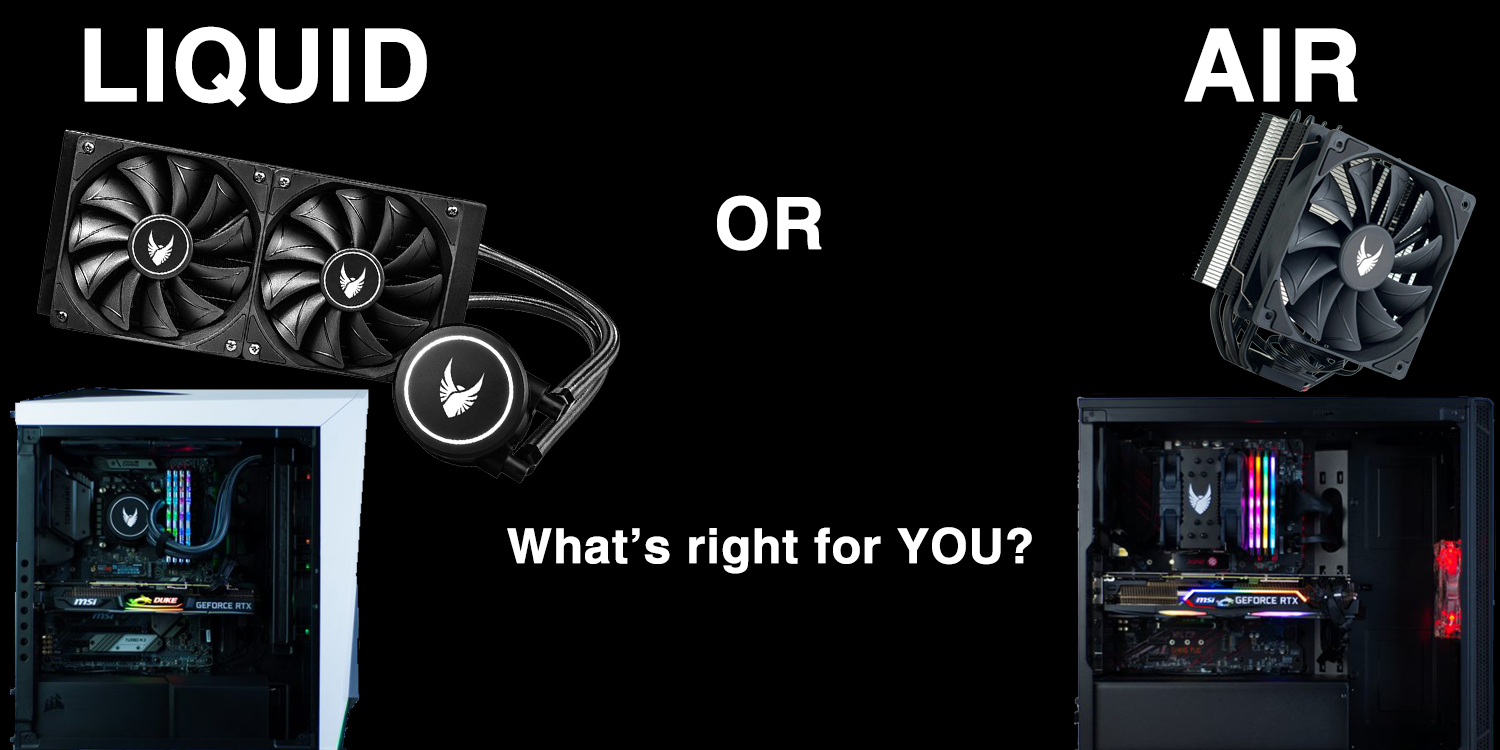
Serious about your computer’s performance while keeping it as cool as possible? The advice has usually been to opt for liquid cooling, opposed to the often standard and alternative of air cooling. Generally speaking, this advice makes sense, liquid cooling your CPU or GPU yields better results.*
* There are exceptions, such as when comparing an entry level liquid cooler to a high end air cooler.
What’s so special about liquid?
The liquid inside liquid coolers Evatech use a mixture of water and ethylene glycol. The reason for a solution rather than pure water is to prevent freezing, inhibit bacterial growth, and prevent galvanic corrosion. They start life as non-conductive liquids.
Every substance has an intrinsic property called heat capacity. Simply put, this is how much thermal energy it can absorb before it changes temperature. Liquid has a higher heat capacity than most other common substances.
This is due to hydrogen bonding at the molecular level. The oxygen atom in a water molecule is quite electronegative. This means it attracts electrons which gives it more of a negative charge than the two attached hydrogen atoms. The more positively charged hydrogen atoms of the surrounding water molecules will stick to the oxygen atoms and prevent the molecules from moving around too much when heat is applied. Since higher temperatures are a result of more molecular motion, all of this means that water can resist temperature changes better than the metals that are commonly used in air coolers.
Back to what this means for your PC…
Using a liquid cooler for your CPU or GPU means that you will be transferring out heat into a substance that can hold much more heat than an aluminum heatsink with fans attached to it. But, this isn’t the whole story. There’s a practical limit to heatsinks you can attach to a chip before it becomes too large & too heavy. So water coolers resort to large radiators to dissipate the heat absorbed by the liquid further improving overall cooling capacity. This takes the warm liquid away from the chip you’re cooling, where it can cool down.
Other advantages of liquid cooling
- Liquid cools more efficiently than a metal heatsink alone, making it possible for liquid coolers to be quieter
- Compared to large air coolers, liquid coolers save on space, don’t put stress on the motherboard, and will allow you to easily install additional RAM
- Generally considered more aesthetically pleasing for a clean build
- You can say “my PC has liquid cooling”
Air coolers still have their place
Although it’s extremely unlikely that the high-quality liquid coolers in Evatech PCs would ever leak, it’s a possibility. Despite the liquid used being non-conductive, over time these substances may pick up ions from the metals inside the cooler and become conductive over time. This liquid leaking onto components, such as the graphics card? Bad news!
Even if the liquid cooler never leaks, chances of the water pump failing over time is almost guaranteed. Pump failure typically happens after 5+ years of use (unless you’re the type to leave your system on 24/7 – not recommended/necessary).
Spending the premium to get liquid cooling in your PC may not be advantageous if your components are not high-end enough to warrant it. Similarly, if you aren’t likely to push your PC for sustained periods of time. Most games are GPU reliant more than CPU – meaning great cooling on your CPU can be rendered almost pointless as gaming performance will typically bottleneck as the GPU reaches high temperatures. Your crispy cool CPU can’t do much for your gaming performance once that happens.
Higher end air coolers can be quieter than liquid coolers as air coolers don’t have pumps. Gone are the days where desktop PCs sound like jet planes taking off when not doing anything. Many fans in systems these days don’t spin at all unless the components reach a particular temperature, and will speed up as necessary. This should prolong the life of the fan, as well as keep noise levels down.
Many of our customers may do just fine with the standard CPU cooler that comes in the CPU box. Those wanting to be extra safe can opt for one of our 120mm tower air cooler options. Leaving those chasing a “no excuses” setup to go for liquid.
The moral of the story…
Well, if this wasn’t a long-winded (hah) way of saying that either option is fine, then I don’t know what is.
Stock CPU coolers are perfectly fine for low end systems (i5/R5 and below), or i7/R7 if it’s mainly home/office use.
120mm tower air coolers are good for everyone. Can be a great way of ensuring the system lasts a long time.
Liquid coolers are best suited to enthusiasts, or those likely to upgrade the system after 5 years (or less). But they’re high performers for everyone! Liquid cooling is a great way to keep your CPU as cool as the environment allows.
If you have the option, and indeed the budget: get yourself a liquid cooled graphics card. Liquid cooled graphics cards typically only come in at the higher end of the performance spectrum. Customers going for a high-end GPU are usually looking to replace it with another high-end GPU after 3-5 years anyway. This makes the limited lifespan of a liquid cooler less of an important consideration.
Don’t forget, if you’re in doubt, you can always chat to our friendly and helpful staff.
Find us on Facebook for a chat, use our Contact page, or if it’s during business hours you can always come into our store and/or give us a call.
Sourced information from: https://www.youtube.com/watch?v=Tay4Pz-PQDc