Author: Ryan

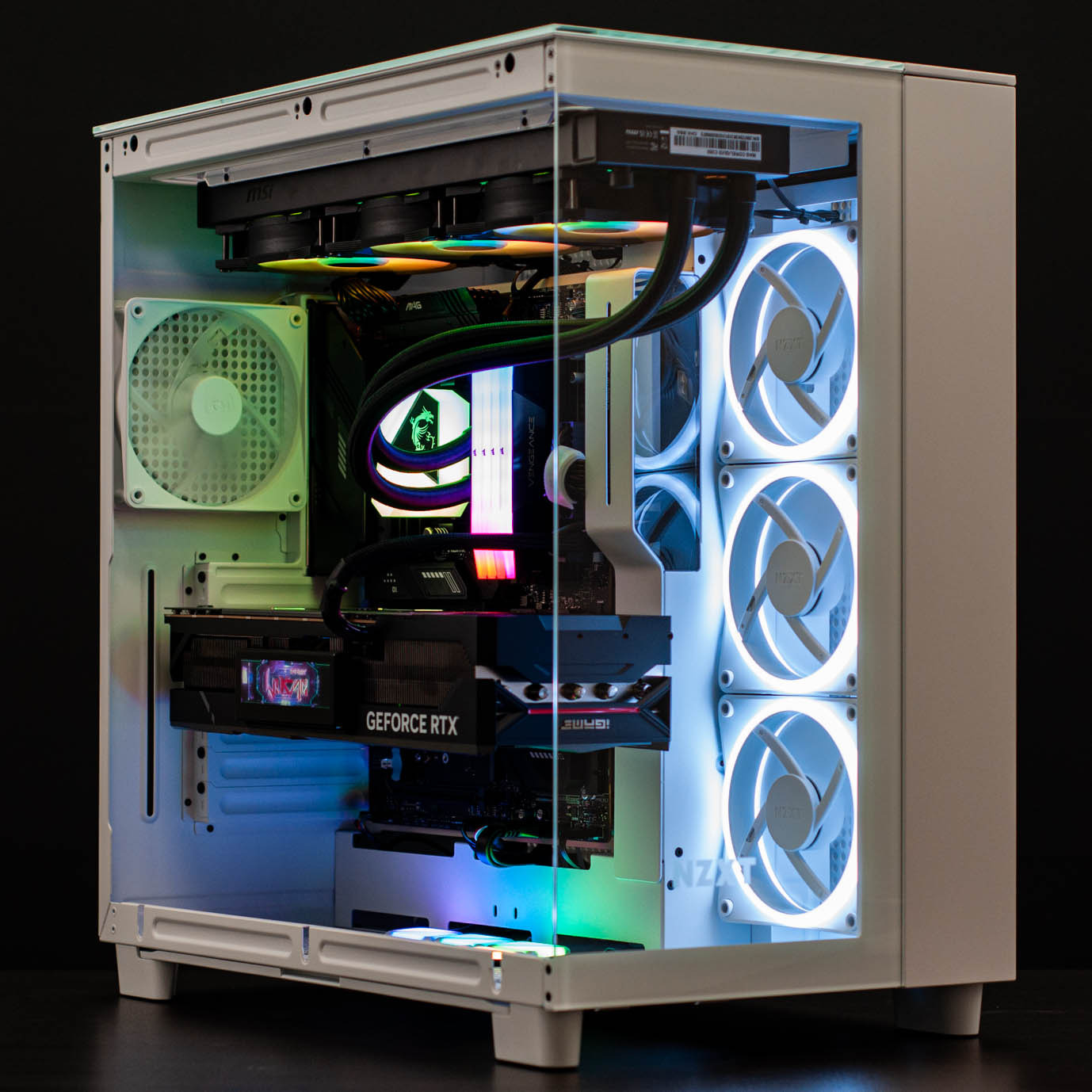
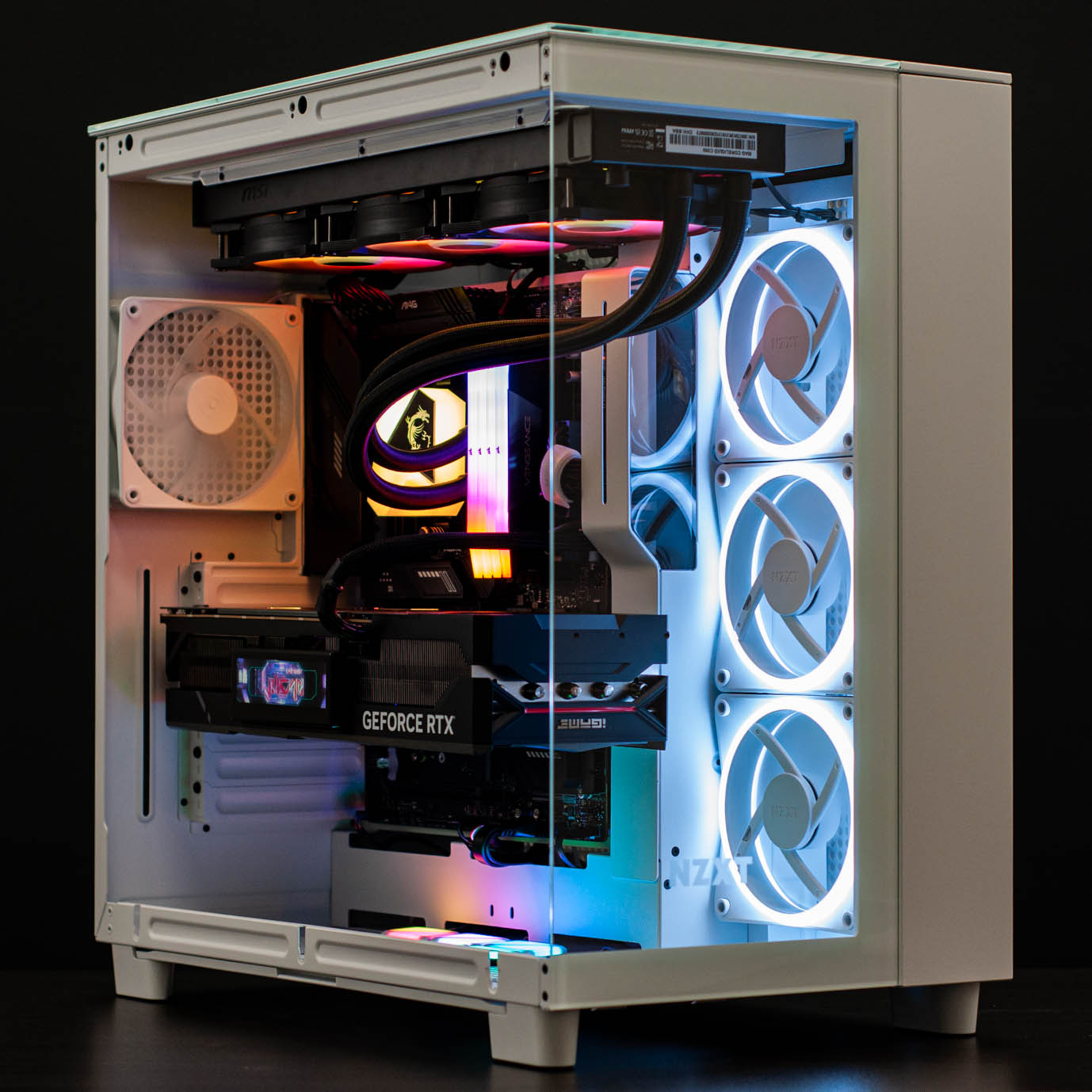
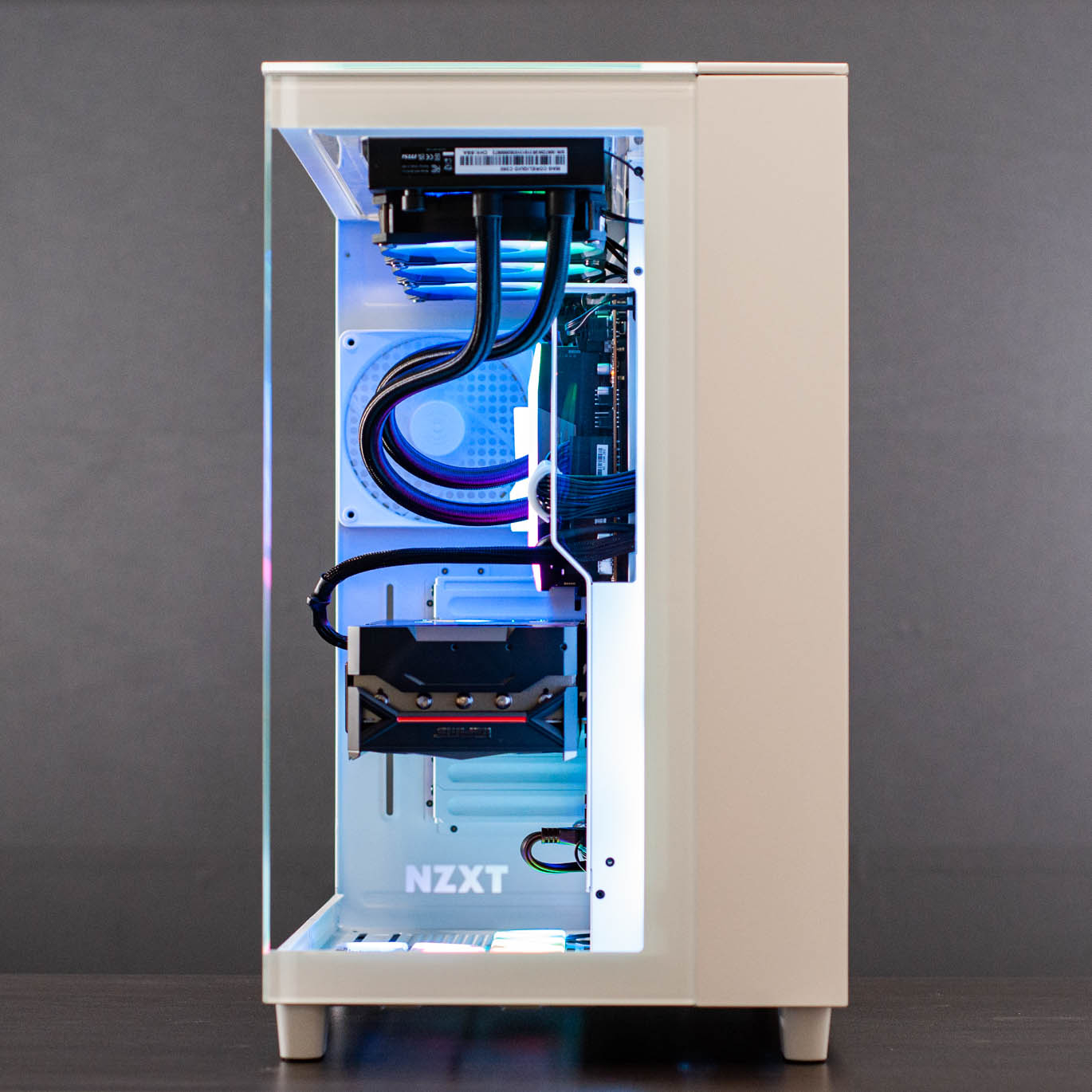
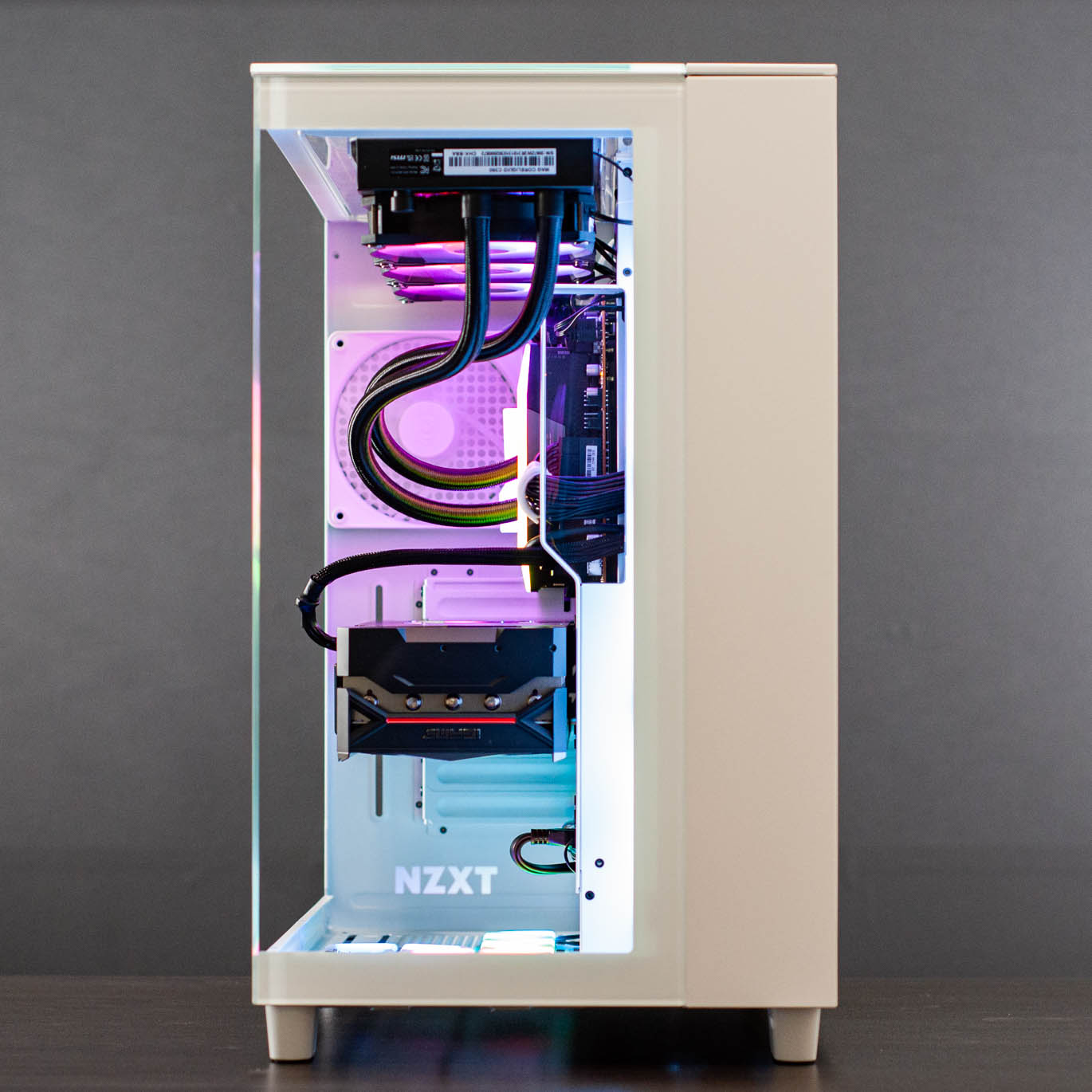
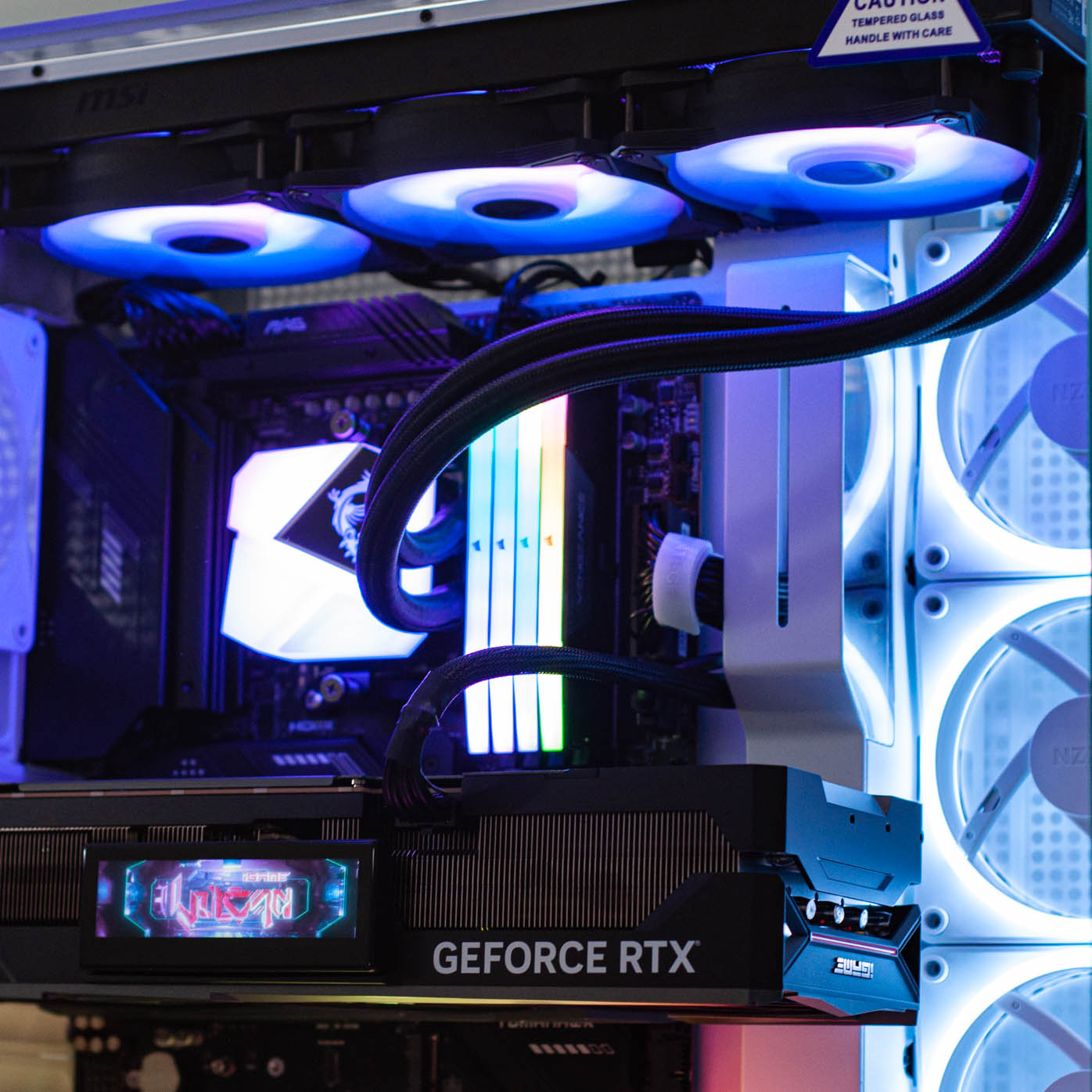
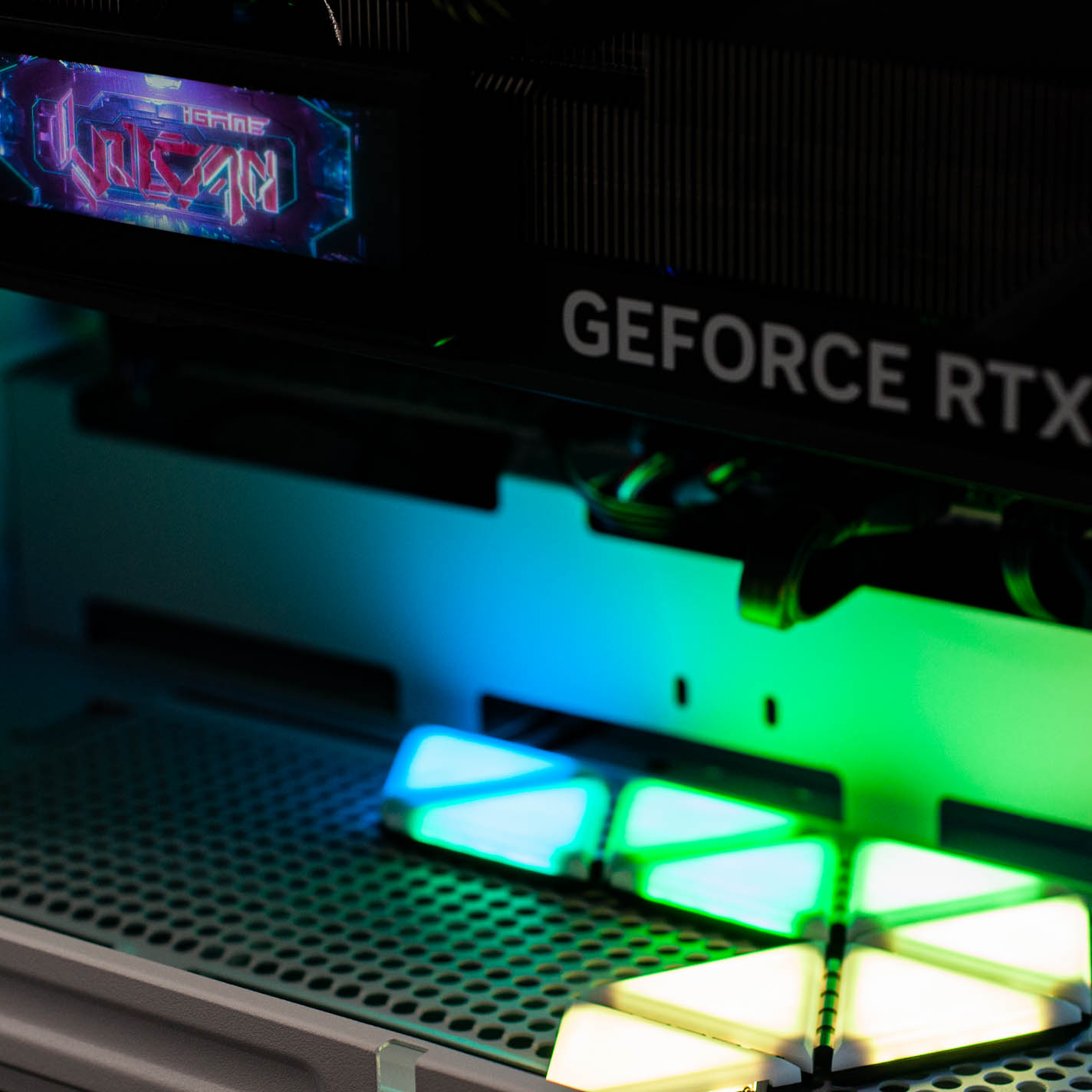
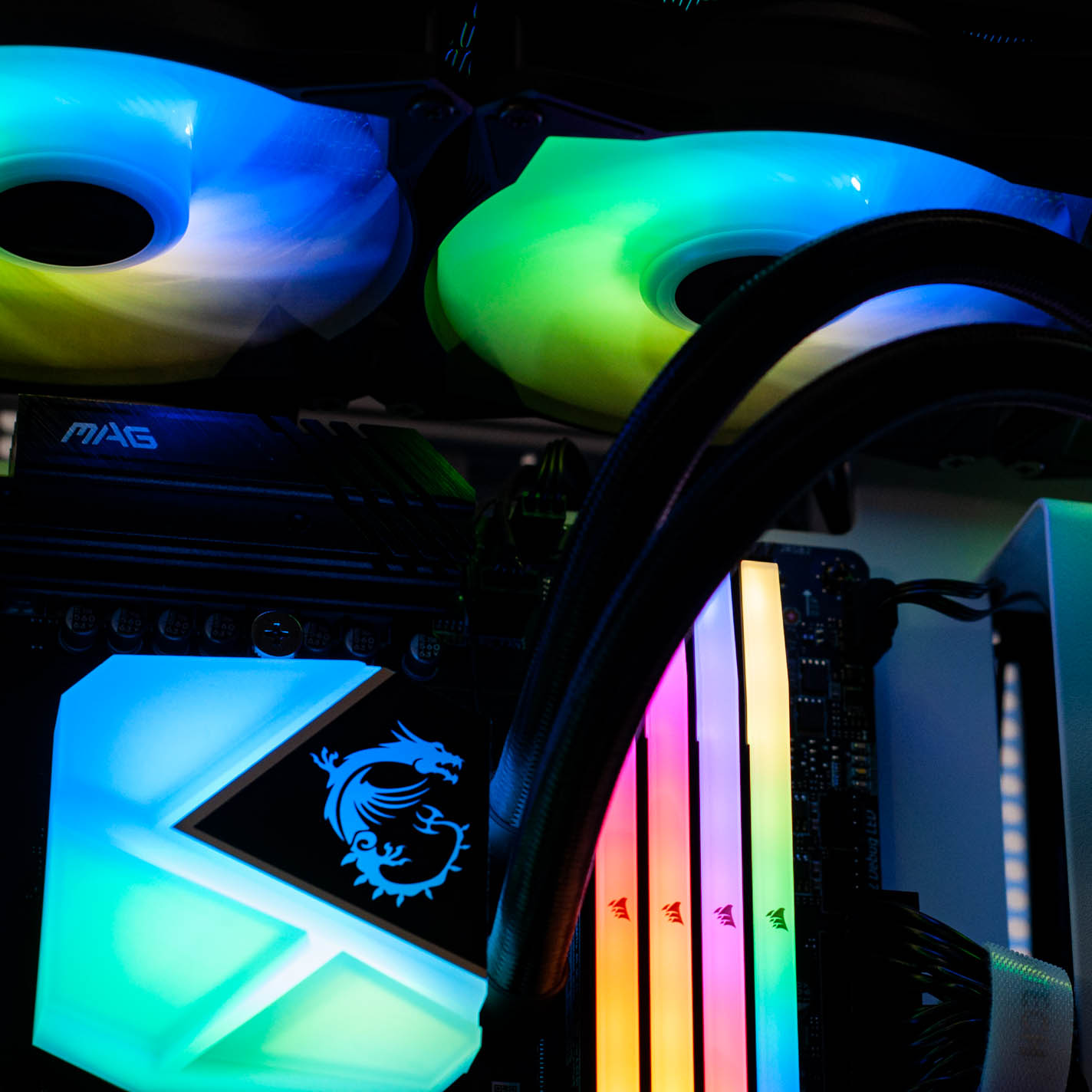
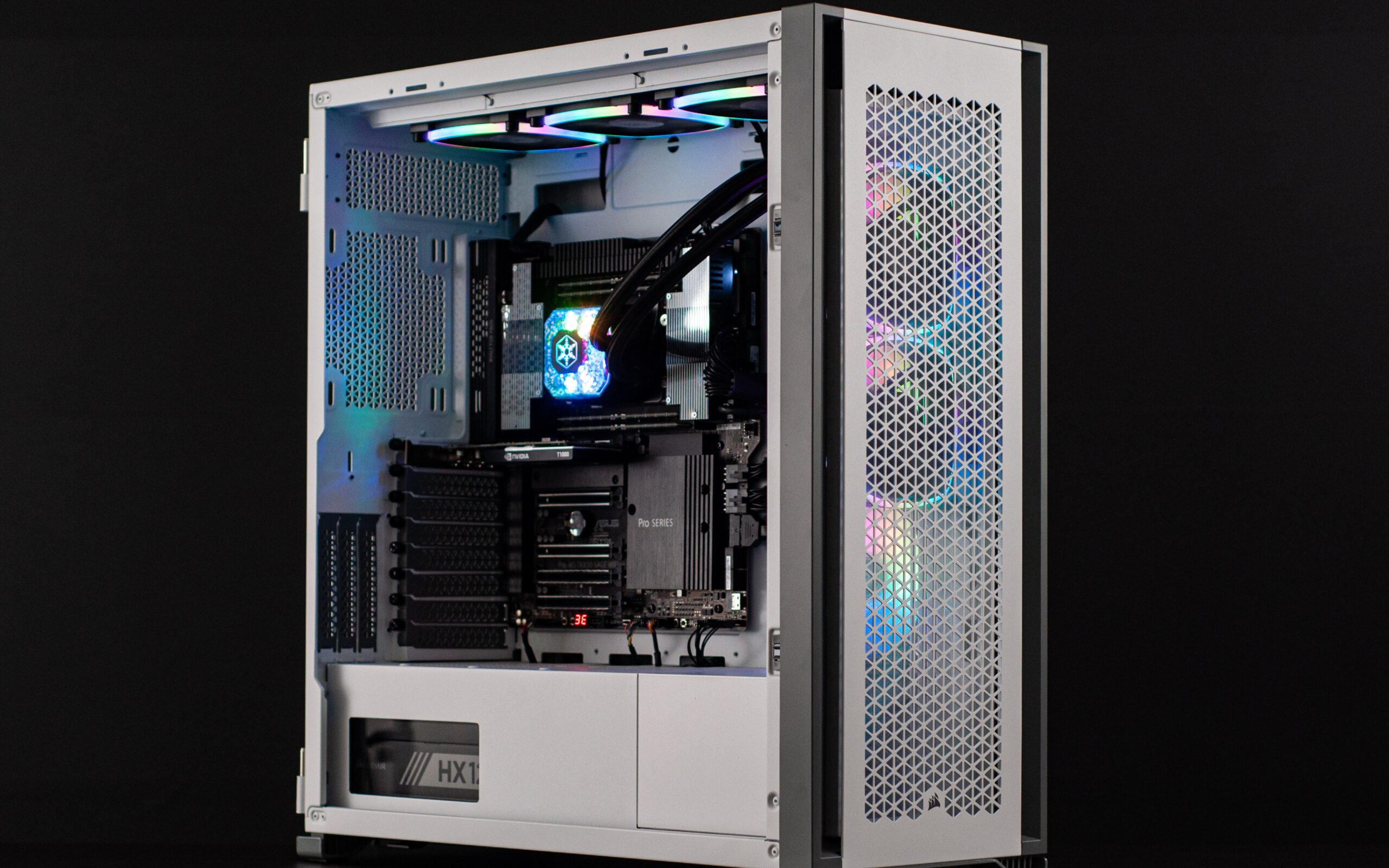
  • Valkyrie Gaming PC in Corsair 465X RGB Black

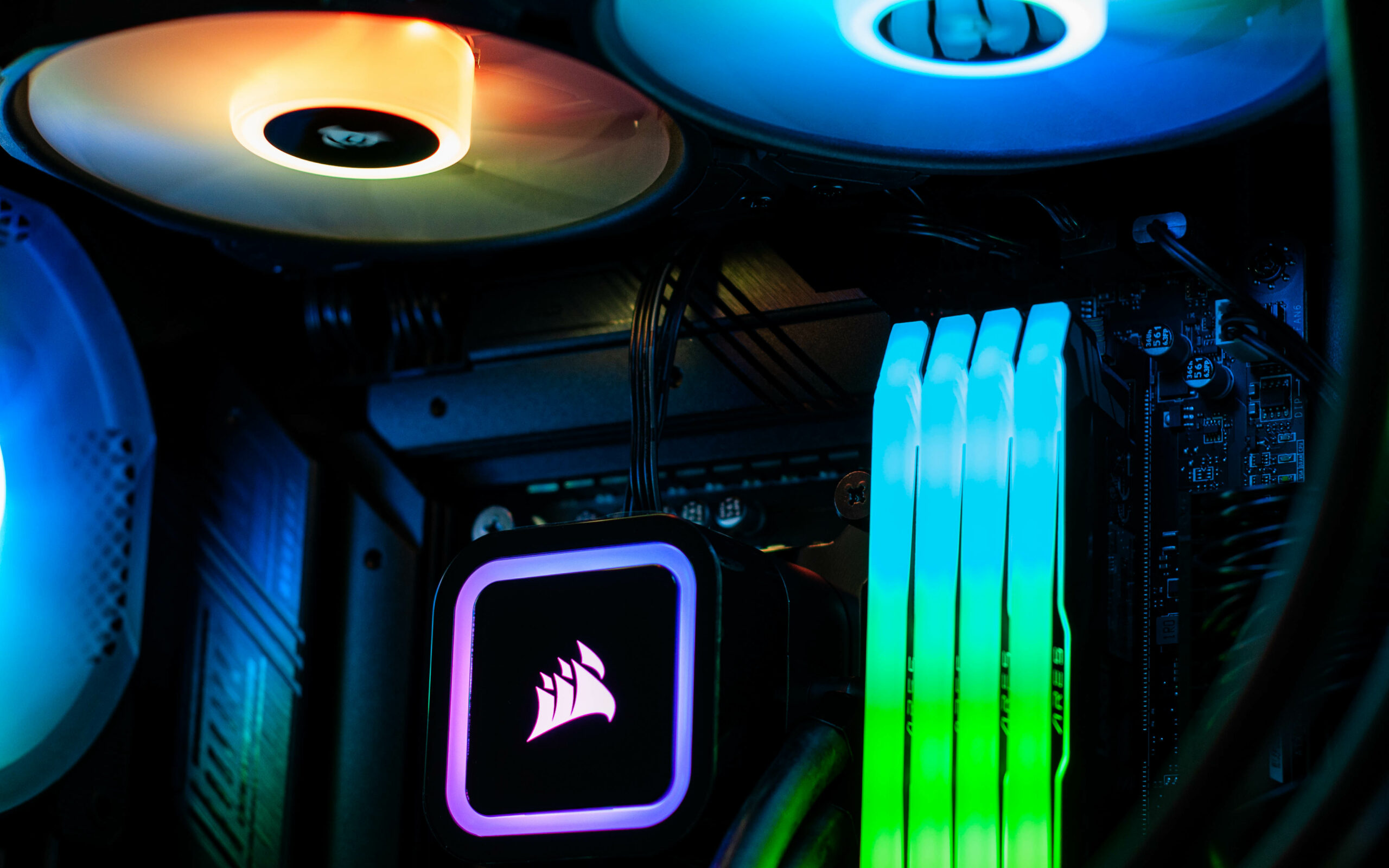
    Valkyrie Gaming PC in Corsair 465X RGB Black

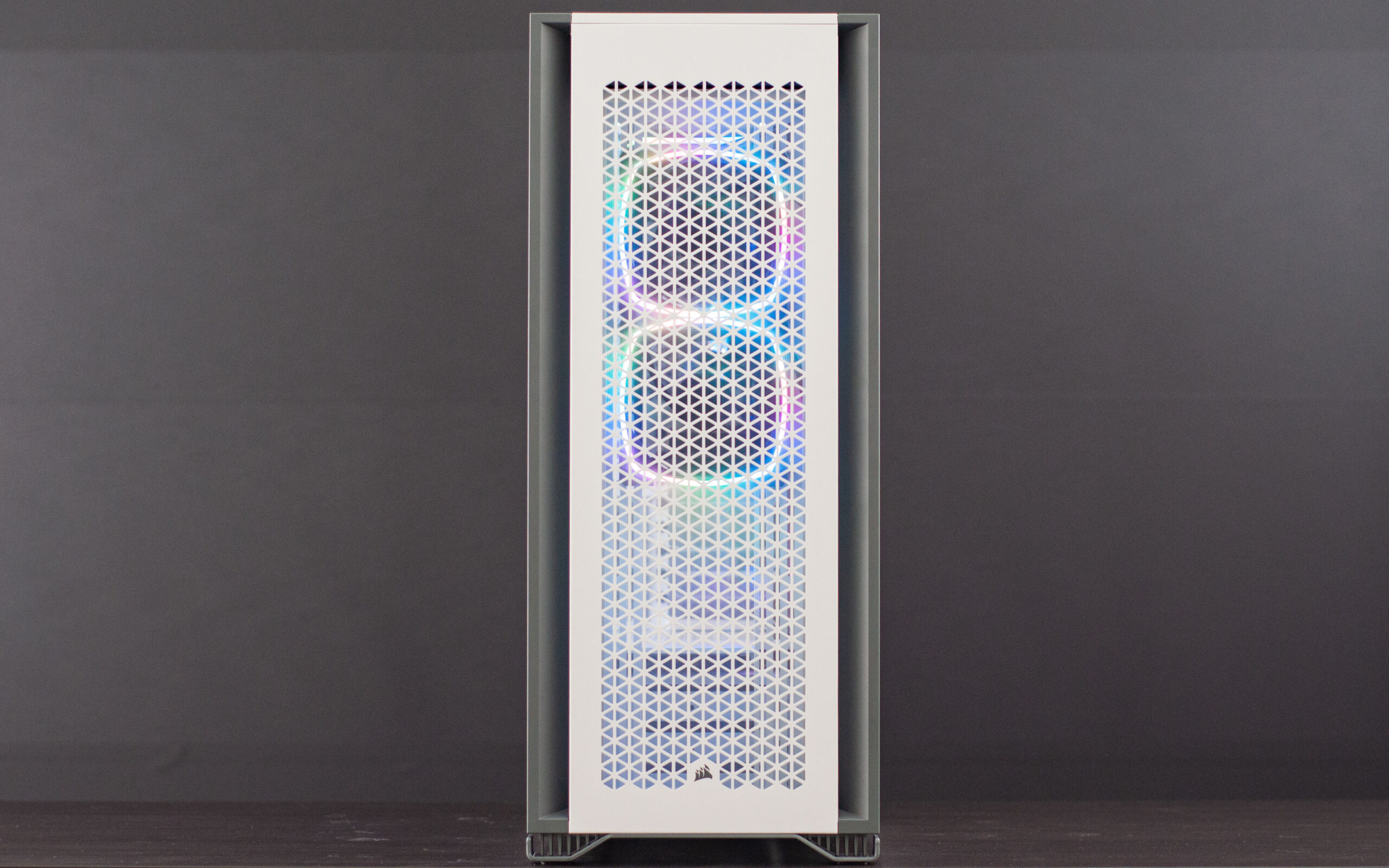
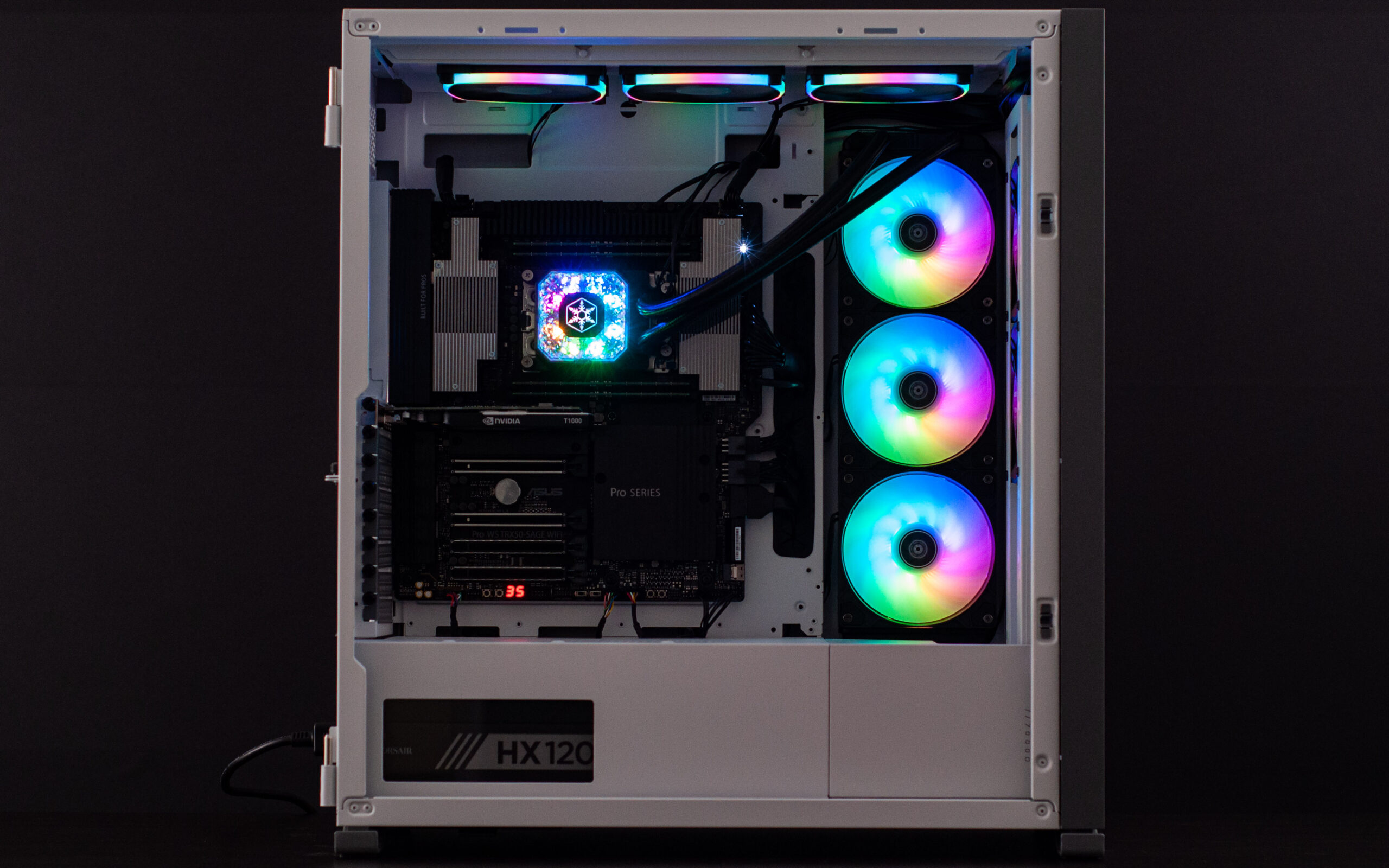
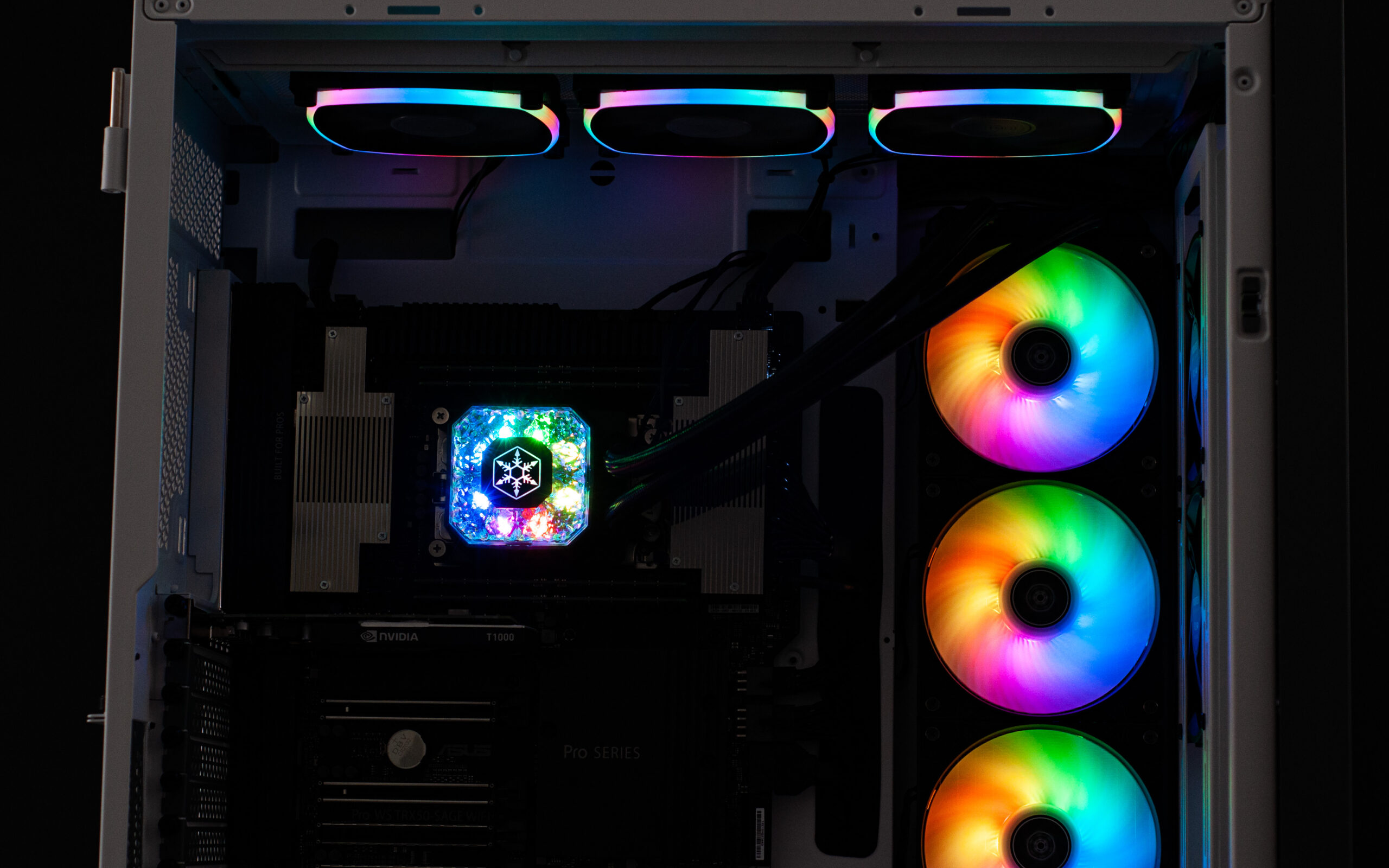
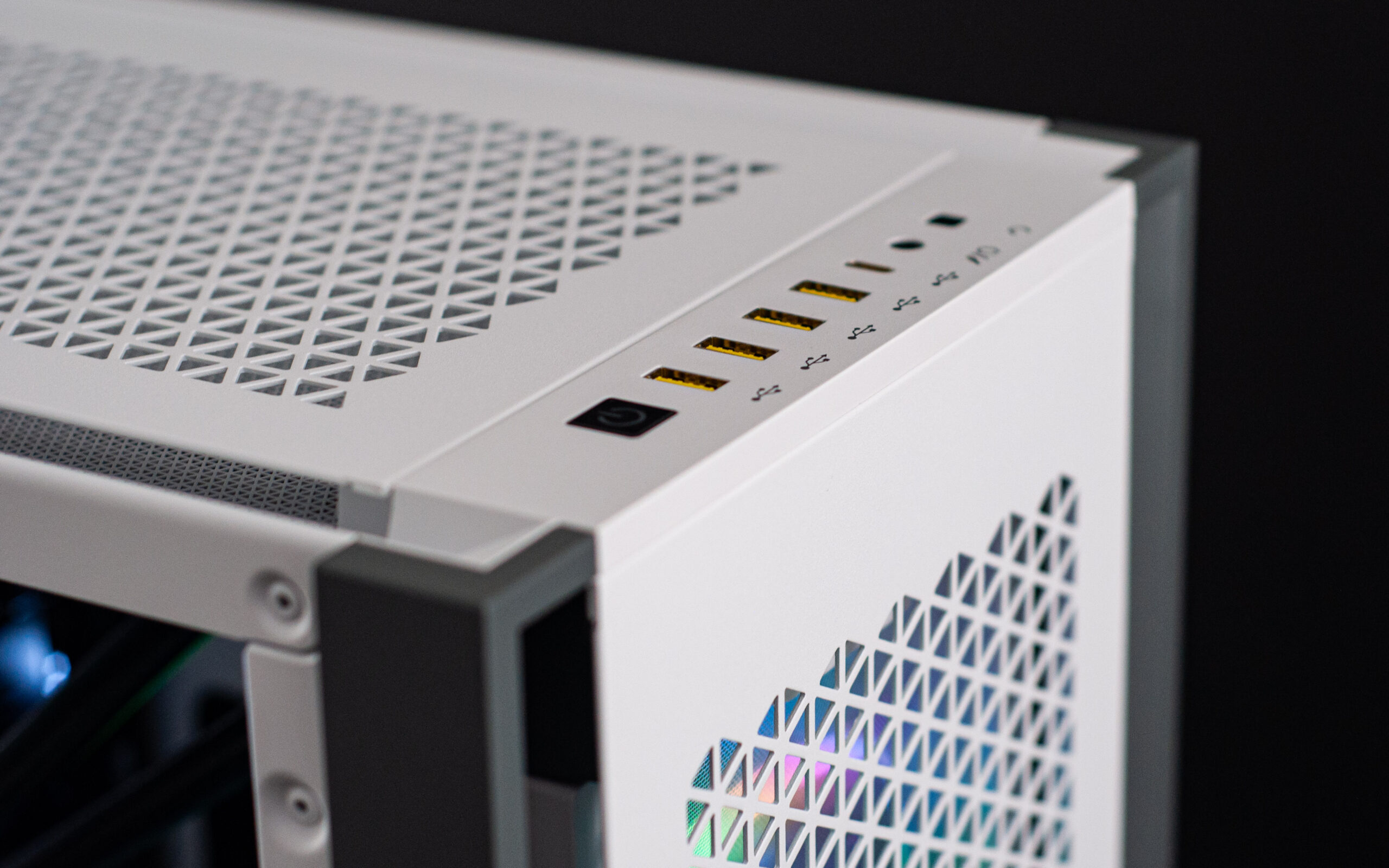
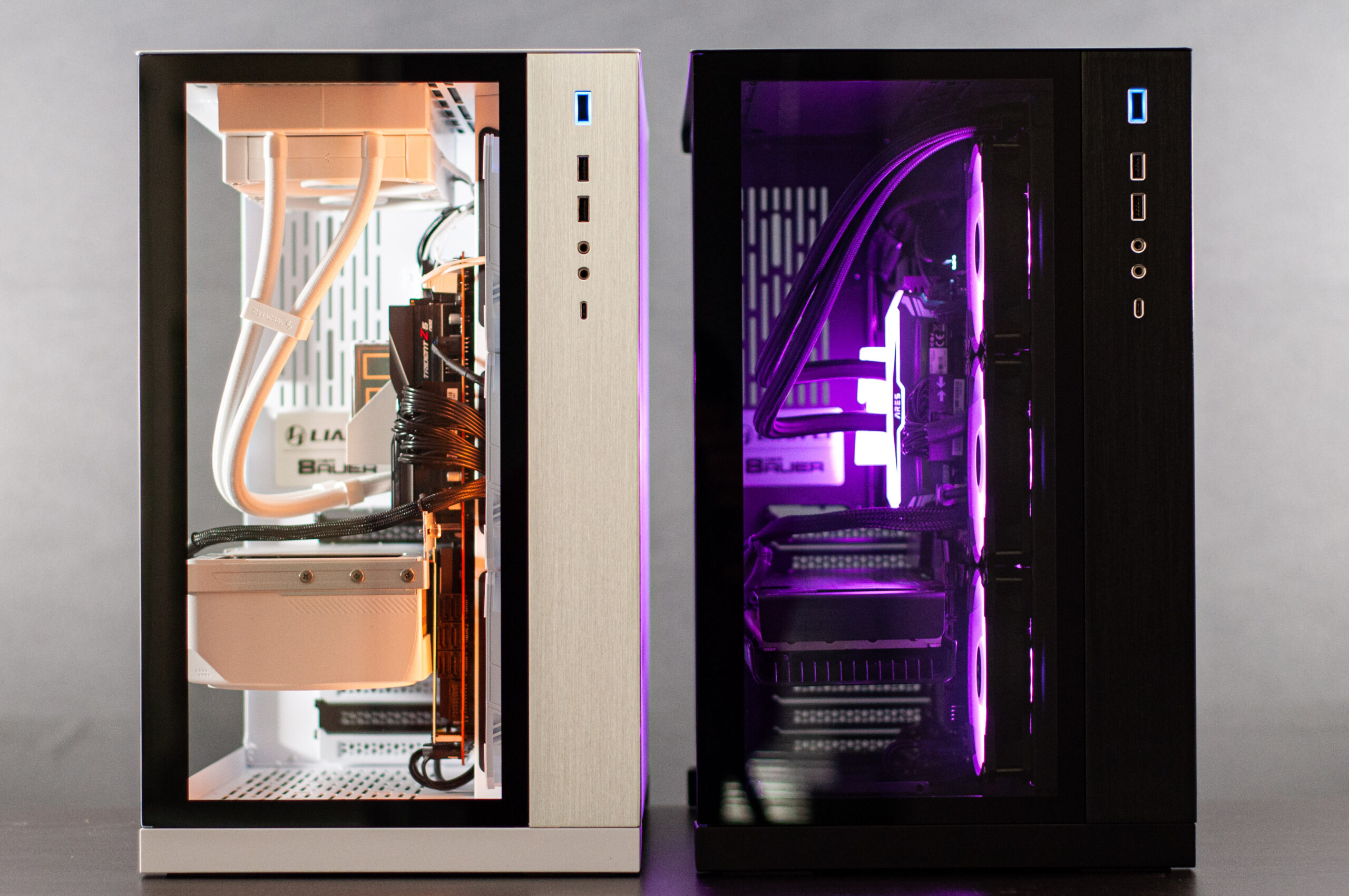
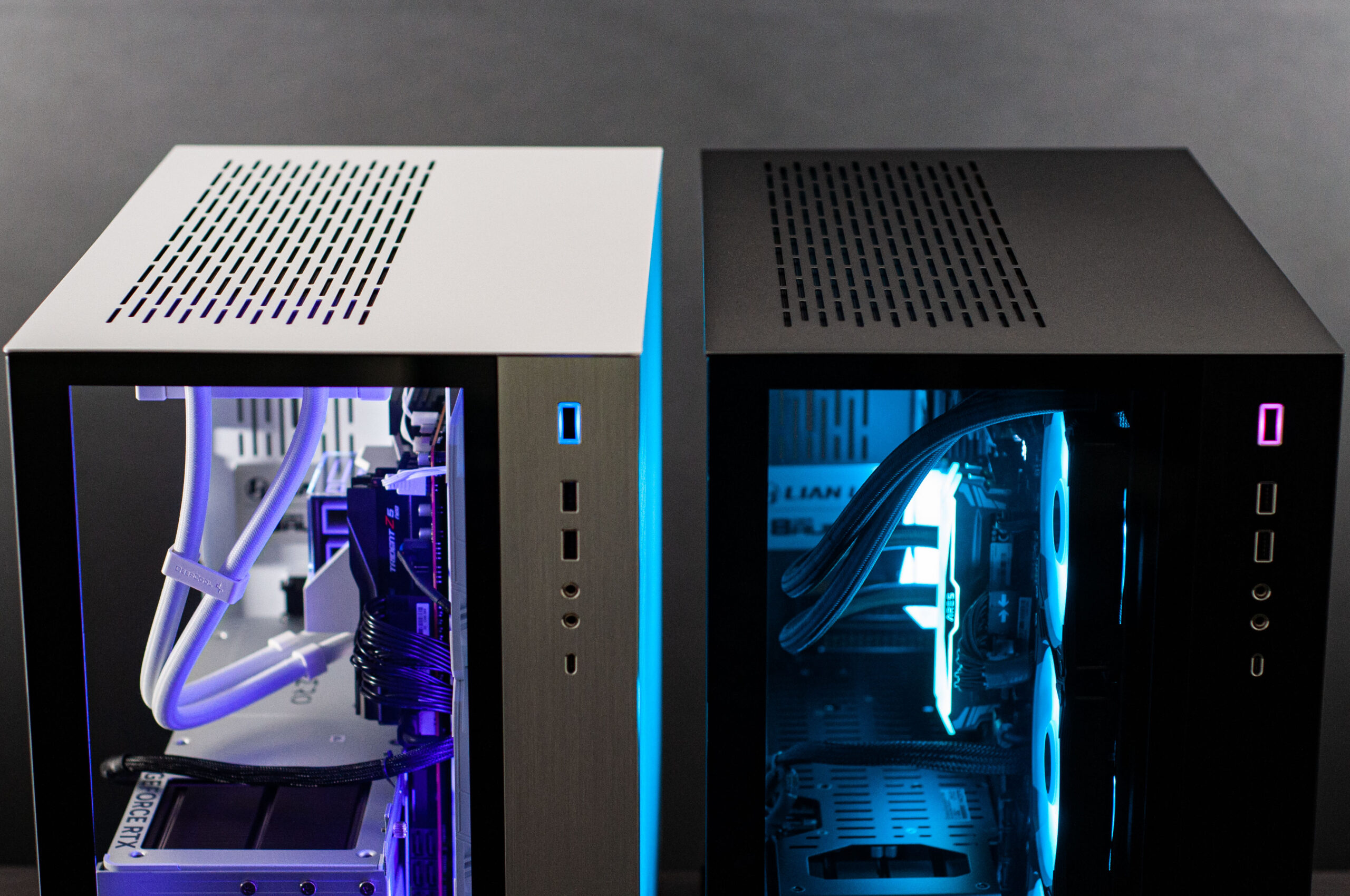
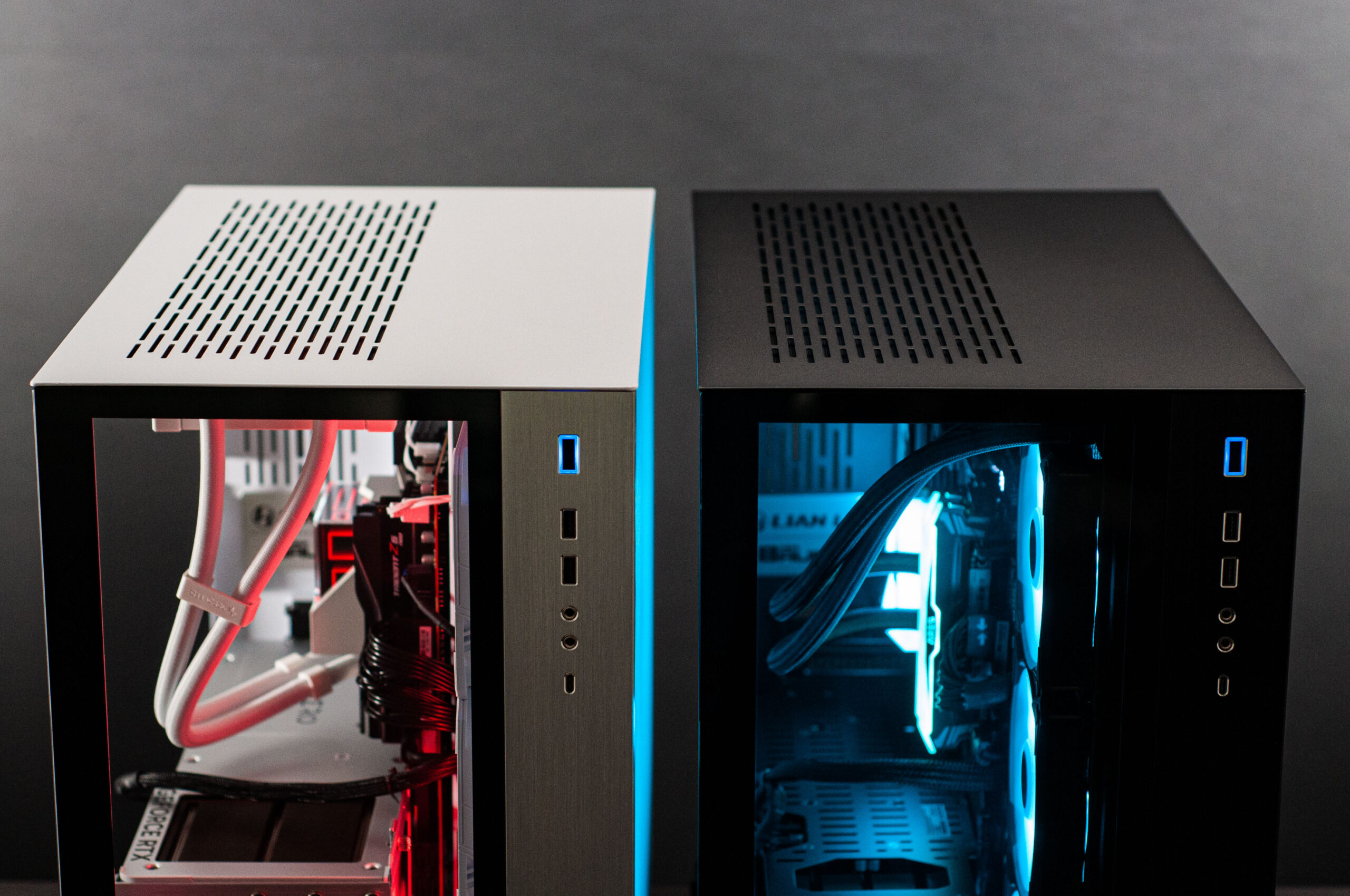
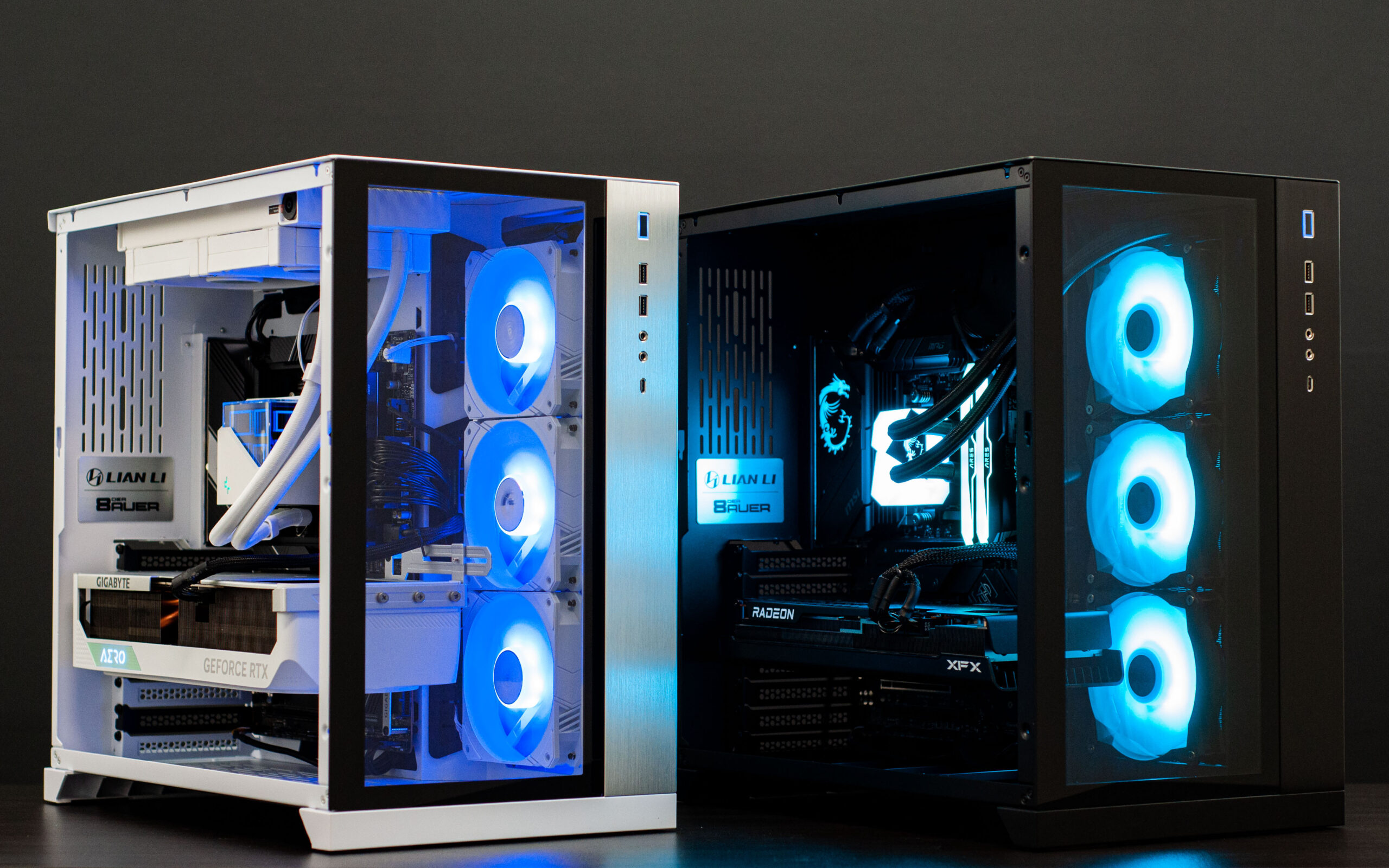
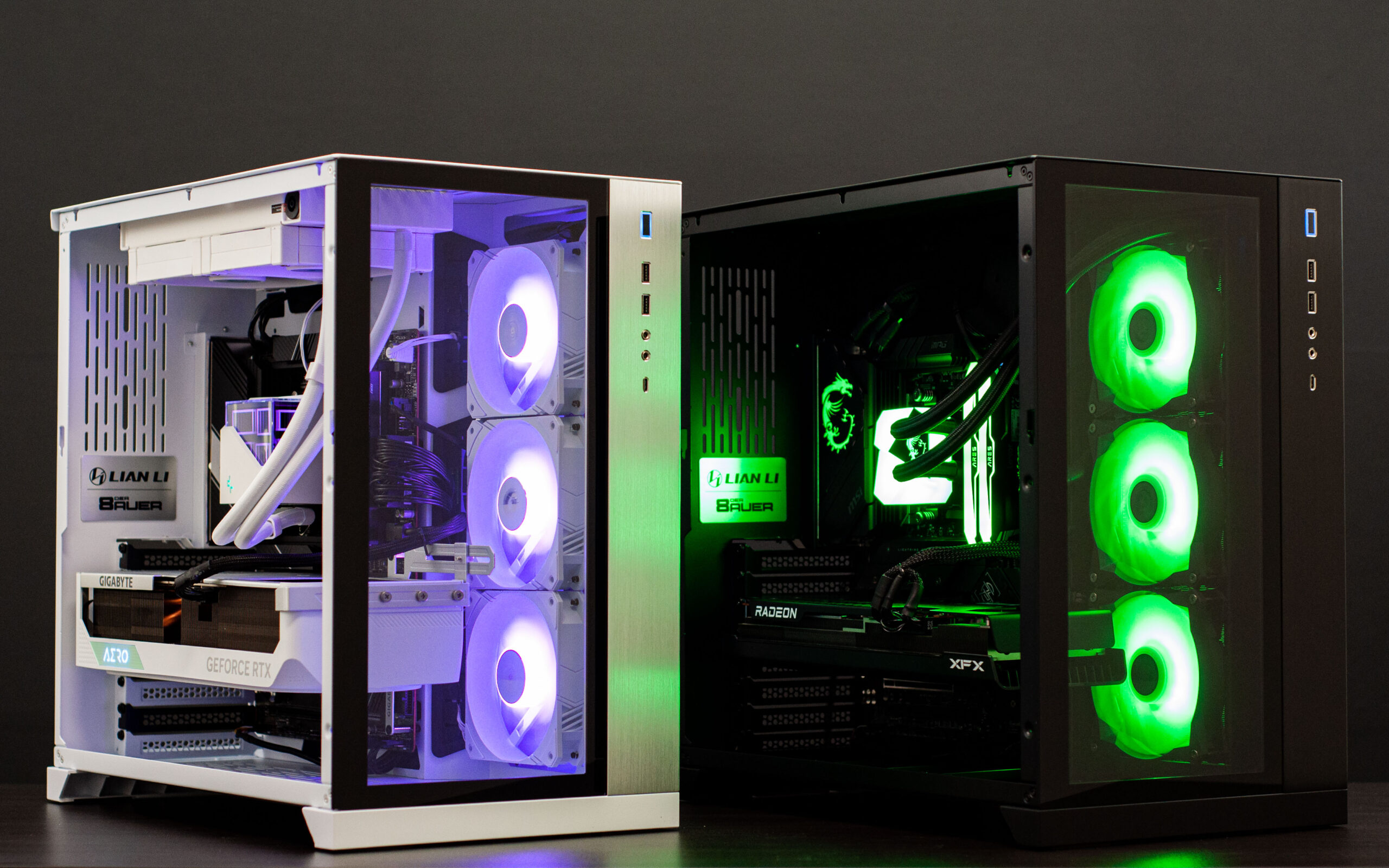
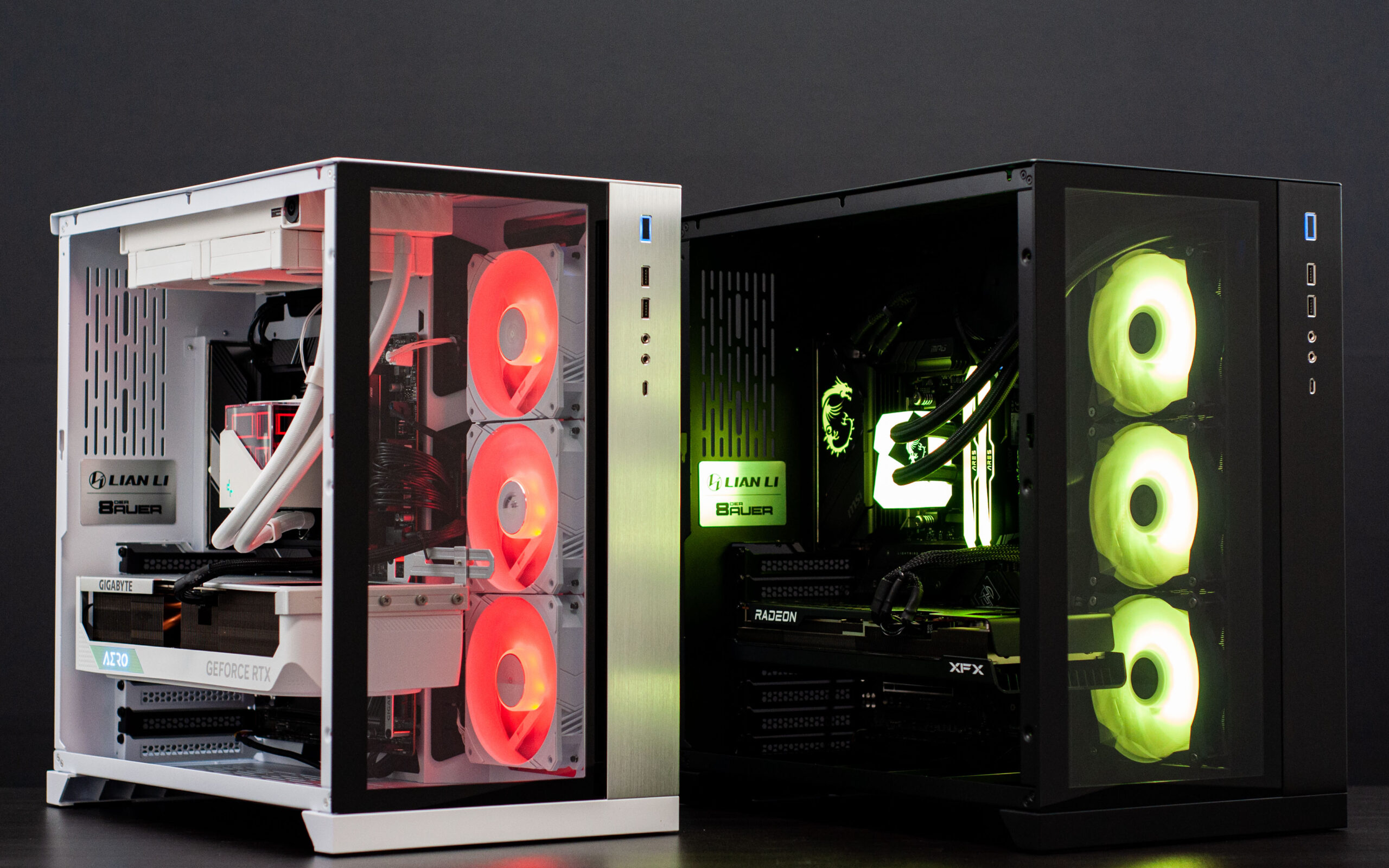
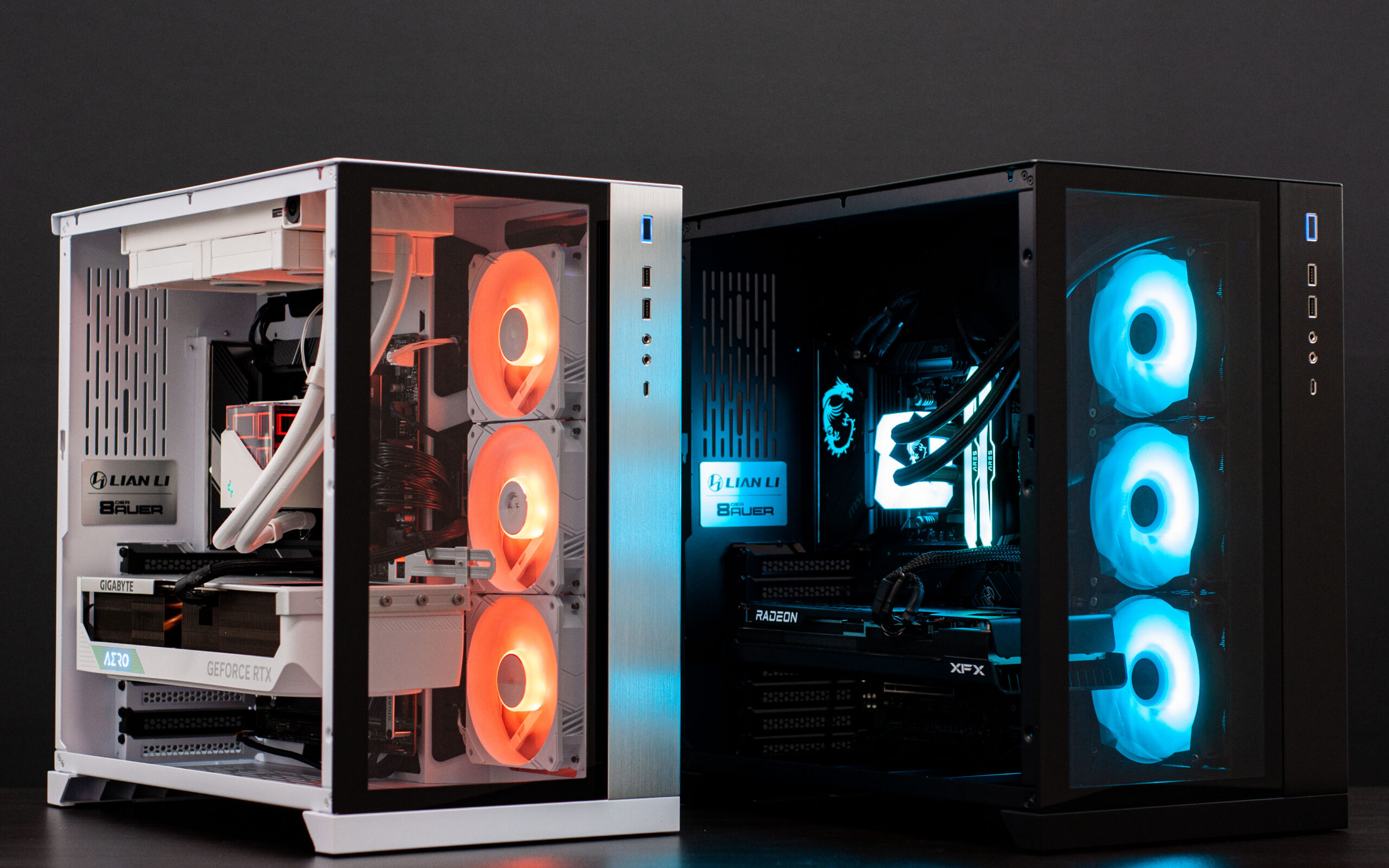
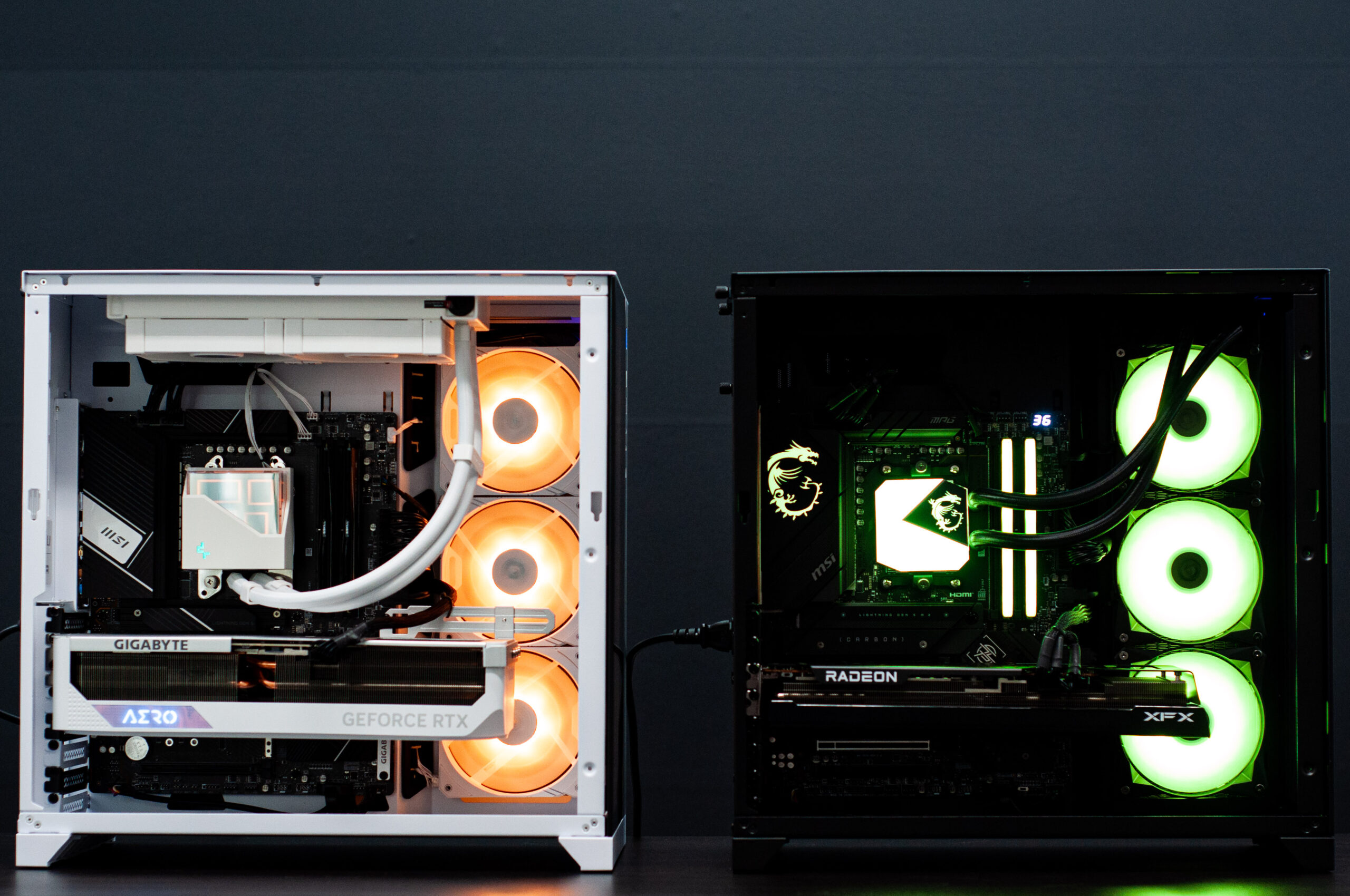
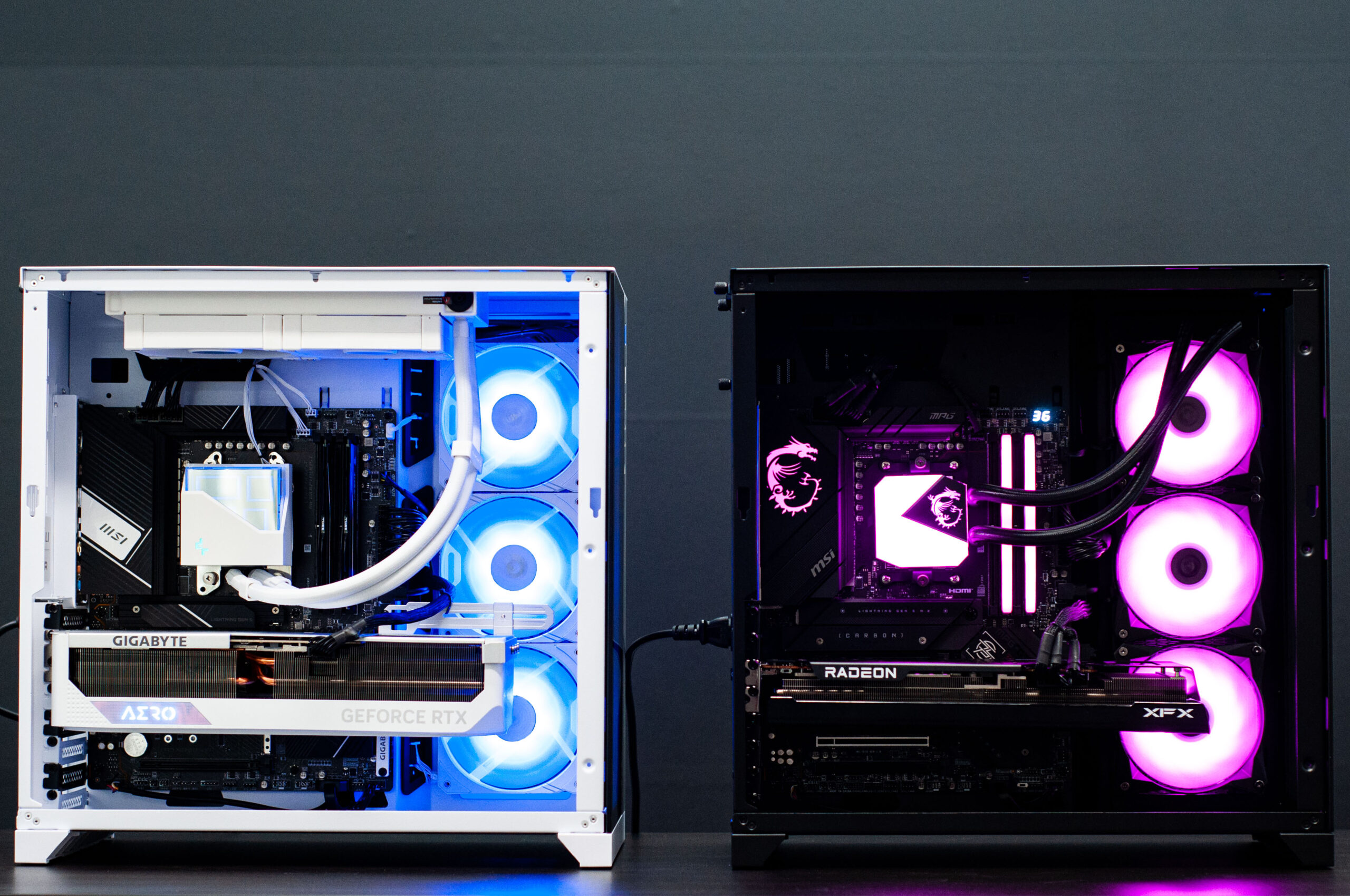
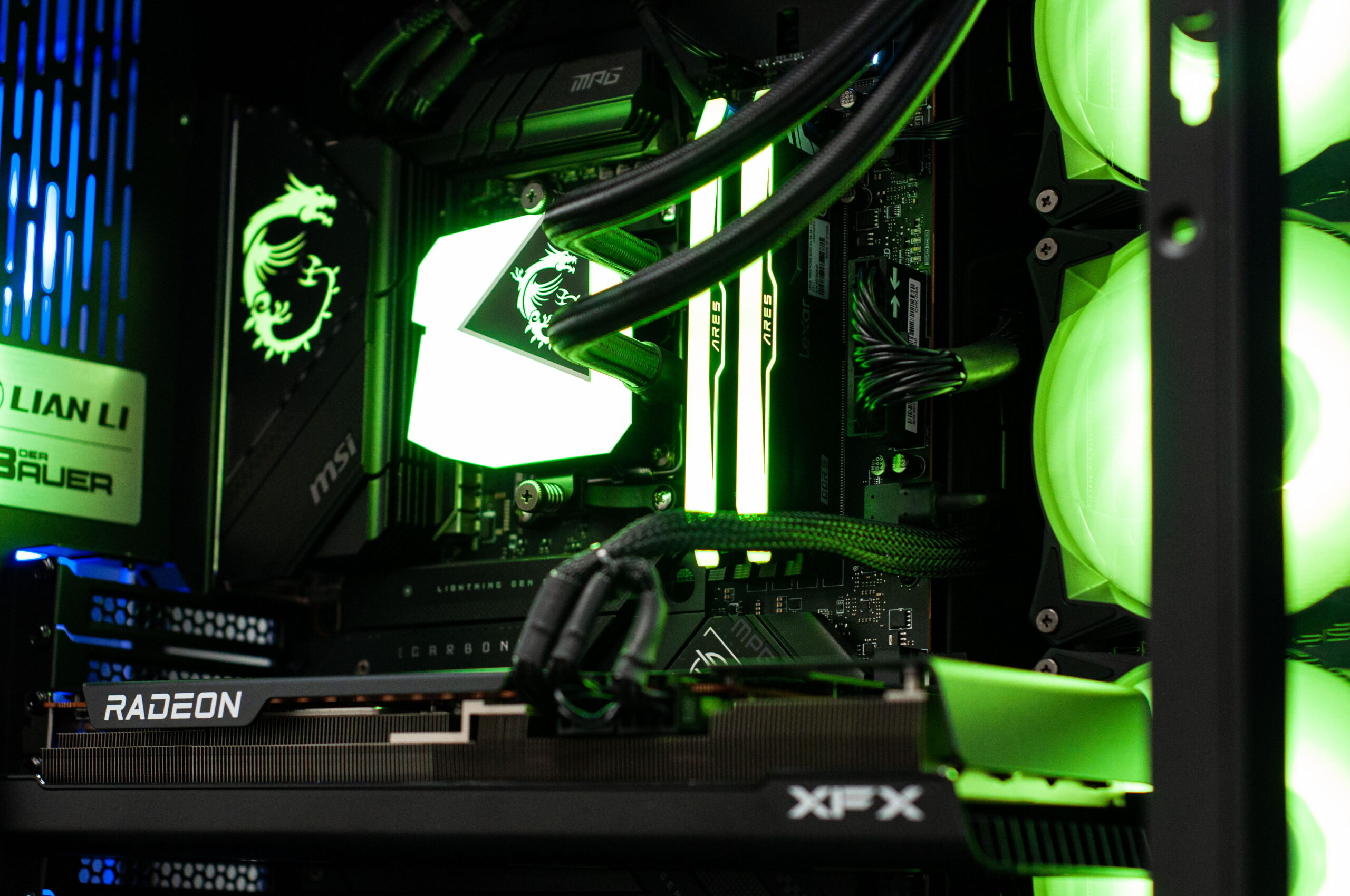
    Back-to-back Corsair 465X posts isn’t exactly what we wanted to do… but we don’t call the shots when letting customers customise their own PCs the way they want them, so we just gotta roll with the punches!

  • Wraith Gaming PC in Corsair 465X RGB Black

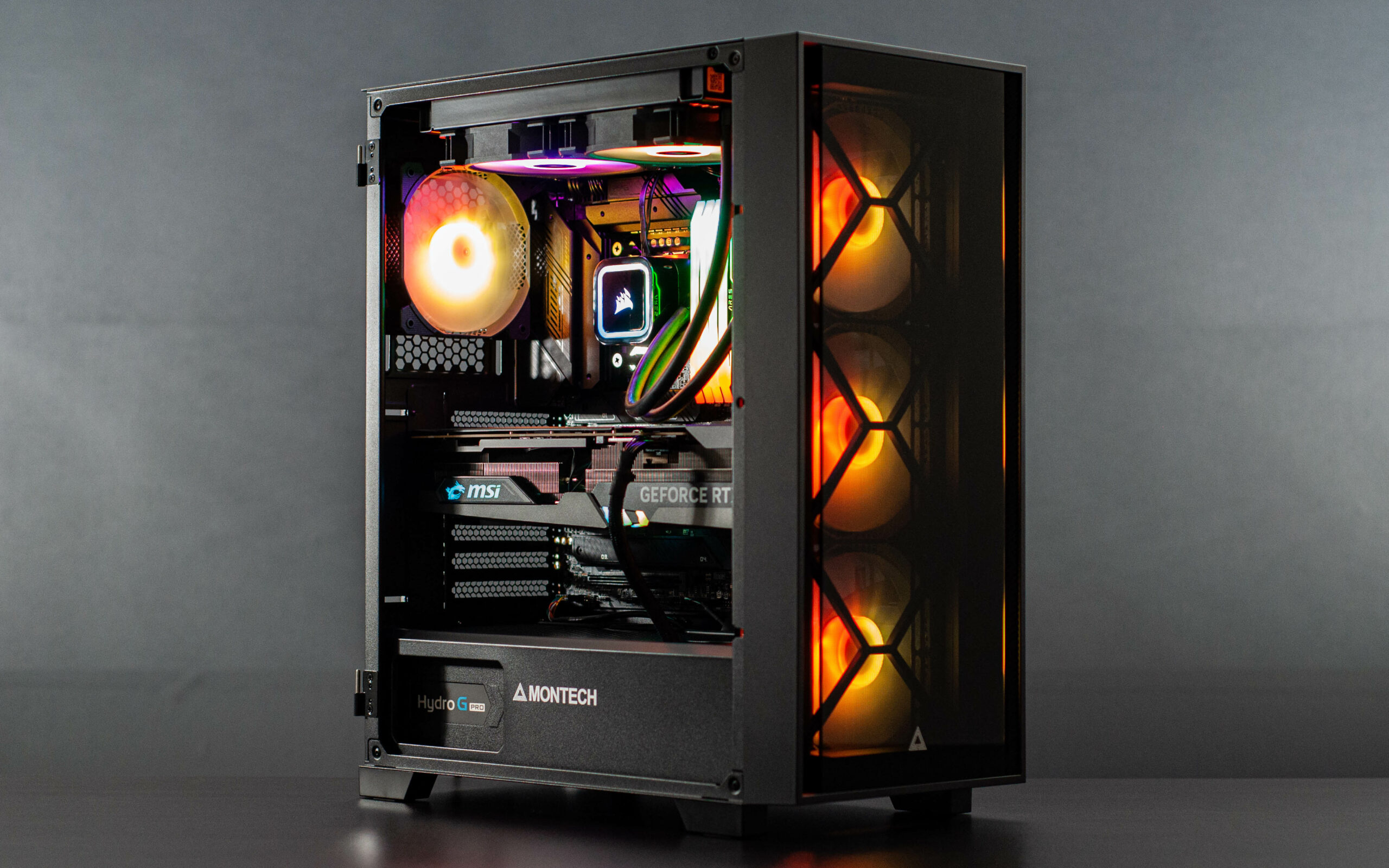
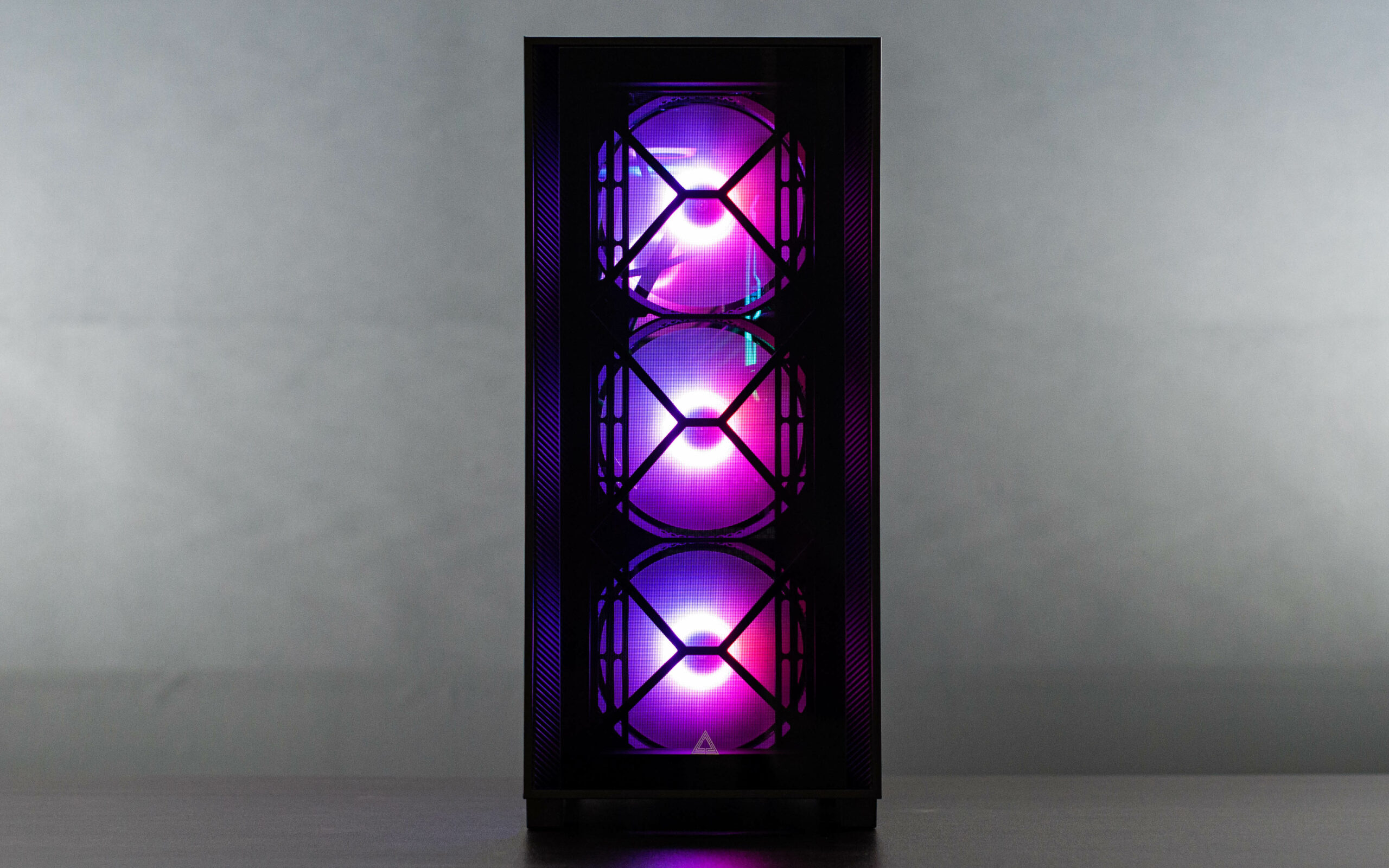
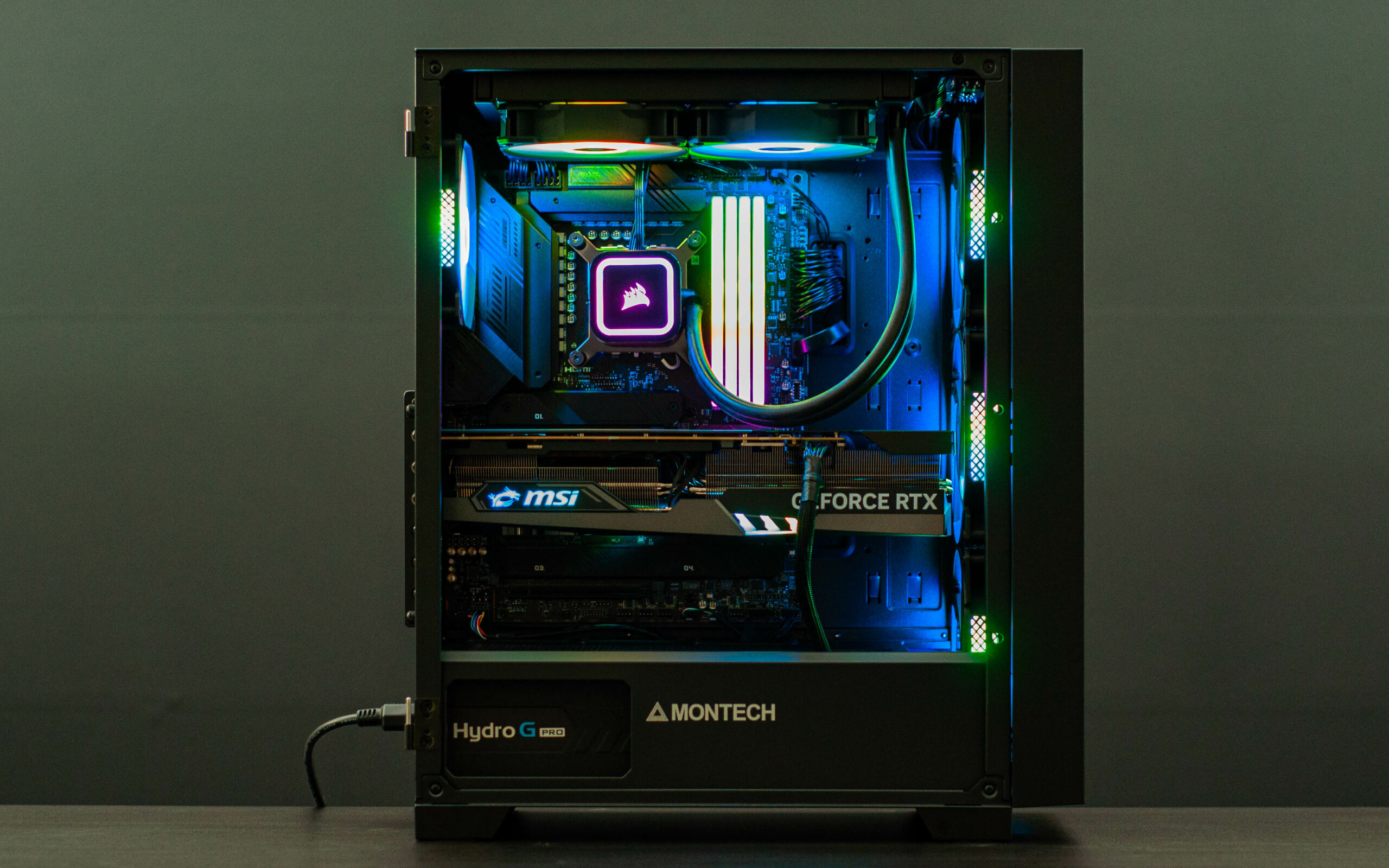
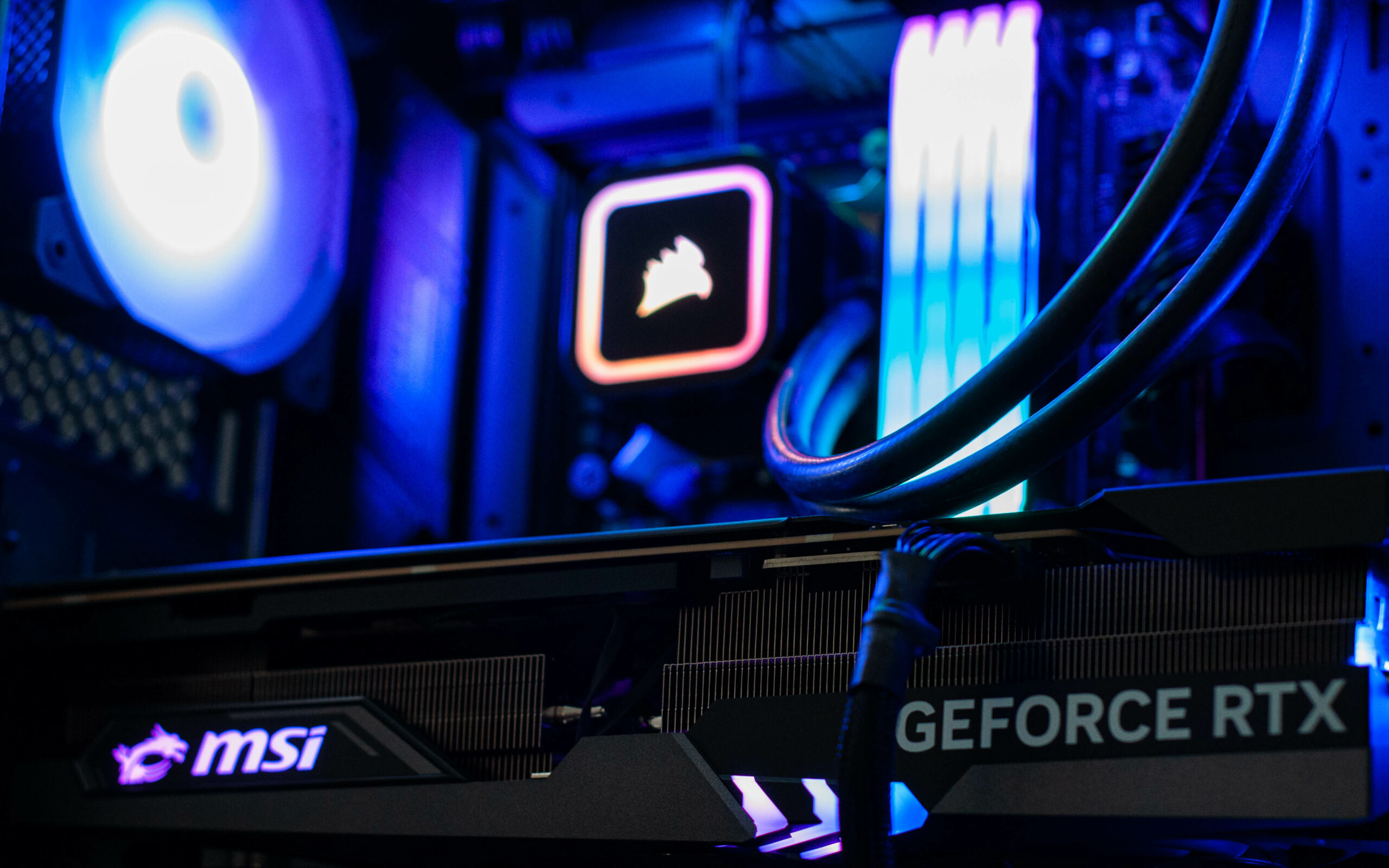
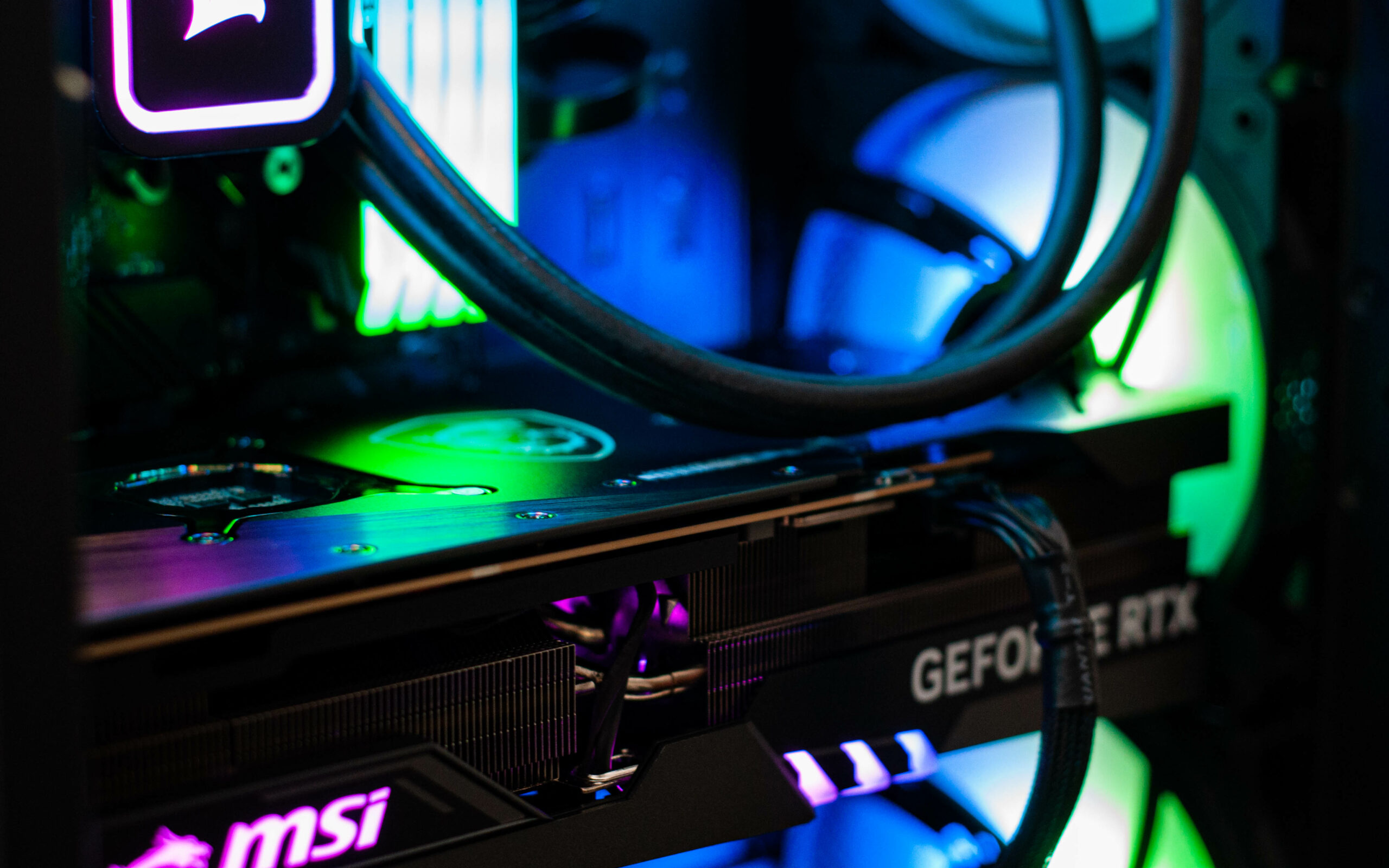
    Wraith Gaming PC in Corsair 465X RGB Black

    Let’s allow the pictures to speak for themselves for this one.

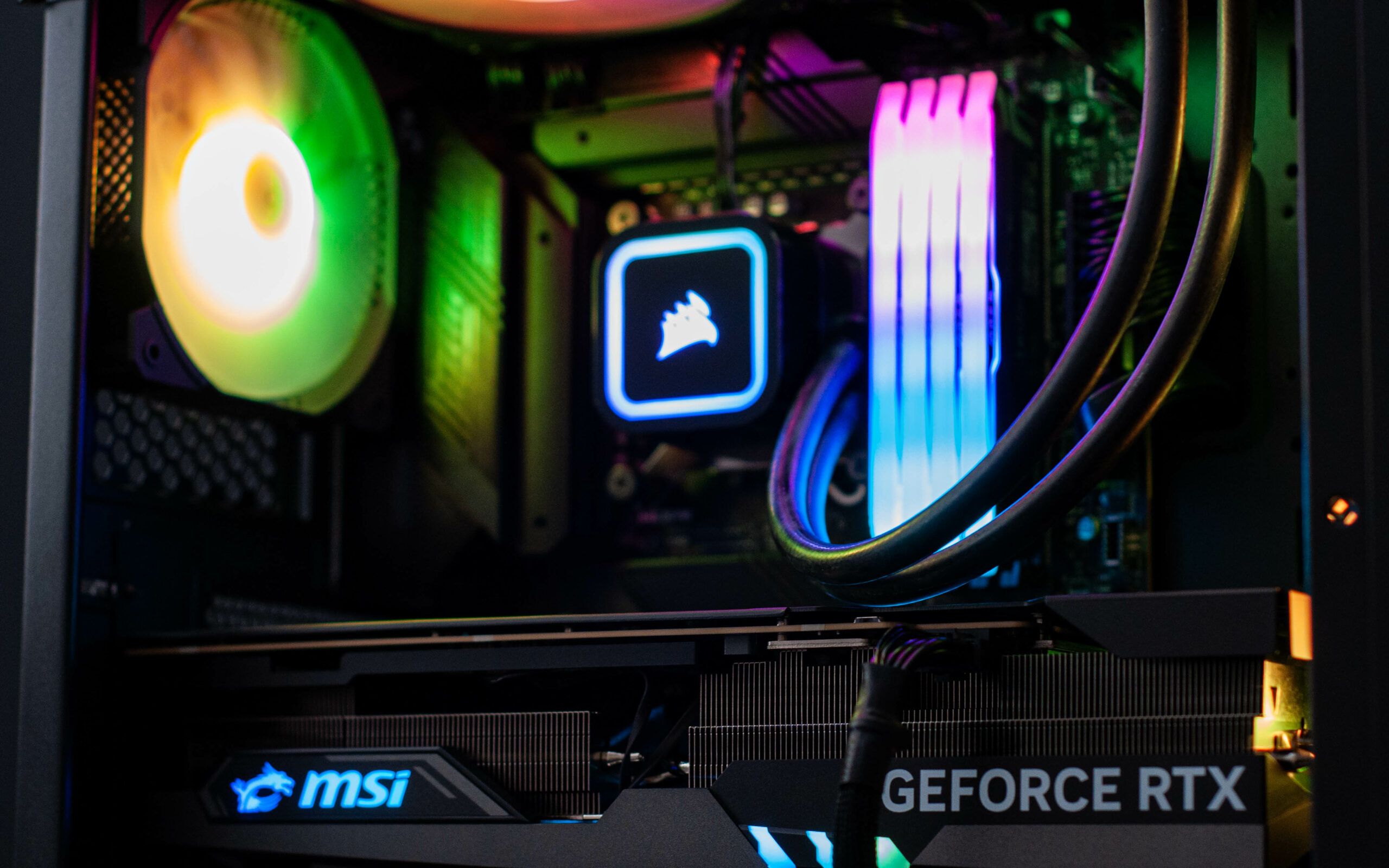
    AMD 5800X (240mm liquid cooled), 32GB of RGB RAM, Nvidia RTX 3080, 1TB NVMe M.2 SSD + 2TB HDD, more than a dash of RGB, and an Elgato capture card to boot.

  • Wraith Gaming PC in Corsair 4000D Airflow White

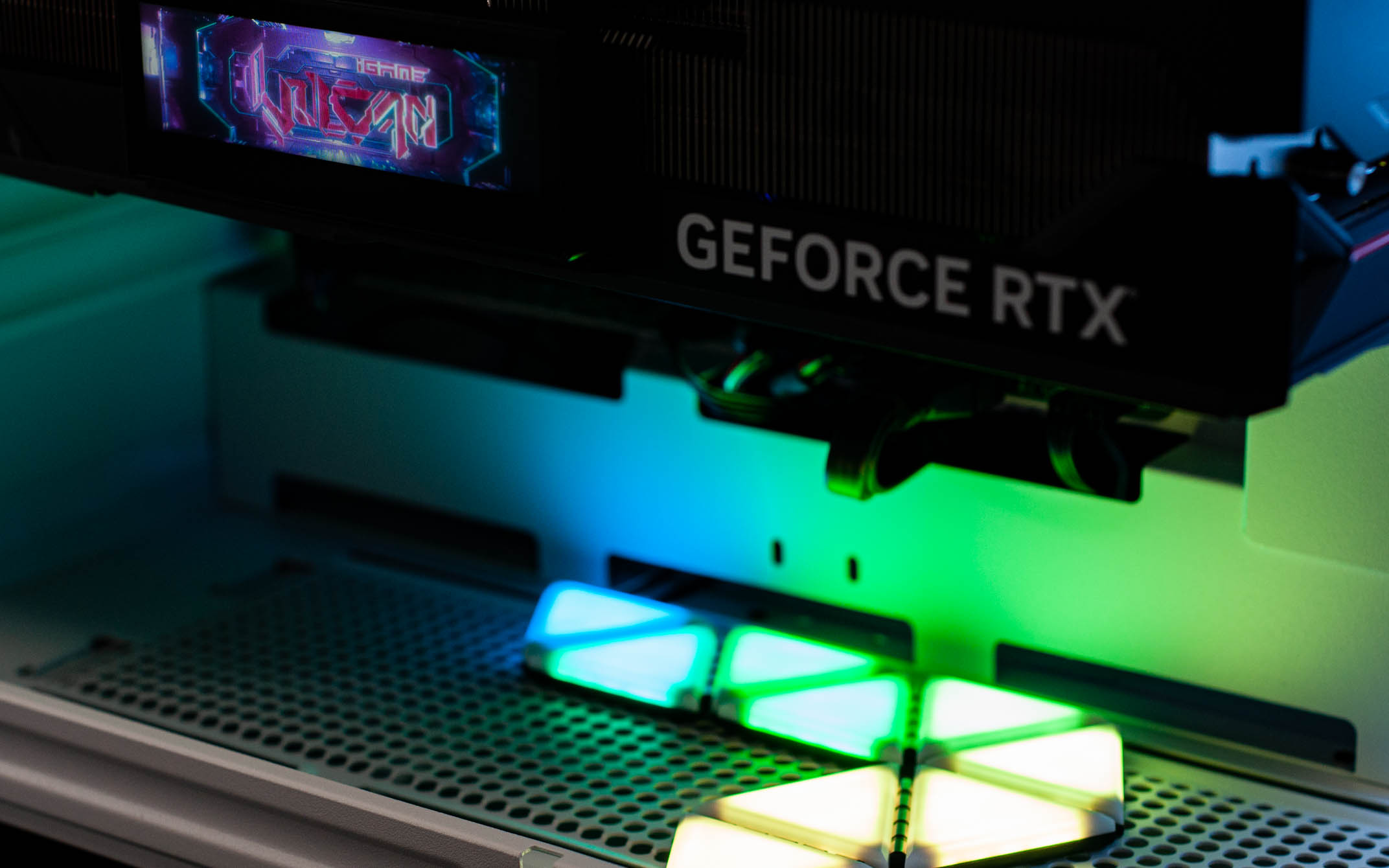
    Wraith Gaming PC in Corsair 4000D Airflow White

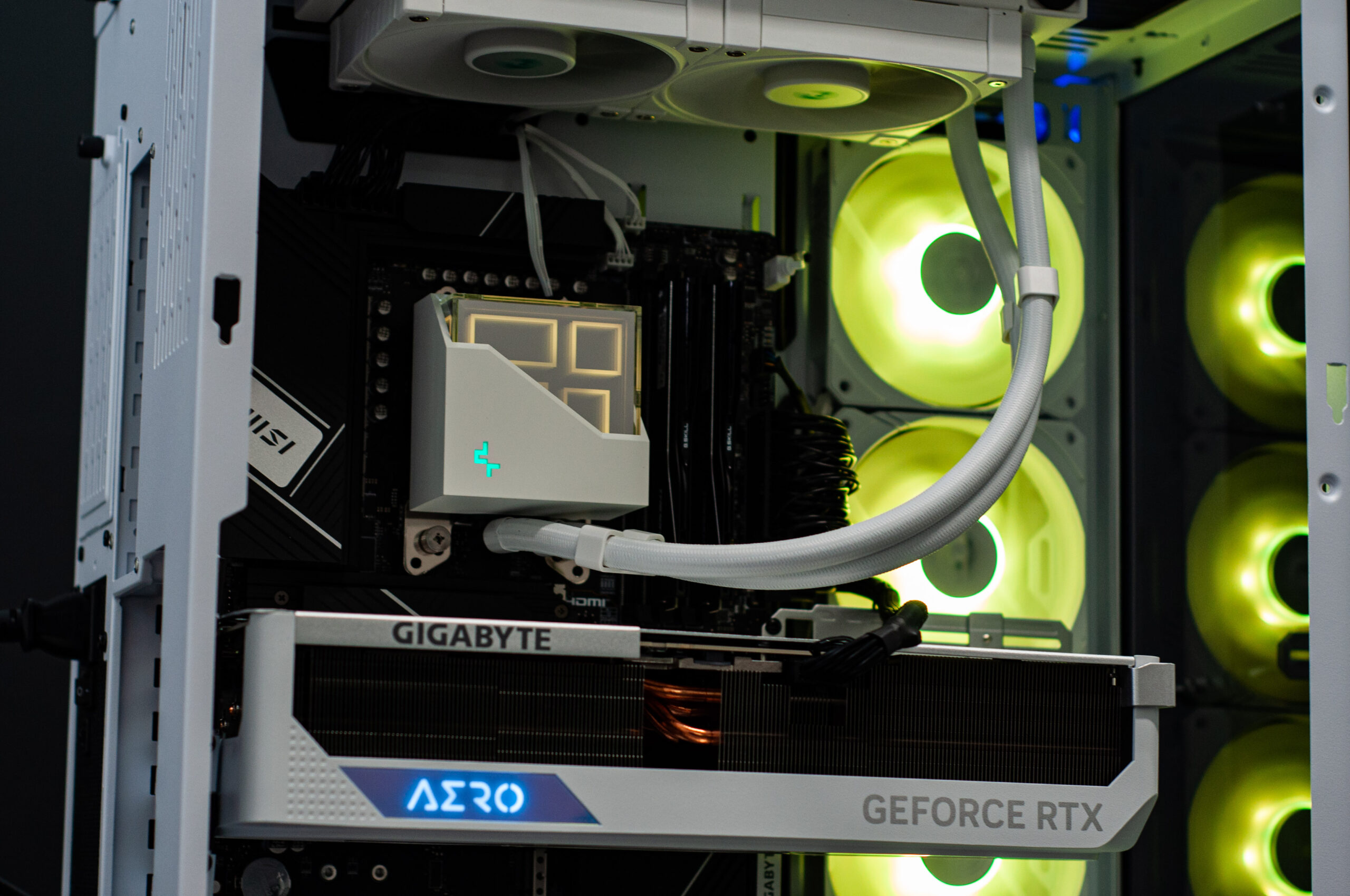
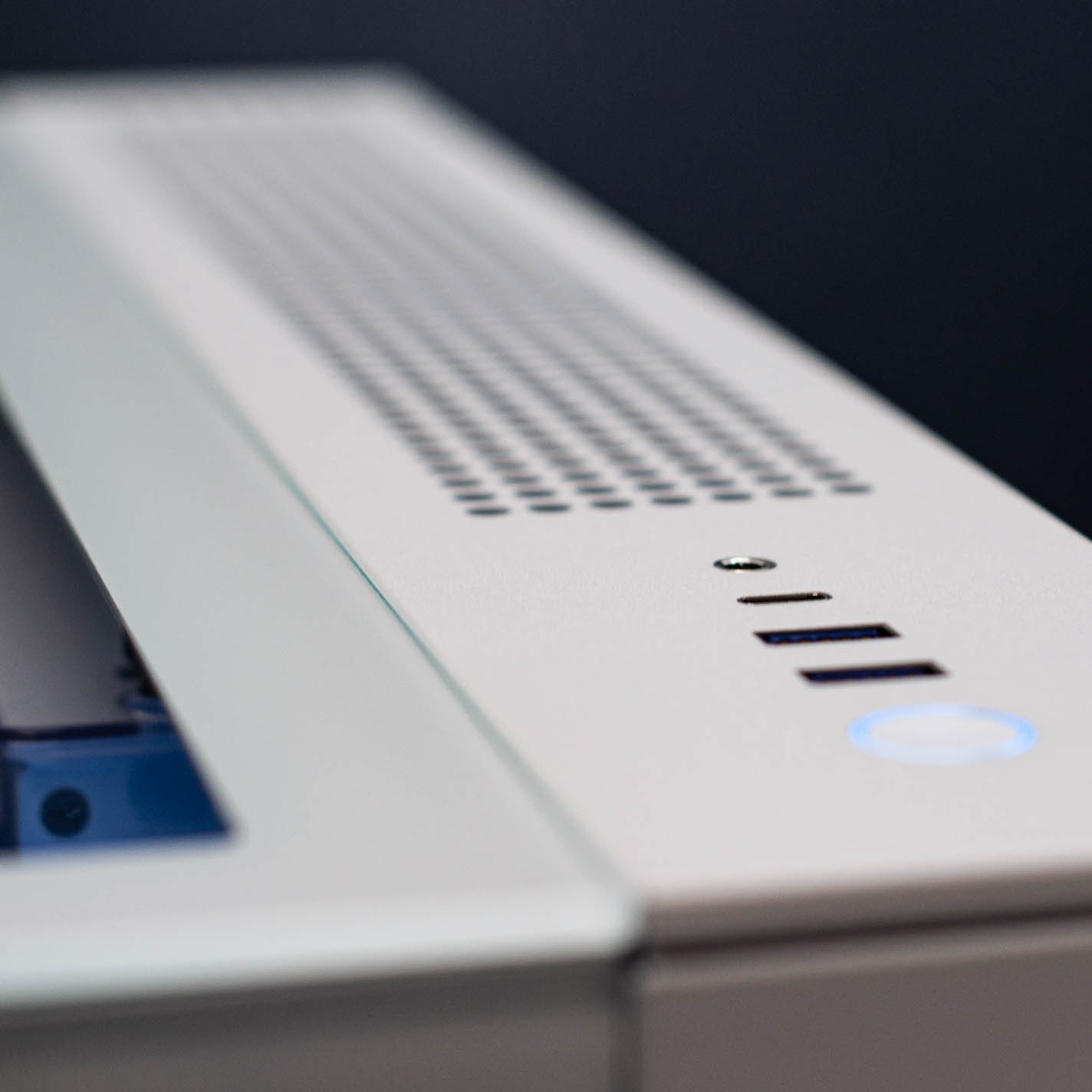
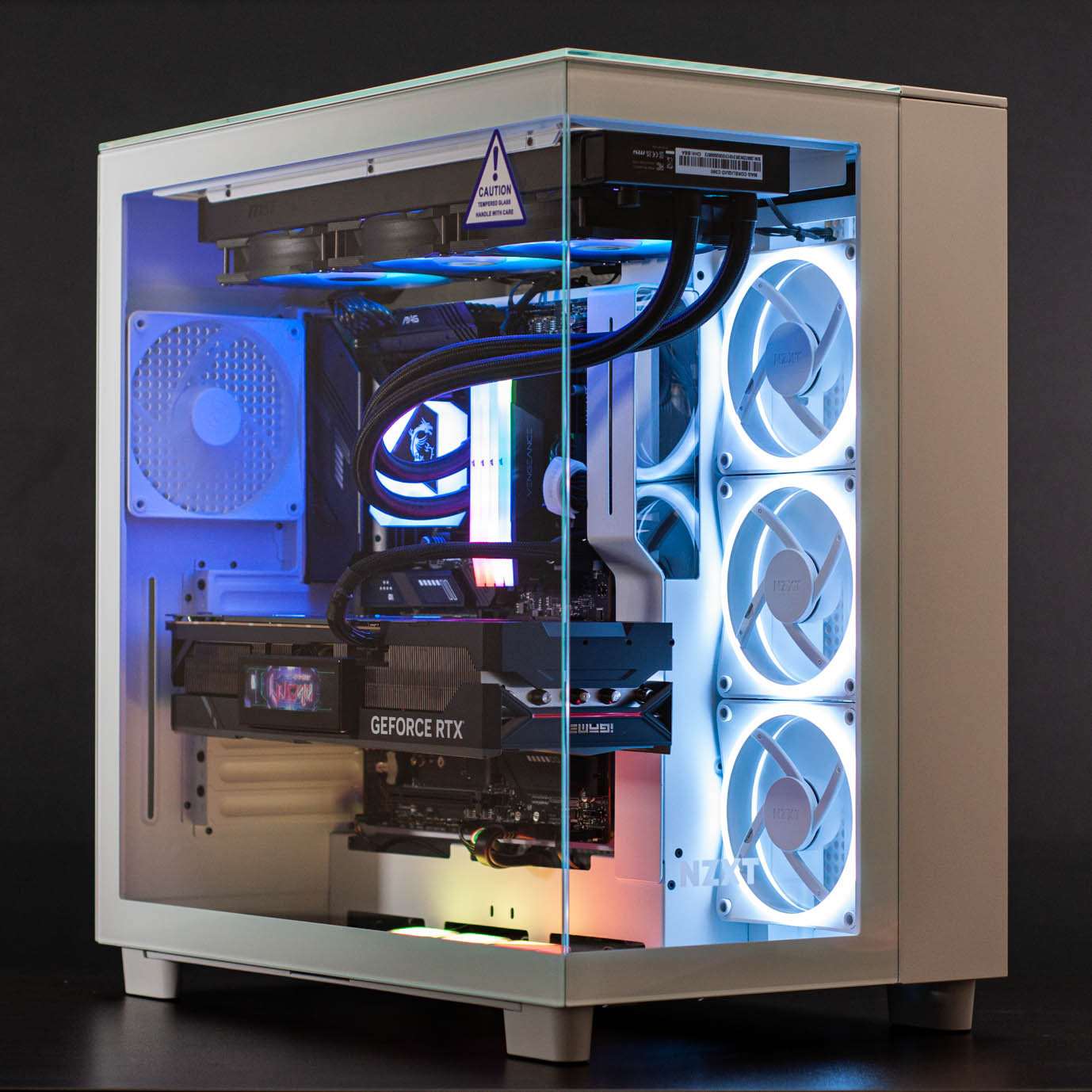
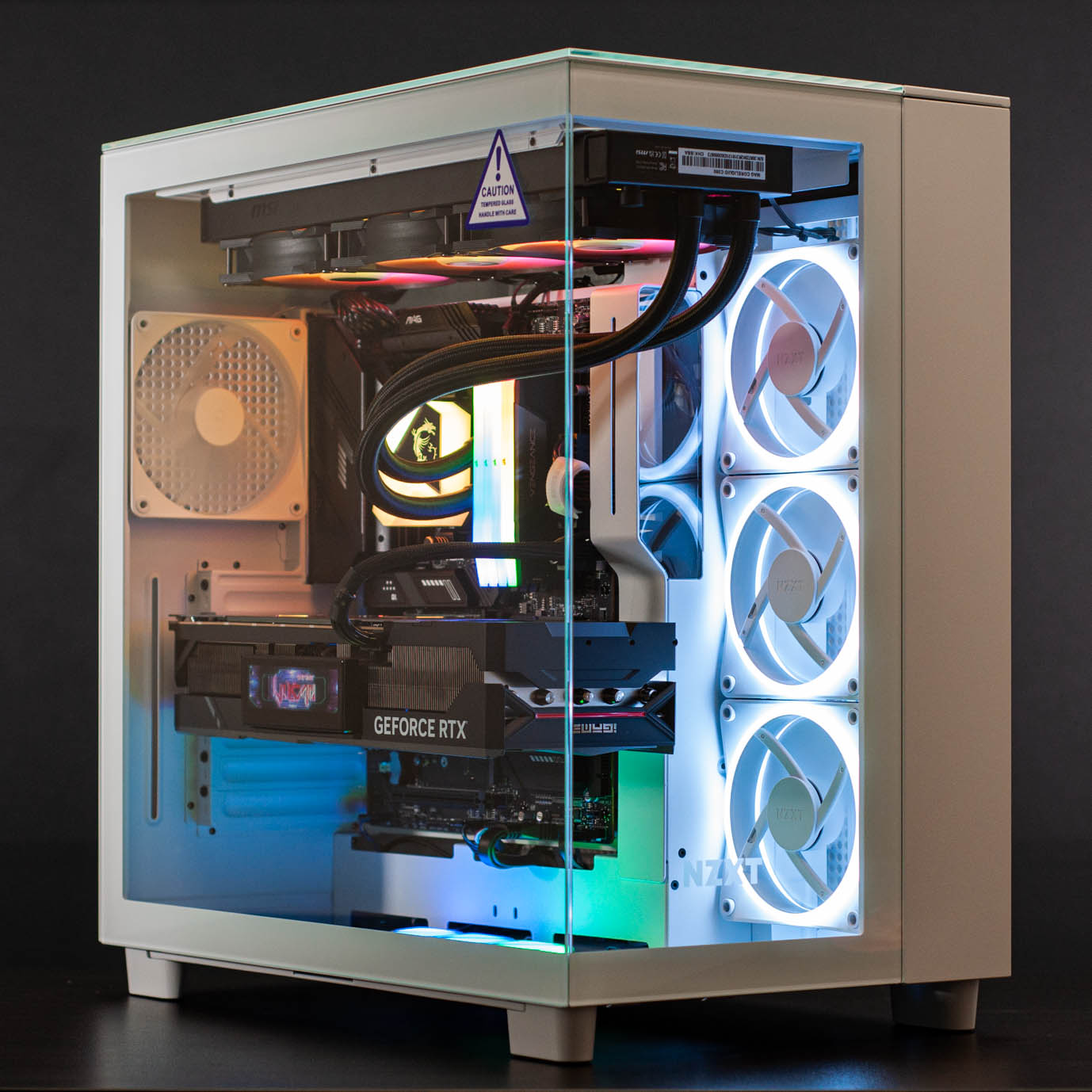
    Now, it might not seem like it given these are the very first pictures that we’ve posted of the 4000D case on our blog, but we absolutely love working in this case. It’s reasonably priced, has USB Type-C, superb airflow, looks great, and all of this means customers will love it too.

  • Valkyrie Gaming PC in MSI Sekira 100R

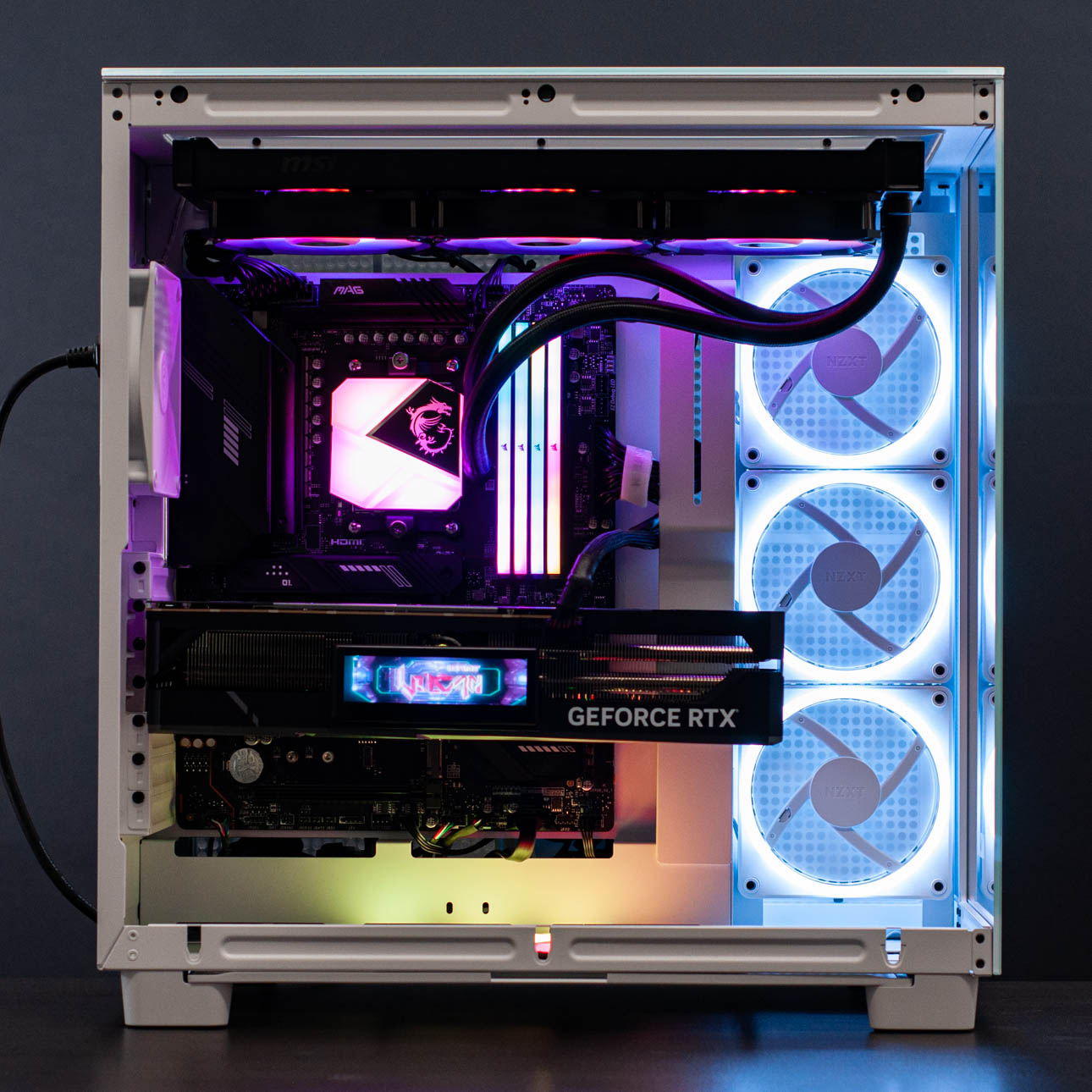
    Valkyrie Gaming PC in MSI Sekira 100R

    Featuring a liquid cooled Intel 11900K (8 core 16 thread) CPU, 16GB of RGB DDR4 high-frequency RAM, and Nvidia’s RTX 3070 Ti (MSI Gaming X Trio) for a graphics card – this PC is sure to put smiles on faces in its new home. There’s a lot of RGB in here, but that just makes the pictures look better!

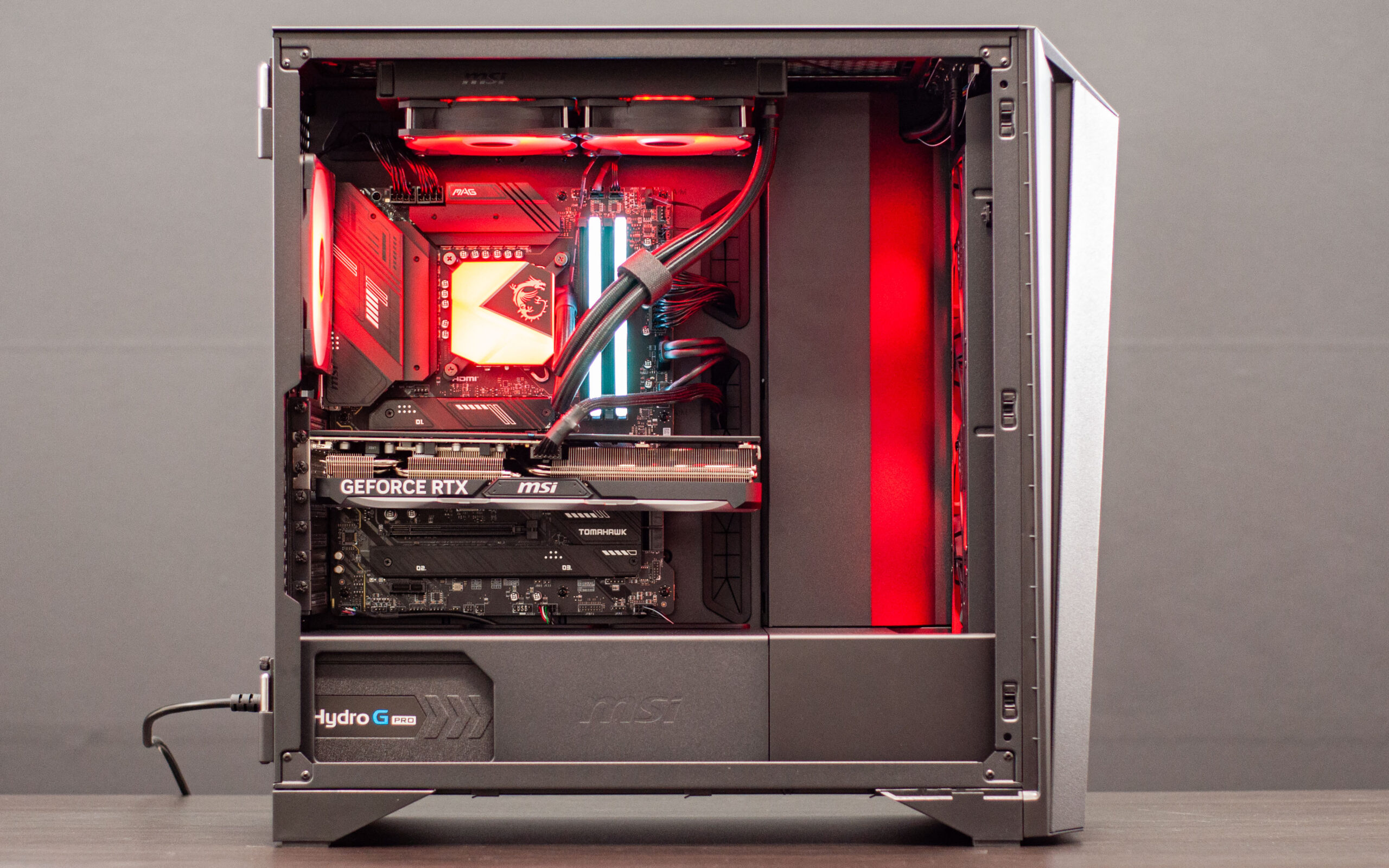
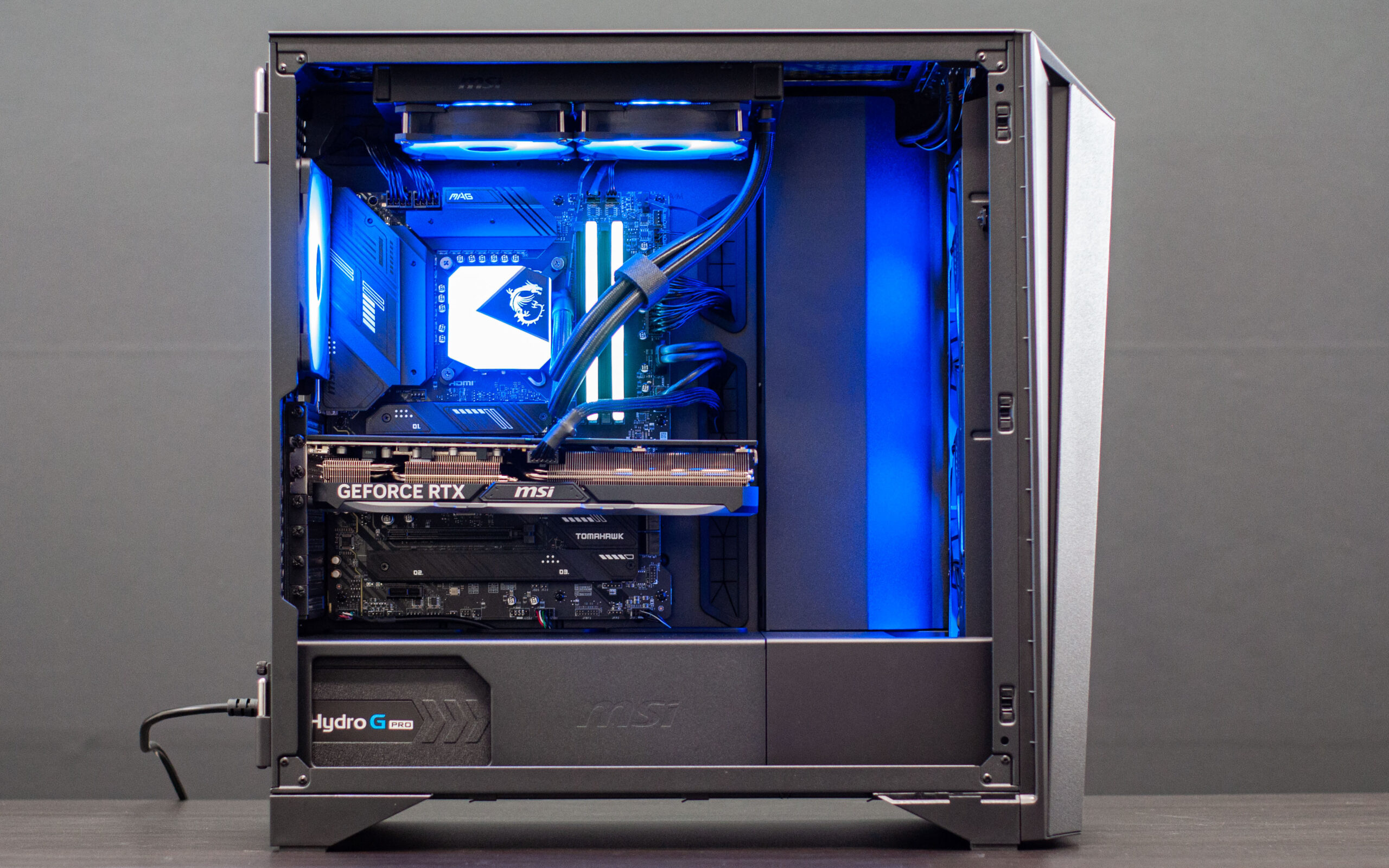
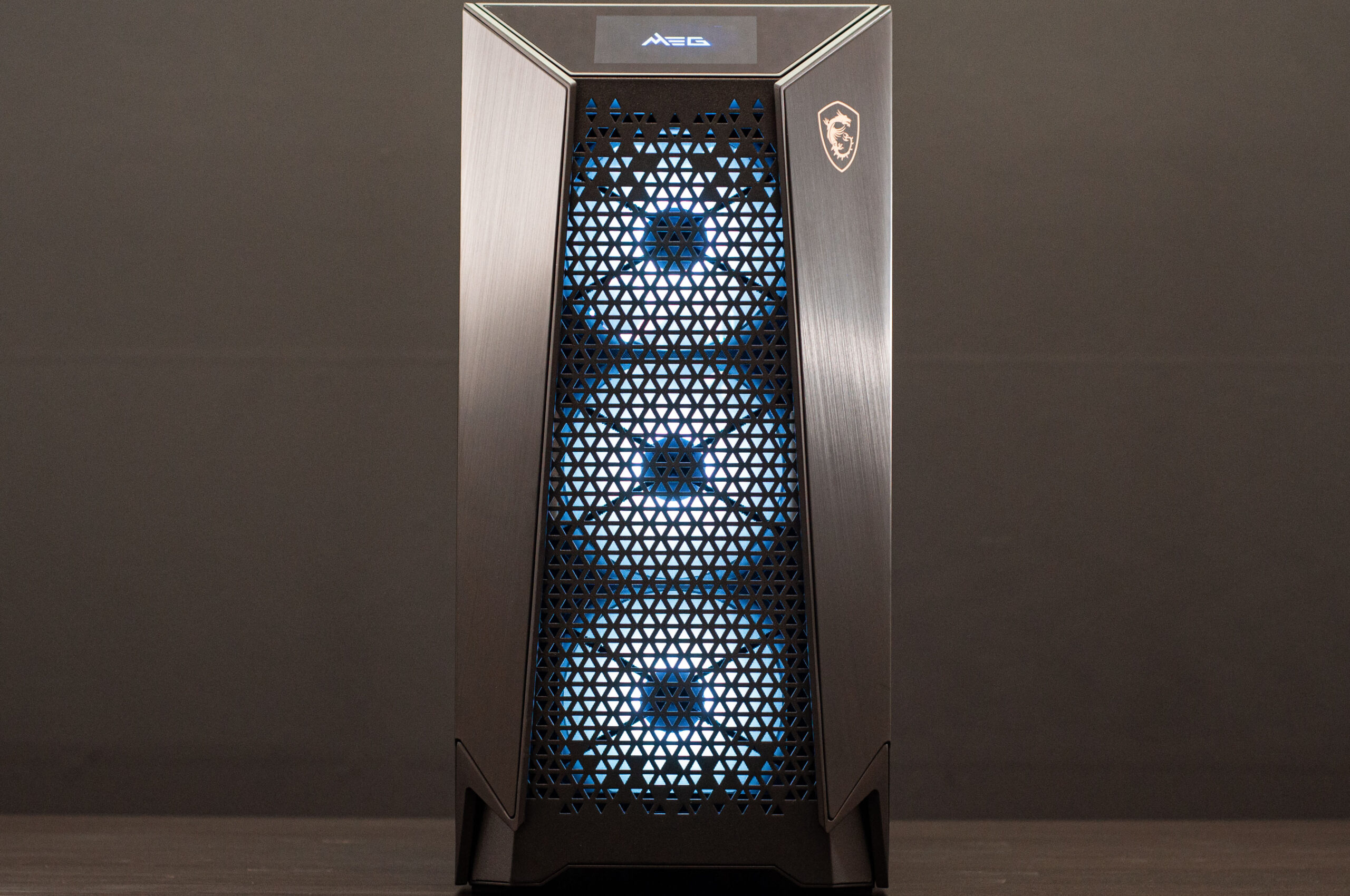
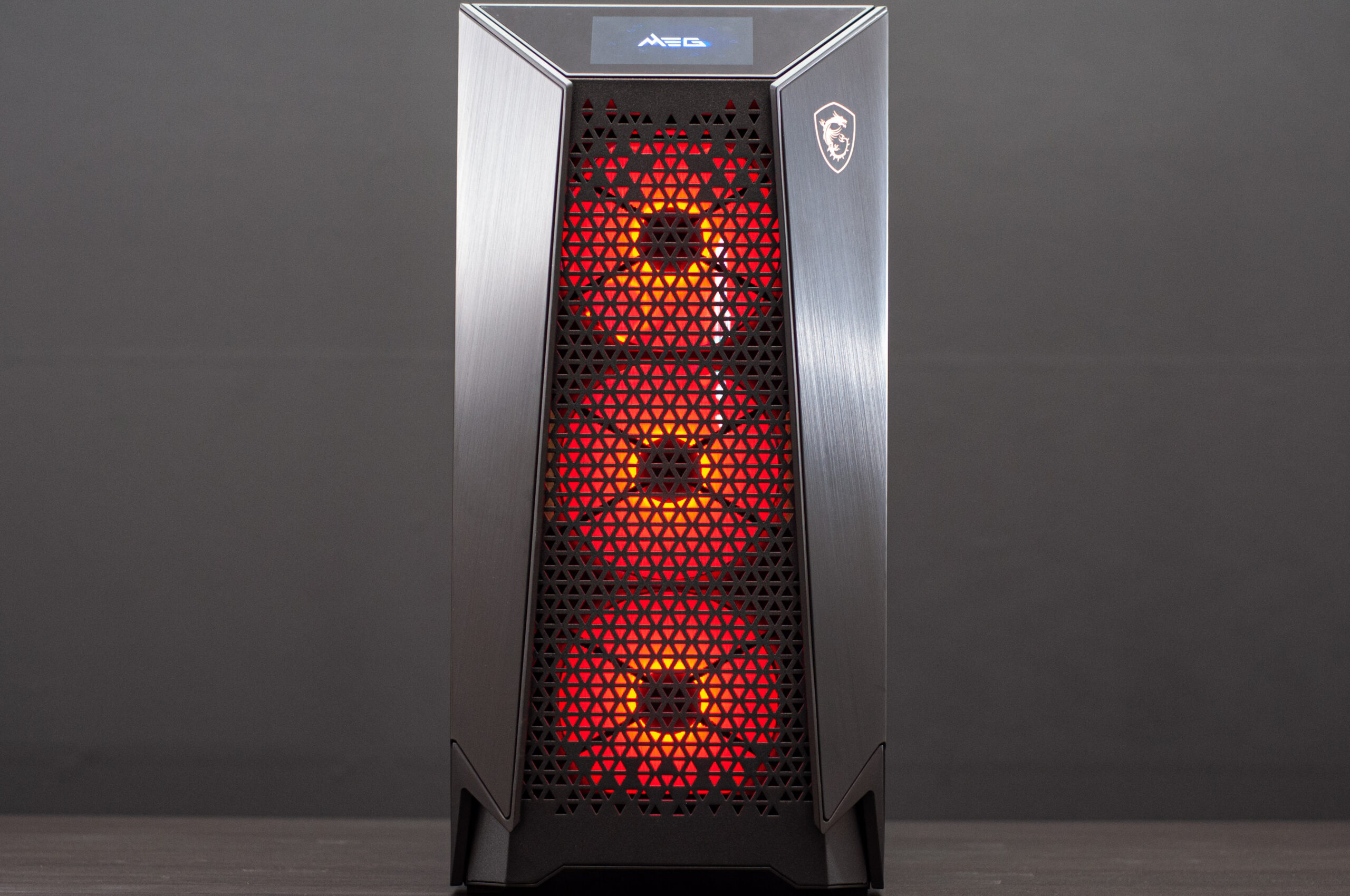
  • MSI MAG Vampiric 010X i7 / 3060 Pre-built Gaming PC

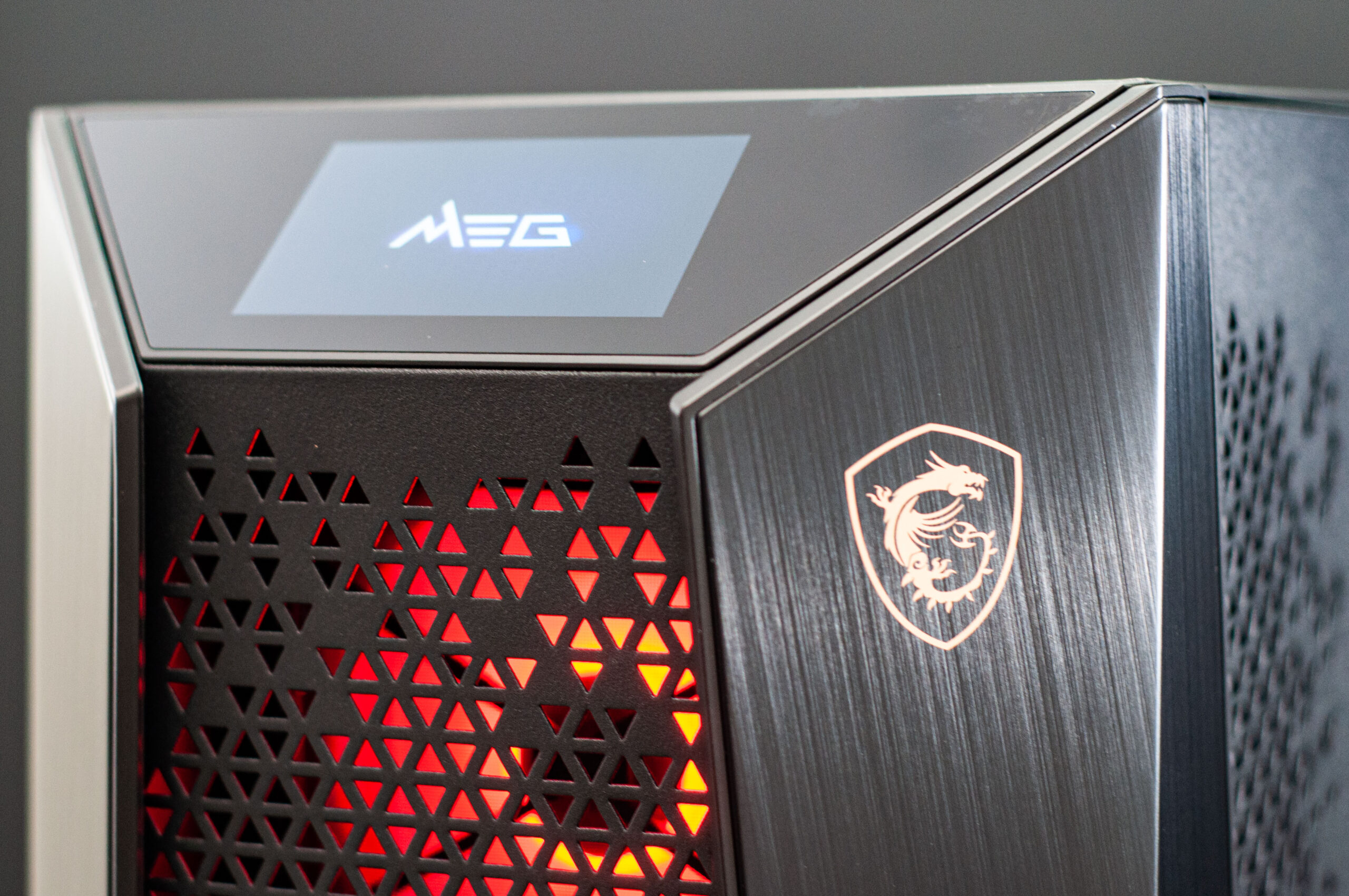
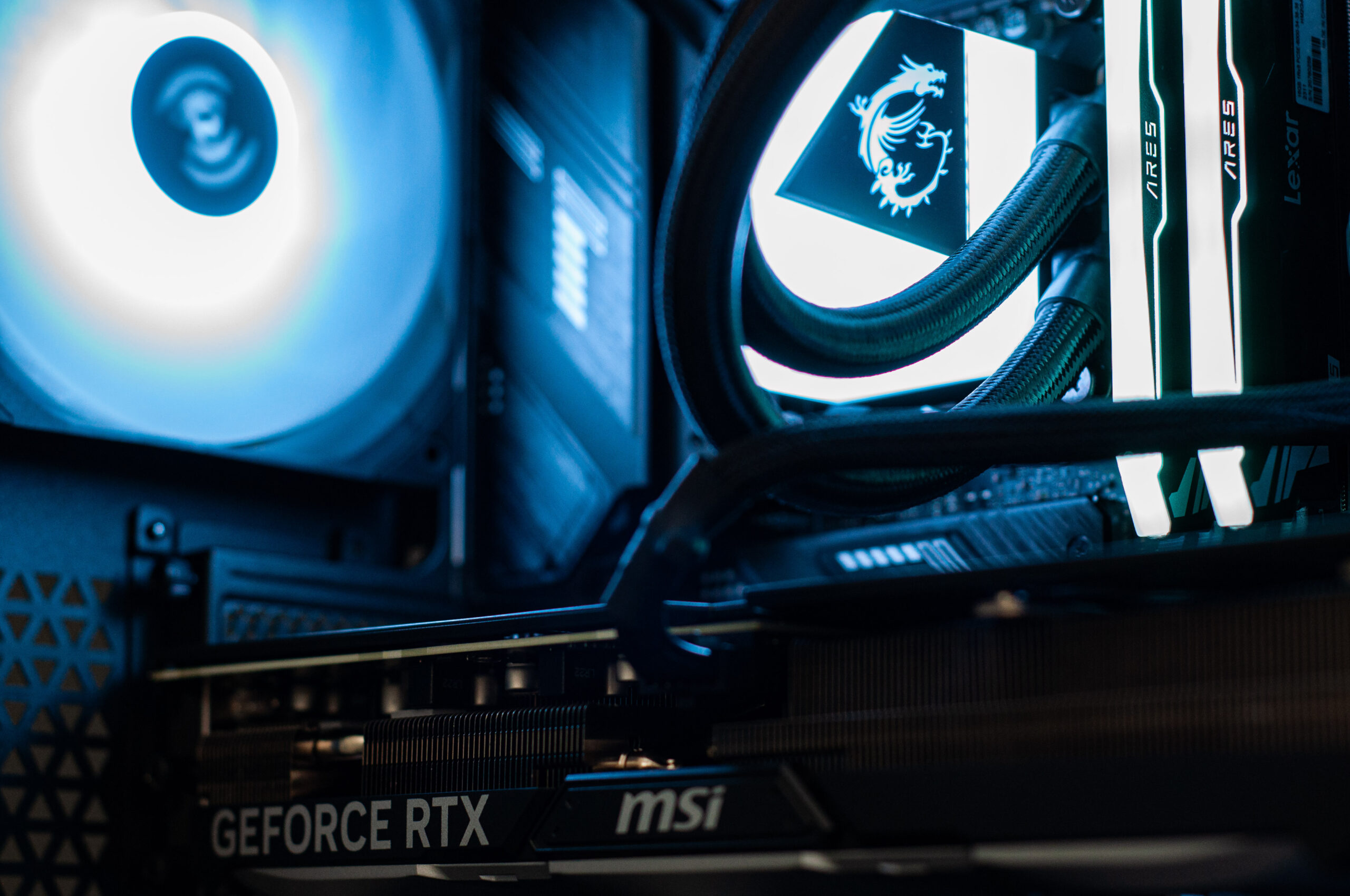
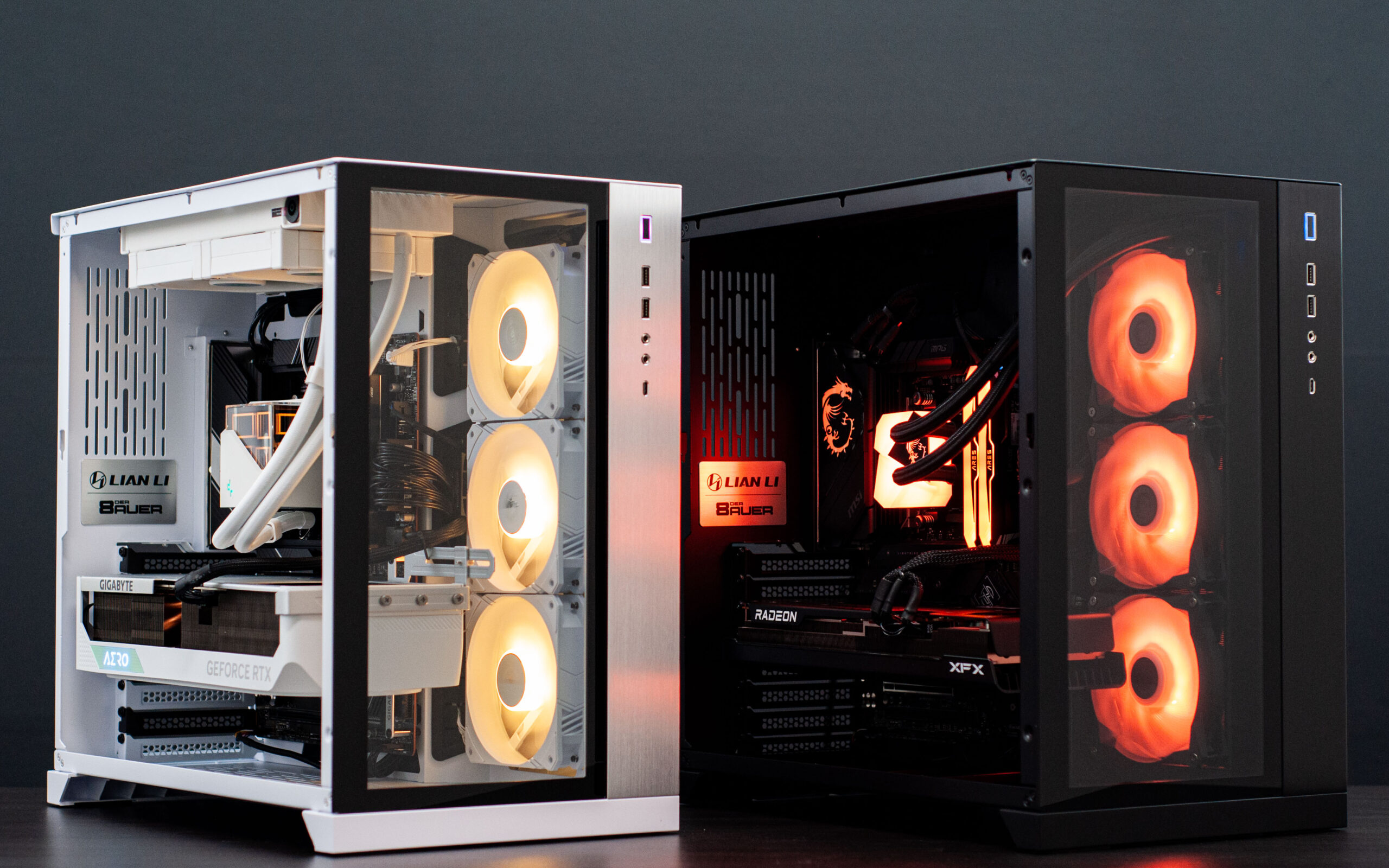
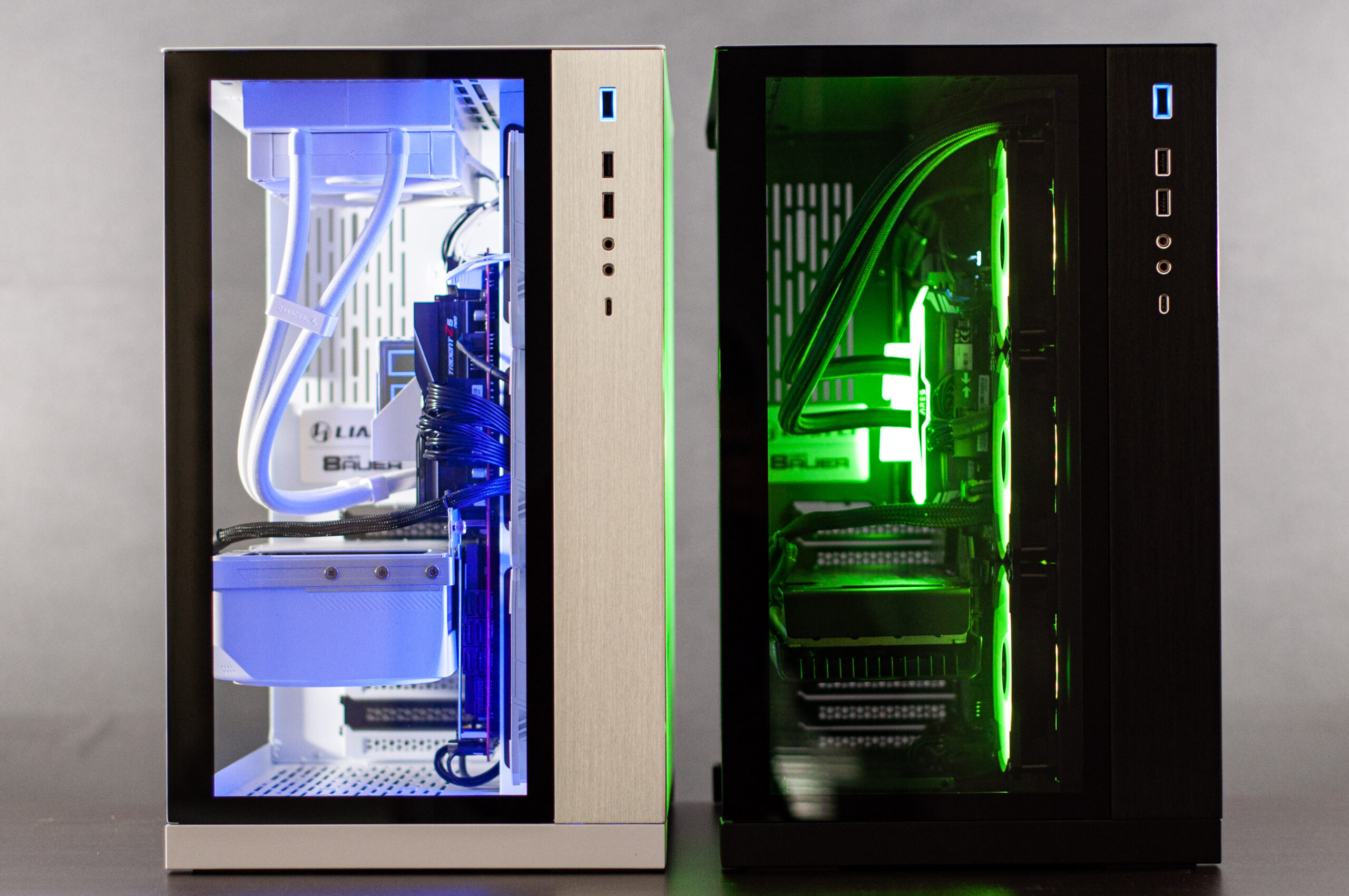
    MSI MAG Vampiric 010X i7 / 3060 Pre-built Gaming PC

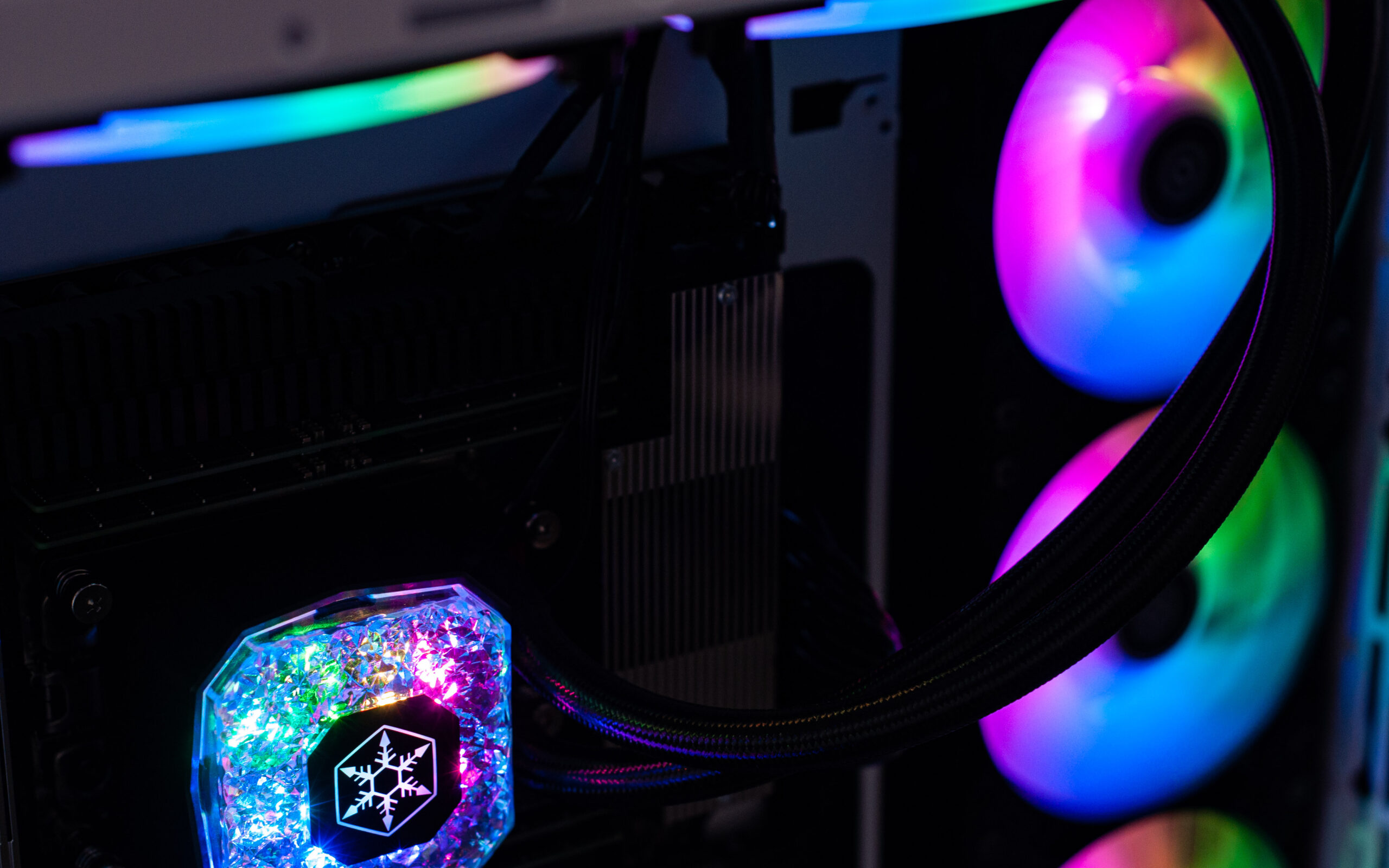
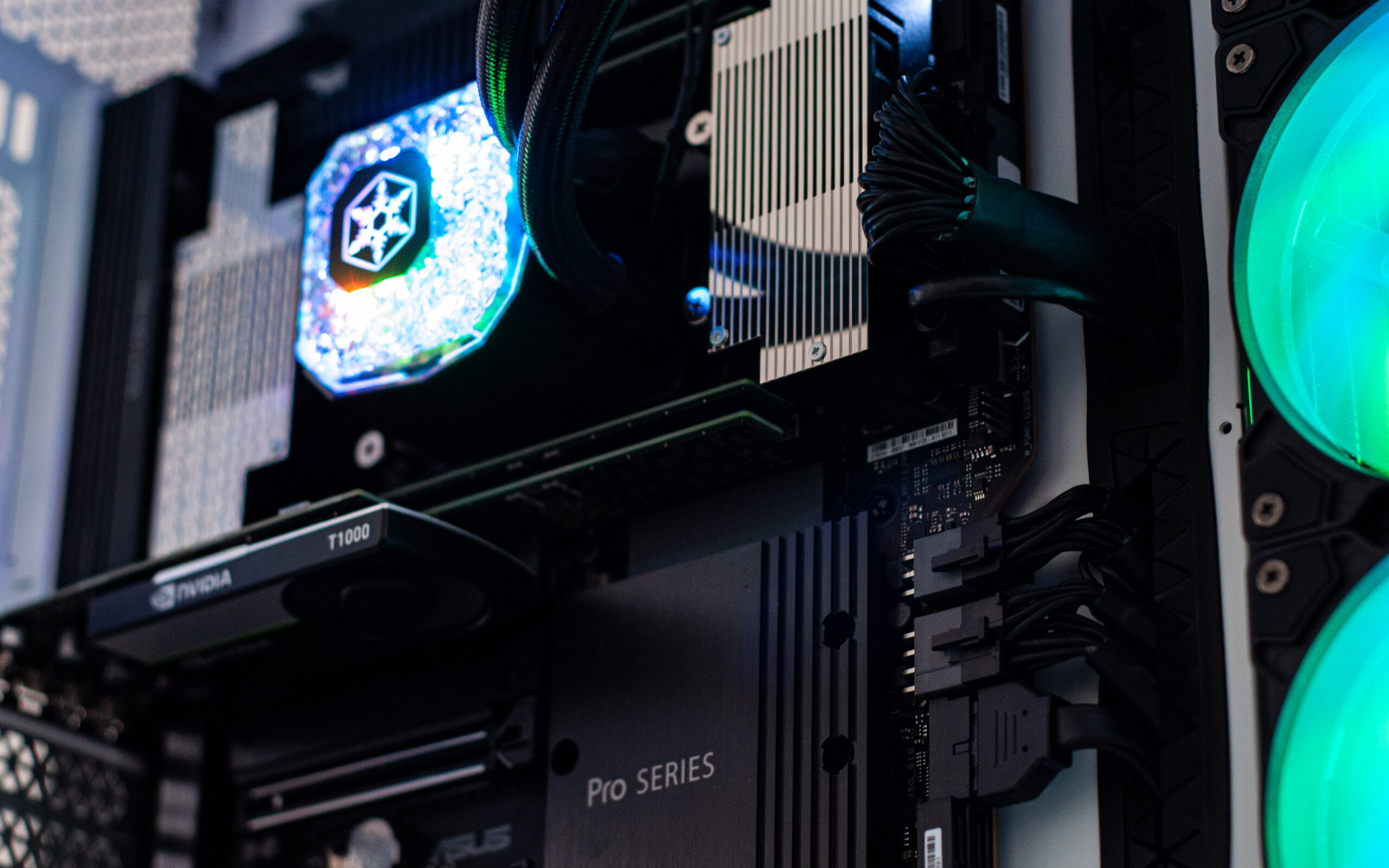
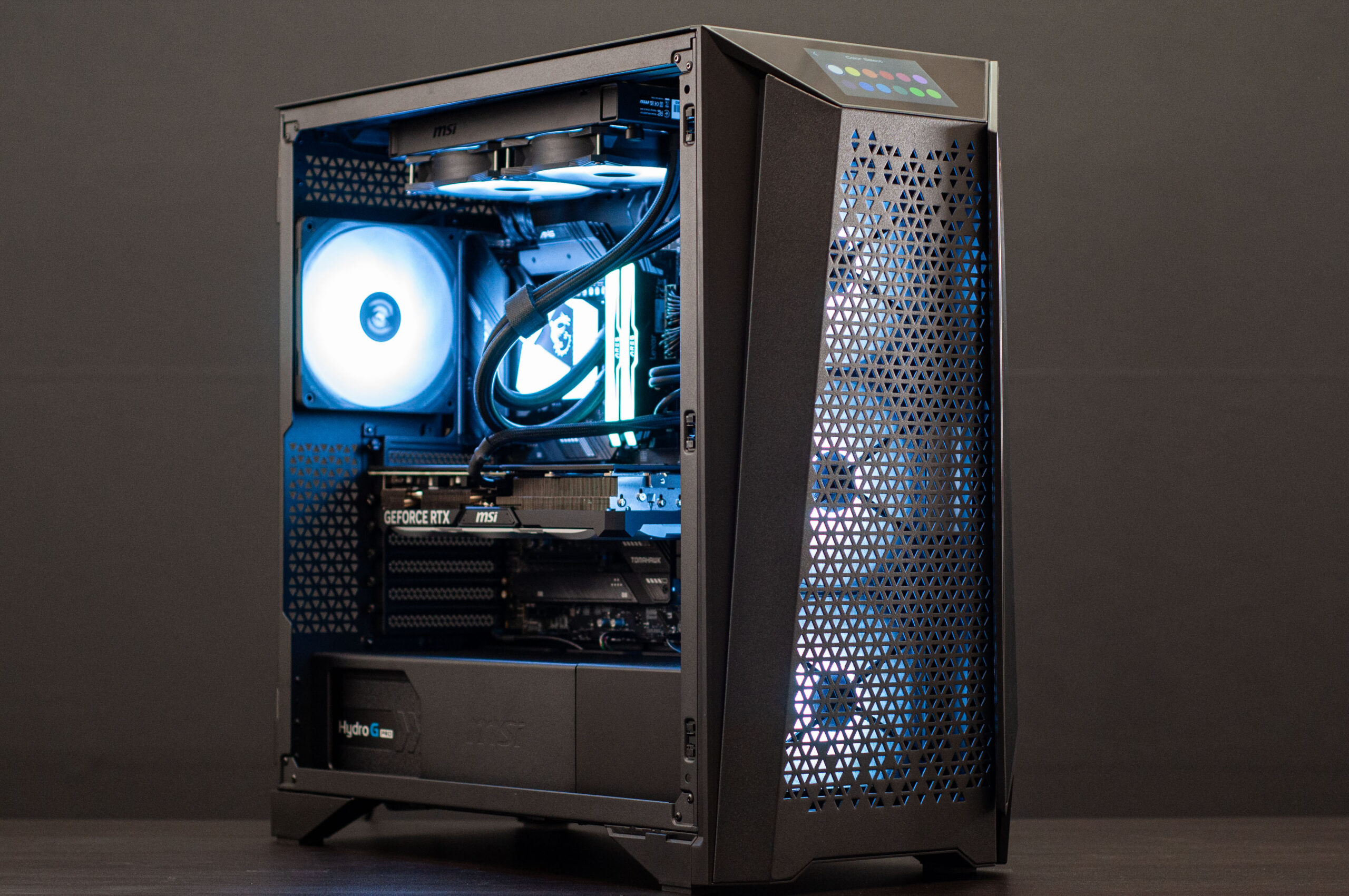
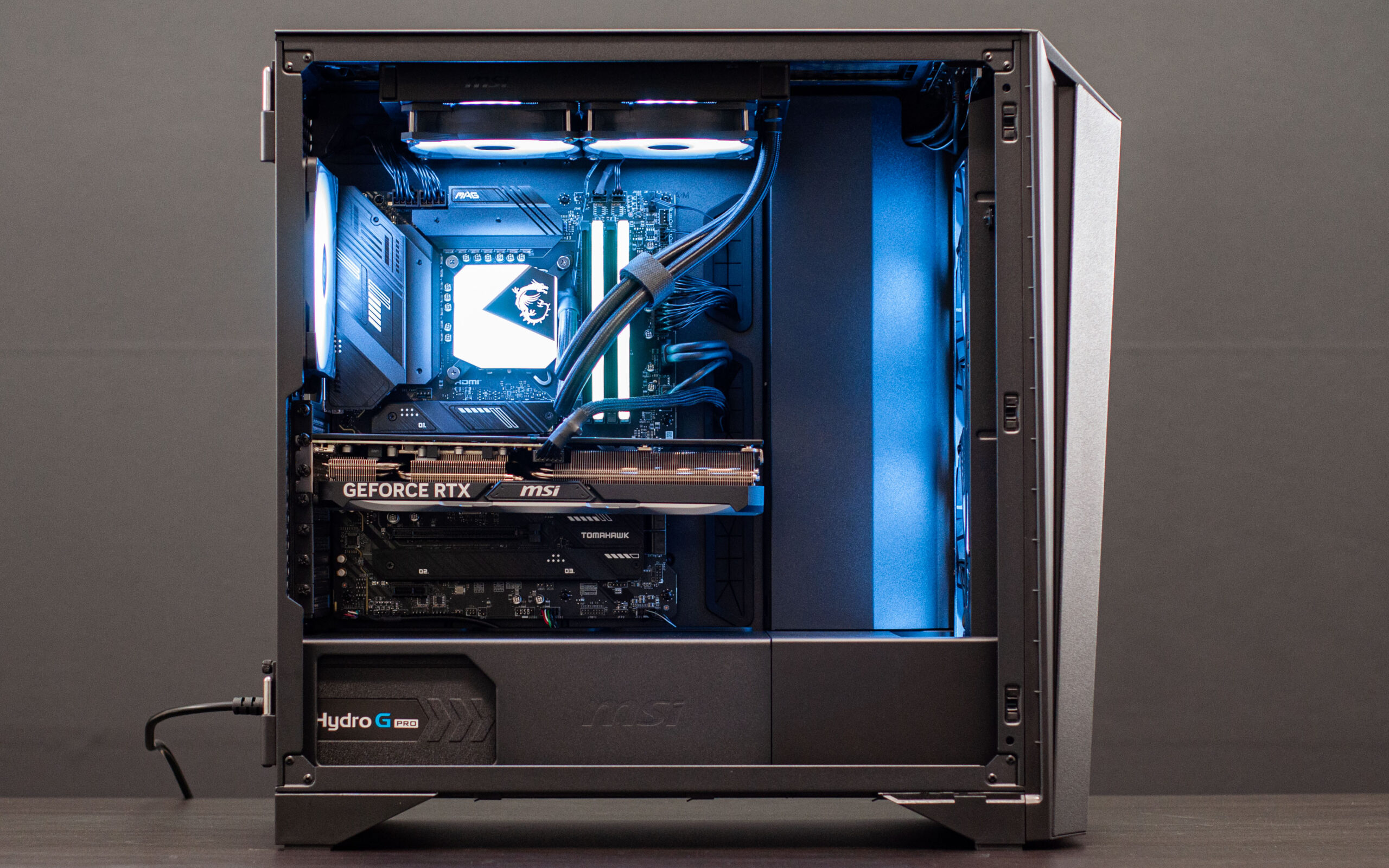
    Here’s one that we’ve sold a few of, with a bunch left in stock & ready for immediate dispatch/click-n-collect! Strictly while stocks last at this amazing price point.

    Grab your own via this link: https://evatech.com.au/pcsummary.php?pcid=172884

    Onto the pictures…

    MSI peripherals as follows.
    Monitor: MSI 32″ Curved 1080p 180Hz RGB Optix MAG322CR
    Keyboard: MSI Vigor GK50 Elite Kailh Blue RGB Keyboard
    Mouse: MSI Gaming Clutch GM41 Lightweight Wireless Mouse
    Mousepad: MSI Agility GD70 Gaming Deskpad

  • Windows 11 FAQ & Answers

    Windows 11 FAQ & Answers

    Last week Microsoft officially unveiled the successor to Windows 10, (un)surprisingly named Windows 11. Since then, we’ve already received a medium-sized truckload of questions on the topic, so we’ve prepared this list of frequently asked questions (FAQ – and their answers) and other relevant information for our past/future customers to know about.

    General FAQ

    When will Windows 11 be available?

    Windows 11 is now fully released – it was officially launched on the 5th of October 2021.

    Will I be forced to upgrade?

    No. Microsoft will be supporting Windows 10 until the 14th of October 2025, so you would be fine to continue using Windows 10 until at least that date if you wish without it being a security concern. Although, you would be missing out on Windows 11’s performance and feature benefits.

    I want to upgrade, how can I do it!?

    Assuming your PC’s hardware is compatible and capable of running Windows 11 (covered in detail below) then you should be able to request the update via Windows update. It’s generally advised that your system is as up to date as possible before trying to do the upgrade.

    As with any major upgrade, you should ensure that you backup and important/irreplaceable data on your PC, particularly your C:\ drive (typically an SSD). Data such as documents, photos, perhaps some downloads, etc. that might not be backed up onto a cloud like service is usually the ones to be mindful of. Once you’re satisfied, performing the upgrade is permissible and may take some time so please be prepared.

    How much will it cost?

    Upgrading to Windows 11 will be free of charge. This is great news considering Microsoft had previously led us to believe that Windows 10 would be the last major version and they would be updating it continually. Effectively those who own Windows 10 already are provided a free upgrade to 11, there’s no real downside.

    The standalone cost of Windows 11 (for example, when buying a whole new PC) is expected to be similar to the current Windows 10 pricing; not free.

    There will still be a Windows 11 Home edition, and a Windows 11 Pro edition.

    What is new in Windows 11?

    There’s a new look in the shape of a tweaked user interface over what is still very similar to Windows 10 (don’t stress, you will not be lost or confused!) and a more compacted & centred taskbar & start menu (which can be left-aligned if you want). There are some icon tweaks, and overall a bit of a glassy-look theme. There is some enhanced window organisation controls to help snap windows neatly in a number of orientations, and a reintroduction of widgets.

    Will Evatech PCs have Windows 11?

    Yes, we’ve already introduced Windows 11 options for our PCs, and Windows 10 will be phased out as stock availability dwindles.
    Can I revert back to Windows 10 if I don’t like Windows 11?

    Yes – reportedly you will have 10 days to change your mind and revert back to Windows 10 if you’re unhappy with Windows 11. After the 10 days are up though, the only way will be a fresh install.

    I’ve heard that Windows 11 will hurt gaming performance?

    Windows 11 is designed to take advantage of many of the technological advancements over the years since the likes of Windows 10. There’s been a lot of information to suggest that games (with the support of game engines/developers) will actually be better on Windows 11. However, we are aware of recent reports stating that some pre-built gaming PCs will perform up to about 25% worse in games on Win11. And here’s what we have to say about that!

    Virtualisation-Based Security or Virtualisation-Based Security (VBS)

    A setting that was introduced back in Windows 10 allowed for better security when using virtual systems, when enabled, is being reported as responsible for the performance drops. Thankfully, unless this was a setting that you have turned on yourself since receiving the PC, by default all our Evatech systems will have this setting turned off, so it shouldn’t be an active concern for any of our customers now or moving forward.
    Technical FAQ

    Here’s where things get a bit messier or perhaps confusing. Stick it out and read through it all as we’re doing our best to explain it as simply and completely as possible.

    What are Windows 11’s system requirements?

    For a processor (CPU) it’s a minimum of 1GHz 64-bit CPU with 2 or more cores. Furthermore, only Intel’s 8th gen Core CPUs and later will be supported, and for AMD its Ryzen 2000 and later.

    On the general consumer hardware side of things, we are (at the original time of writing) now up to Intel’s 11th gen CPUs, and AMD’s Ryzen 5000 series.

    When it comes to enthusiast or workstation/professional grade hardware, Intel’s X299 motherboards with only the following four CPUs on the supported list: 10900X, 10920X, 10940X, and 10980XE.
    AMD’s Threadripper customers are only supported with the following CPUs: 2920X, 2950X, 2970WX, 2990WX, 3960X, 3970X, and 3990X. Threadripper Pro CPUs are also supported: 3945WX, 3955WX, 3975WX, and 3995WX.

    For RAM (memory) you will need a minimum of 4GB.

    It has been some time since we’ve been offering all of our new systems with a minimum of 8GB.

    When it comes to storage space (SSD, HDD), you will need 64GB.

    Once again for some time we’ve been offering 240-250GB as the minimum storage solution for our PCs, and previously that was 128GB.

    On the graphics side, you will need a solution that is DirectX 12 (or later) capable, which has been around for quite some time. And you will need at least a 720p display, which we would sincerely hope (for your own sanity) that you already have.

    TPM 2.0

    You may have heard about this requirement: Trusted Platform Module 2.0 – AKA TPM 2.0 – is another minimum requirement for Windows 11.

    A TPM includes a hardware-based random number generator and can issue cryptographic keys to protect your data.

    Microsoft has reportedly advised its partners to cater for TPM 2.0 back in 2016, and thankfully as our preliminary research appears to confirm, there appears to be signs of support for this feature already (and in past generations) despite not being well documented.

    If you meet/surpass the other hardware requirements as listed above, chances are you will be able to switch on the BIOS setting that is off by default to enable TPM 2.0 in preparation of Windows 11.

    Both Intel and AMD BIOS may have the toggle under Settings / Security / Trusted Computing or similar depending on the BIOS. There should be two options on both Intel and AMD systems.

    • Intel should have both dTPM (stands for dedicated TPM which will rely on a physical hardware TPM module which you very likely do not already have) and iPPT which is the one that can be switched on.
    • AMD will have dTPM again as above, or fTPM which is the one that can be switched on.

    So any and all of our customers who are buying a system from this point onwards will almost undoubtable fall into the supports Windows 11 category, as will quite a lot who have purchased from us in the last few years!

    As it stands, Microsoft is requiring Windows 11 Home users to be signed into a Microsoft Account & have an active internet connection to set Windows 11 up. This may change prior to the final release – or at least the masses are hoping so.

    Microsoft was offering a compatibility tool that would tell you if your system was ready for Windows 11, but has since (softly) removed it to work on the clarity and info it offered so we will not actively recommend it for the time being. (Link if you’re keen to check it out anyway).

    And with that, you’re informed!

    Hopefully that addresses all the questions that you may have had, and more – but if you are still hanging onto some questions be sure to let us know by reaching out via our contact form to let us know what you want answered!

  • Evatech has moved to Keysborough

    Evatech has moved to Keysborough

    If you’re reading this: we did it, we’ve already moved!

    From humble beginnings in Clayton South, to our venture into the foot-traffic and highly-visible stint in Oakleigh, then the long stay in Oakleigh South; we’re now in Keysborough. This move provides us greater space for our always in demand tech area and tech team to grow without tripping over themselves, more warehouse space, and more office space (all simultaneously) than we’ve ever had before!

    While we’re constantly chopping and changing things to better optimise even when not moving locations, we’re still in the process of finding the ideal setups that we want moving forward. But we are operational enough to continue taking online orders and processing them as normal.

    What can you tell me about the new place?

    Firstly, the address: Unit 5/2 Fiveways Boulevarde, Keysborough 3173 VIC. Maps providers (Google, Apple, etc.) may need some more time to come to terms with and update our address in their systems, but it will be on there shortly when you search us up!

    Over the next few weeks we’ll have a lot of work going on, such as signage going up so people know they’ve found the right place! During this time we ask that you bear with us just in case you hear a lot of noise on phone calls, or if things don’t look quite right when you’re collecting an order in store.

    We do not have a showroom nor products on display, so customers who want to see what we have to offer are encouraged to browse our online store instead. Customers are welcome to visit our store if they’re picking up an online order that has been marked as ready for collection, or if they wish to discuss face-to-face prior to placing an online order with us. We generally do not facilitate walk-in orders as we do require time to pick orders and/or bring in stock from our local suppliers if required. The stock that we do have in our warehouse is often reserved for system builds that are in progress, so even if we physically have it, we may not be able to sell it to you without delaying another customer order, which is something we cannot do to be fair to them.

    We do have parking right outside the front entrance to our building. We also have a rear entrance, but this one is only for courier deliveries and courier collections; not for customers.

    What’s next?

    Expanding our team is something that’s going to be high on our to-do list once we’re settled in. So if you think you’d be a good fit keep your resume up to date so you can be ready to apply when details are posted on our website and on the usual suspects like Seek, Indeed, etc.

    We’re eager to continue bringing the best service that we can to our existing customers, & new customers, and are confident that our new premises in Keysborough will facilitate this for years to come.

    Are you familiar with Keysborough?

    If you know of any great places to grab some lunch in the area, be sure to let us know!

  • Wraith Gaming PC in NZXT H700i (Ninja Limited Edition)

    Wraith Gaming PC in NZXT H700i (Ninja Limited Edition)

    It has been quite a while since our last build log, and while I wish I could sincerely say sorry for that, I will instead say: you’re welcome. Build logs and the blog in general took a lot of a backseat while we dealt with just crazy demand which ramped up in October & November of 2019. So instead of putting these posts up, I was helping the rest of the team to ensure people like you got your questions answered, and got your PCs delivered. Demand didn’t really stop until this month – so here we are again. I can’t promise that we will keep up the posting, but I can promise that we’ll post as often as we can.

    Let’s kick things off with a banger.

    This customer found their next PC’s home inside the special edition NZXT H700i Ninja case. And what a PC it is.

    This PC is decked out with AMD’s highest end 5000 series CPU, the 5950X which is a 16 core 32 thread CPU. Even if you wanted a better CPU today, it’s practically not possible. Even the 5950X is barely possible with all of the stock shortages, but as of the time of writing we have a few on offer within our custom PCs, so get in quick! If you do miss out, we also have the 12 core 24 thread 5900X currently available in PCs. What a time to be alive!

    Also in this build, an AIO 240mm liquid cooler for the CPU, an adequate 32GB of OC (high speed) RAM, a 2TB NVMe M.2 Gen4 SSD, and of course the MSI RTX 3080 Suprim X.

    The limited edition Ninja case looks just as good today as the first time we built in it, and we still have some left!

    Customise your very own gaming PC on our website and your build could be featured here one day!

  • PC versus PlayStation 5 (PS5); gaming performance reviewed

    PC versus PlayStation 5 (PS5); gaming performance reviewed

    The much anticipated PlayStation 5 released late last year, and promised a lot of great upgrades and advantages over the previous generation PlayStation 4; but just how many of the promises are being adequately met, and how does this compare to PCs?

    The PS5’s main feature set seems to be the following:

    • Ray tracing
    • 4K gaming
    • Up to 120 Frames Per Second (FPS)
    • HDR technology
    • 8K support

    Ray tracing is something the gaming community should have been introduced to at around the time of Nvidia’s RTX 20 series GPU launch, which was approximately August 2018. I did a fairly in-depth write up on what ray tracing and Nvidia’s RTX cards were all about, if you want to check that out here.
    Right now, turning ray tracing on for your PS5 will mean a serious frame rate drop, so it’s only advised for single player games instead of online/competitive games – this is similar to PC, but unlike on PC there’s basically no wiggle room, whereas on PC if you have decent hardware you may be able to keep ray tracing on if you wish, and still play competitively (game dependant perhaps). Ray tracing is also supported by very few games right now, both on consoles and PC for what it’s worth.

    4K gaming is great for those who may already have 4K capable TVs, or if you’re in the market for a new TV, a 4K TV is practically your only option. So it’s not entirely ground-breaking or unexpected that the PS5 would support this out of the box. 4K resolution is also available in gaming and home/office grade monitors. Many of the staff (myself included) have been using 4K displays with a PC for some time now.

    120 FPS gaming (or higher) is something that has been happening for many years on the PC side of things. Generally speaking, most of your everyday monitors are 60Hz (meaning a maximum of 60 FPS), but opting instead for a ‘gaming’ monitor can mean a 144Hz, 165Hz, 240Hz, or even 360Hz monitor, with the FPS to match each of those. Not surprisingly, many staff (myself included again) do have high refresh rate gaming monitors/TVs in our lives, hooked up to our PCs.
    120FPS is limited to very few games on PS5 at the time of writing. We expect this to become more of the norm as time goes on, but on the PC side of things it’s very rare to see a PC locked to 60FPS still.

    HDR (High-Dynamic-Range) again should be familiar to those with relatively new TVs, or those in the market for a TV. There are differing qualities of the implementation of HDR and its effectiveness on screen, but much like “4K”, HDR has become one of many marketing terms that can be thrown onto a product to increase the attractiveness of a product to those who may not quite grasp what it means. There are certainly some good TVs with great HDR, but they typically sit at the top of the price spectrum. HDR also comes on many monitors, both gaming oriented and otherwise.

    8K support should probably be with an asterix. Even if you had an 8K display available to you (lucky you!), it’s widely reported that the PS5 simply does not support 8K today, instead topping out at 4K. It’s speculated that 8K support will come in future, but it’s not entirely clear on how far in the future you will have to wait. Additionally, despite supporting HDMI 2.1, it’s not currently possible to take advantage of HDMI 2.1’s Variable Refresh Rate (VRR) or Auto Low Latency Mode (ALLM). These features will require a compatible display, of course.

    Introduction to the benchmark

    Steve from Gamers Nexus has put out an in-depth piece on the PlayStation 5 in 120FPS mode vs. PC at 120FPS, with benchmarks and his usual attention to detail to boot.

    In order to match the PS5’s hardware for the benchmarks, Gamers Nexus had to elect a CPU and GPU/graphics card to as closely as possible match the PS5’s performance. For all games the CPU was AMD’s R3 3300X which is a 4 core 8 thread processor with a base clock of 3.8GHz and a boost clock of 4.3GHz and was released May 2020 and represented the lowest end of AMD’s Ryzen 3000 series processors that did not contain an integrated GPU.

    For Devil May Cry 5, the GPU was Nvidia’s GTX 1060 6GB which came out mid-2016 and was a medium tier gaming product at that time.

    For DiRT 5 the GPU was Nvidia’s GTX 1080 8GB, which released in May 2016 and was a high-end model for that time.

    For the Borderlands 3 benchmark the PC’s graphics card was swapped out to the Nvidia GTX 1070 Ti 8GB, which released late 2017 and represented the middle-to-high end of that generation of GPUs.

    Ray tracing was turned off in all of the testing on both PC & PS5.

    Steve made sure throughout the video to make it abundantly clear that they could have selected lower performing/older hardware than the above, but to try and keep things simple they aimed for recent hardware that closely matched the PS5’s performance.

    To emphasise, the hardware Steve from GN has selected is fairly low end compared to what we consider for gaming PCs in our business today. And when discussing the GTX 1060 6GB, the GTX 1080, or the GTX 1070 Ti in particular, they’re no longer in circulation due to being 2 generations old.

    It should be becoming clear that the PS5 then isn’t exactly pushing the boundaries of technological advances since the PS4, but instead is playing a game of catch up. Even this isn’t new(s) for consoles!

    Devil May Cry 5

    To match the PS5 as best as possible on the PC GN made up for this test, the following settings are in place:

    We can see the following FPS results from the benchmark they ran.

    Apart from the higher frame rates from the PC, the discrepancy between the average and the lows are much smaller on PC than on PS5. This is also good news for the PC.

    Something not as commonly spoken about is the frametime. In fairly simple terms, frametime tells you how long each frame takes to render. As for why this metric matters, to give an extreme example: say your GPU takes 0.9 seconds to render a single frame, then it quickly goes on to render 59 frames in 0.1 seconds. You’d perceive a very bad stutter, yet the FPS reading would still be able to stay at 60FPS. With frametime, essentially, what you want to see is consistency, and lower numbers. So here’s what GN found.

    DiRT 5

    Although the benchmark will show the PC performed less favourably in terms of raw FPS, GN did comment that despite the settings on PC, the cars appeared shinier on PC, and more defined reflections of individual light sources, as well as the PS5 in 120FPS never having any spectators. It goes without saying that none of this is a precise direct comparison, but certainly this amplifies that.

    The frametime is once again more consistent on PC.

    Borderlands 3

    Conclusion

    Steve expresses his dislike for “performance per dollar” type of comparisons, especially when comparing quite unlike products such as a gaming console to a gaming PC, as a PC can also serve other purposes, such as work related, whereas a gaming console is much more straightforward in that it basically only has one purpose.

    It’s clear that the PS5 is quite good in these limited tests, but keep in mind that all this testing was done at a 1080p resolution, meaning we’re not exploring the 4K aspect of things and are instead focussed on the 1080p (which pretty much every display in your life these days should be at minimum) at high frame rate (which may not be in every display) up to 120 FPS.

    Steve, in his conclusion, states that the PS5 is roughly where PC hardware/performance was about 5 years ago.

    To give you an idea of how a GTX 1080 (which was the highest performing GPU Steve from Gamers Nexus used in these tests) performs verses currently available graphics cards, you can see the chart below.

    At the time of writing, the next best performing GPU is the RTX 3060 Ti

    Likewise, for the CPU we can offer the same type of information.

    total war battle 1080p
    At the time of writing, the next best performing CPU is the AMD R5 3600

    Assuming you were after the most cost effective PC from us that hit those targets, this would be that PC. Remembering that consoles generally sell at a loss, and the manufacturers usually rely on their customers purchasing games and subscriptions over the lifespan of the console to recoup their costs, as well as claim market share. Also of course that a gaming PC is also a PC, and can be upgraded over time to improve performance/features. Also, the PC linked above is considerably better performing than the benchmarks shown earlier on in this post!

    To sum up, the PS5 should be fine for a casual gaming experience as it is quite cost effective compared to buying brand new PCs which also have a warranty. However, if you’re interested in doing more than just playing games, such as streaming or doing work, or playing games at truly impressive graphics quality + high frame rate & maybe even ray tracing, then the PC is still champion.

    If you’re in the market for a gaming PC, checkout what we have on offer!