
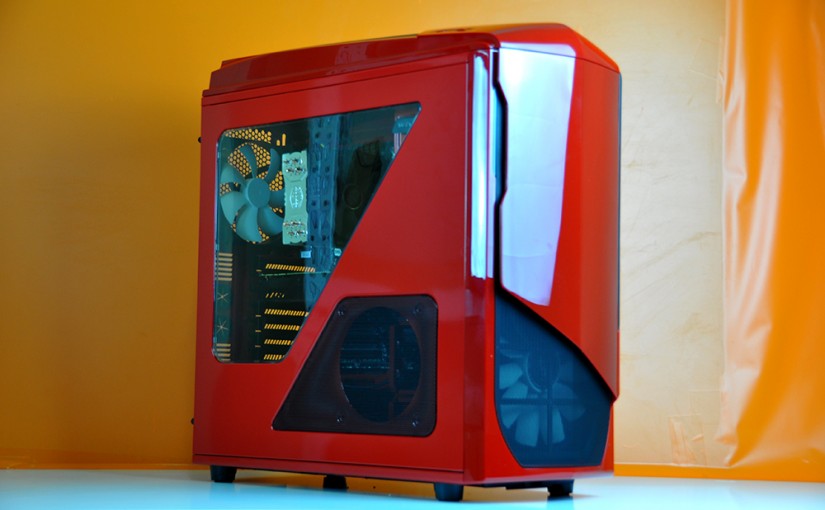
The undoubtedly good looks of an NZXT chassis with a killer Intel 4790 and Nvidia GTX 980 combination, topped off with a more-than-adequate 250GB SSD and an aftermarket CPU cooler; to ensure the system runs cool and prolong its life. Did you know you can customise your own PC on our website right now?
Blog
-

Ragnarok Intel X99 DDR4 Custom Gaming PC in Corsair Graphite 230T
A true gaming system; to ensure you can stay in over long weekends and play until you fall asleep at the PC. What else do you need? This customer was explicit about receiving it before the long weekend – and we had it ready for pickup almost an entire day early! Create your own custom PC with Evatech today.
-

HOW TO : Customising A Gaming PC to Play Star Citizen
We have had a lot of customers recently, (and we mean A LOT) ordering custom gaming PCs just to play Star Citizen. So much so that with all the research we’ve had to do to answer their questions, we feel as though we can pretty accurately make hardware recommendations to suit your performance expectations.
We tested the game with FRAPS running to gather frame rate data, swapping in different hardware and played around with the graphics presets, so lets get straight in to it.
Q: What does it take to run Star Citizen at at 60FPS on “Very High” presets at 1080P? A: An i5 4590, 16GB of RAM and a GTX980
THE GPU : In the games current state (v1.1), the GTX 980 is the only video card that can pull this off. Averaging 61FPS in our tests and corroborated with similar numbers from multiple benchmarks you can find online however many speculate that future patches with deliver engine optimization will improve performance greatly across the board. Unfortunately there is no real time frame given by the developers for when these optimizations will occur and exactly how much performance we can expect.
CPU & MEMORY : Assuming engine optimization is coming, you might get away with only 8GB of DDR3 but there are multiple areas of the game where we noted a significant performance increase when we jumped up to 16GB. As with most games, the RAM frequency doesn’t make any significant impact to frame rates or load times. As for the CPU, we tested both an i5 4590 and an i7 4970, both of which performed almost identically.
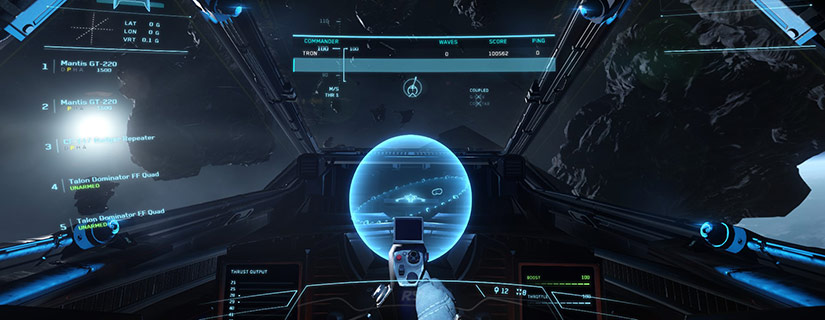
Q: What does it take to run Star Citizen at at 30+FPS on “Medium” presets at 1080P? A: An i5 4460, 8GB of RAM and a GTX 750TI
THE GPU : Again, in the games current state (v1.1), our MSI GTX 750TI 2GB OC manged to average 35FPS under these conditions only dropping as lows as a very playable 30FPS.
CPU & MEMORY : Assuming engine optimization is coming, you might get away with only 8GB of DDR3 but there are multiple areas of the game where we noted a significant performance increase when we jumped up to 16GB. As with most games, the RAM frequency doesn’t make any significant impact to frame rates or load times. As for the CPU, we tested both an i5 4590 and an i7 4970, both of which performed almost identically.
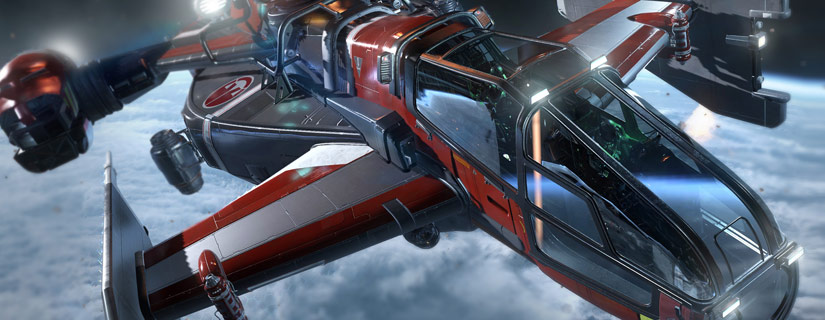
Q: What does it take to run Star Citizen at 4K? A: Don’t Bother (Yet)
SLI factory overclocked GTX980’s (That’s $1,600+ alone of GPU power) still struggled, dipping to as low as 12FPS on a and barely keeping above 30FPS on average even when paired with 16GB of RAM and an i7 4790 CPU. Future patches will hopefully make 4K viable but right now it’s just not.
Testing Notes : All tests where run under Windows 8.1 on a Adata SP900 SSD and the latest available drivers from Nvidia.com as of March 31st. All video cards used where provided by MSI and our Memory used was from the G.Skill RipjawsX series. All frame data was collected in the Vanduul Swarm mode of the game.
Final Thoughts
If you want to jump in early and start playing today, for a good 1080P experience be prepared to invest in a GTX970 or 980 and a 4690 or 4770 Intel CPU. Oh and if long load times bother you, make sure you have a large enough SSD to fit both your Windows install and the game! The Star Citizen client is expected to eventually reach around the 100GB size according to it’s developer in a recent post on the game’s official forums.
The stunning popularity of this game (raising $77 million USD since it’s kickstarter launch to date) should be ample funding for developer RSI continue adding content and optimizing performance for a long time to come, so we don’t expect this game’s popularity to start fading any time soon.
-
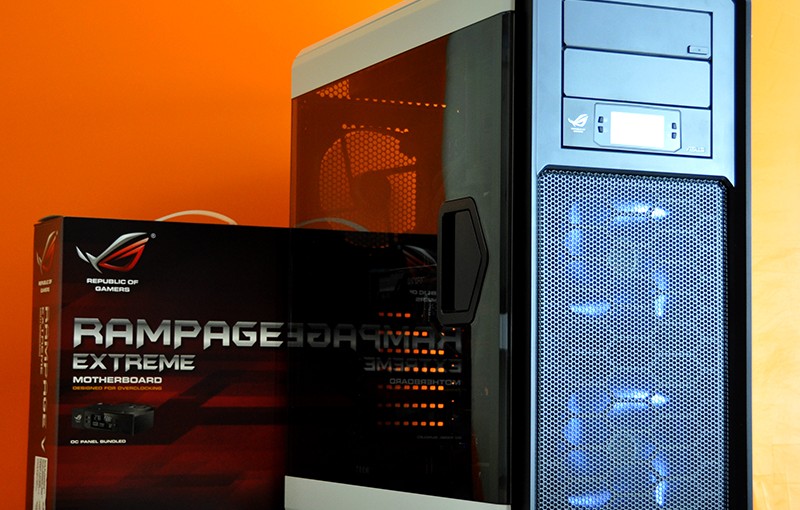
Ragnarok Intel X99 DDR4 Custom Gaming PC in Corsair Graphite 760T White
This DDR4 RAM capable system is nothing short of awesome when it comes to PC gaming. Enthusiasts beware, reading more will likely make you want a new gaming PC for yourself! Get started on your own system from Evatech.
-
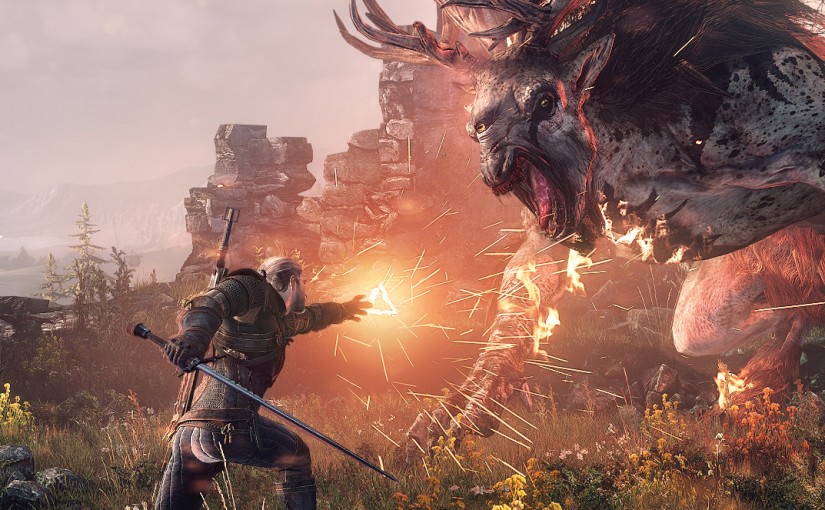
The Witcher 3 : Wild Hunt FREE with any MSI GTX 980 / 970 or 960 until MAY 31st
From March 30th to May 31st, buy any GTX 960/970 and 980’s from MSI at Evatech and you will be eligible for a free copy of the brand new Witcher 3: Wild Hunt!
Click here to checkout the full range of MSI video cards on sale now.
- To be eligible, consumers must purchase selected MSI GTX 980/970/960 Series Graphics card from 30th March 2015 to 31st May 2015 (promotional period) from an authorized and participating MSI retailer/reseller within APAC ONLY.
- Register your newly purchased MSI Graphic Card through the following steps.
- If you are experiencing any issues and having any problems, please contact here
- To learn more information on http://www.geforce.com/GetWitcher3
STEP 1Go to MSI Registration center :http://register.msi.com
STEP 2Login with your account or create a new account to become an MSI member
STEP 3Click on event and register your product(s).
STEP 4After the registration process is complete, you will receive the activation code on screen. Please go to the NVDIA website active your game code.https://redeem.geforce.com/