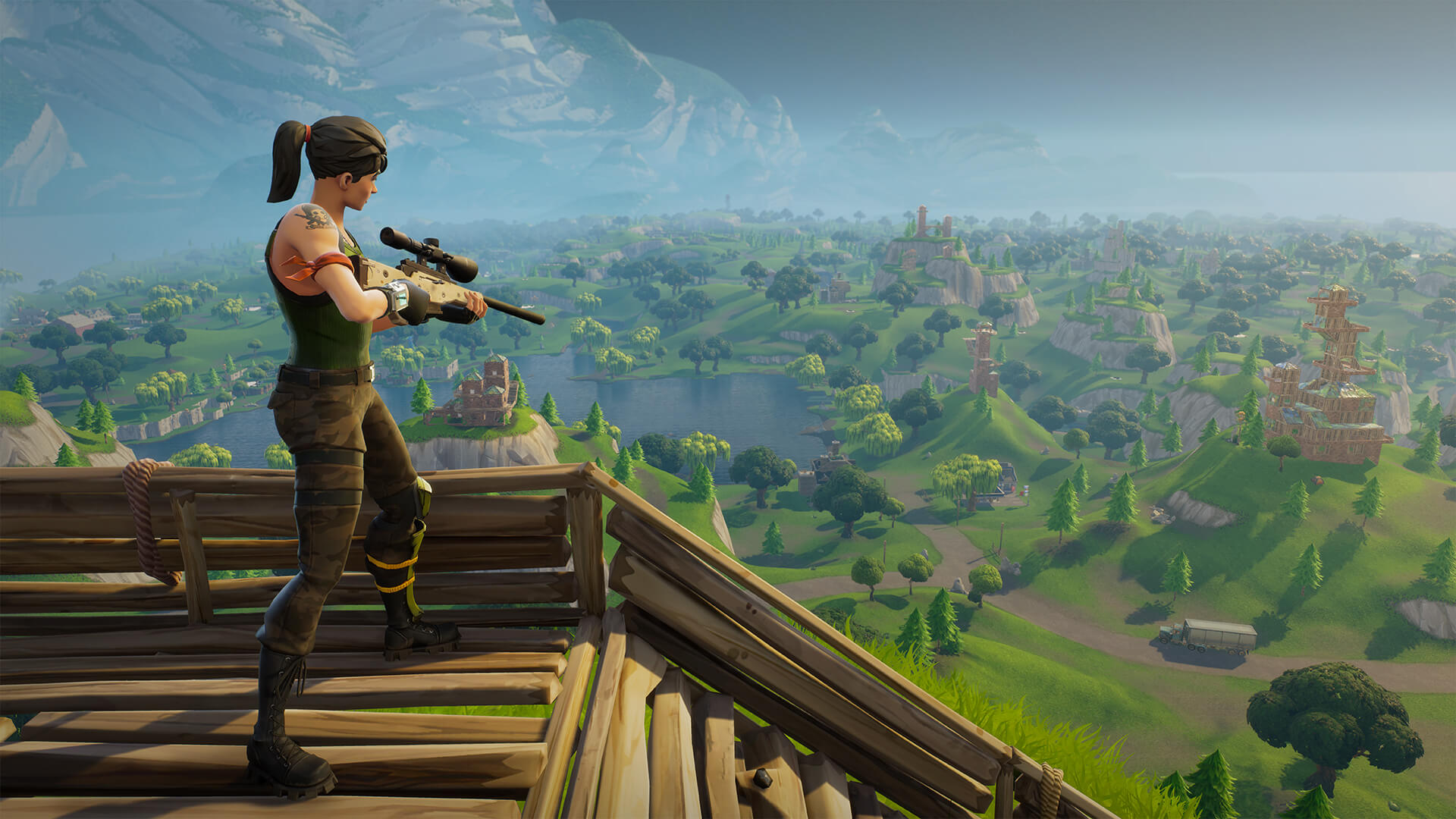
Occasionally a game comes around that is so unanimously popular that our sales team start to get asked daily for a recommendations configuration a custom gaming PC specifically to play it.
Fortnite is one of those games that will run great on older hardware at 1080P but what will it take to crank out a satisfying frame rate at 4K on Epic pre-sets? This is the question A LOT of you guys have been asking so it’s one we’ll have to take the time to write this article about!
Laying out the ground rules.

The goal of this article is to not only run through how to configure a custom gaming PC to run Fortnite on ‘Epic’ quality at 4K but to explain the how and why behind our recommendation.
When it comes to cranking out high resolution frame rates by far the most important component of the system is the video card (aka GPU). This is true in almost any game so the goal is to basically to find which video card it takes to handle these settings and work backwards from there.
What do we mean when we say we work backwards from the GPU? Well it’s simple. Once we know what GPU we need, you pair that with a CPU and RAM combo that won’t bottleneck it for the best price, then a power supply that’s capable to handling this configuration, a suitable motherboard to round out the core hardware selection and lastly selecting an appropriate chassis to house and keep them well ventilated! Pretty simple right?
Targeting a Frame Rate

Before jumping straight to the list below, it’s good to know what what sort of frame rate it is that you really want to hit. If you are not quiet sure, the basic rule of thumb is that 30 is ‘playable’ but not ideal and 60+ FPS is great. Everything in between is a cost / benefit calculation you have to make when deciding how much you want to spend for every extra frame.
Every extra frame per second counts in the overall ‘feel’ of the game but at some point (and this point is different for everyone) there is a point of diminishing returns as each extra frame per second feels less and less noticeable. This might be common sense, but it’s worth bearing in mind. The closer to 30 FPS you are, the more value an extra few frames will add to the experience, the closer to 50-60fps you get, the less so.
Now we know there is big segment of gamers that prefer ultra high frame rates of high resolutions and will tell you 144Hz at 1080P is superior or 60Hz at 4K. This is not necessarily false, it’s just a personal preference. If you’re more of a casual player and love the look and feel of the game 4K is the way to go, but if you are ultra-competitive and wan’t to go toe to toe with the pro’s then a higher frame rate might give you that slight millisecond edge you’ve been needing. The beauty of it is, once you have a gaming PC that can crank out high frame rates at 4K, you already have an awesome system for way higher frame rates at 1080P, just jump in to the settings menu and change the resolution! It’s the best of both worlds and you can try out each for yourself.
Choosing a Video Card

So enough rambling, lets jump right in to it. Below is a list of GPUs and their average frame rates. Cards marked as OC are factory overclocked editions, no extra overclock necessary and available in all our custom gaming PCs. For the best value for money, we would recommend sticking to our Valkyrie as the other systems are more for specialized use cases with other non-gaming secondary uses or requirements.
- GTX 1080 TI OC – 76FPS <– ‘best performance’
- GTX 1080 TI – 71FPS
- GTX 1080 OC – 55FPS <– ‘best value / performance recommendation’
- GTX 1080 – 52FPS
- GTX 1070 TI OC – 49FPS
- GTX 1070 TI – 47FPS
- GTX 1070 OC – 46FPS <– ‘best value’
- GTX 1070 – 44FPS
- GTX 1060 6G OC – 36FPS
- GTX 1060 6G – 34FPS
- GTX 1060 3G – 31FPS <– ‘playable but not recommended’
Note that these frame rate measurements listed above were taken from multiple play through, no two of which were identical and average outed to obtain a number that we feel accurately reflected the performance point of each card. As no two matches are alike your mileage may vary, please use this a a guide in good faith and not a guarantee.
Pairing a CPU and RAM

Once you’ve selected a video card from the list above, it’s time to pick a CPU and RAM option to make sure you get the most out of your GPU. It’s pretty straight forward and this same recommendation applies to pretty much all games out there with few exceptions.
While it might feel like you ‘need’ an i7 CPU or 64GB of RAM, you if you’ve found friends or people on online message boards telling you otherwise it’s probably people who have bought in to a bunch of marketing hype from rip off merchants like Alienware, HP Omen and the like.
- Intel i5 8600 + 16GB RAM for the GTX1070 TI or higher.
- Intel i5 8400 + 8GB RAM for the GTX 1060 6G OC to GTX 1070 OC
- Intel i3 8300 + 8GB RAM for the the GTX 1060 6G and below;
Remember, unless it’s a bottleneck, the CPU and RAM don’t really add that much to performance, especially the RAM that just sits there doing nothing if it’s not being utilized! 16GB is plenty for modern gaming and that isn’t likely to change any time soon. Additionally, did you know the high end i5’s perform almost identically to the i7’s in most games? Their ‘per-core’ performance is almost identical and most games don’t utilize the additional threads in the i7’s anyway.
So next time you walk to a JB or Harvey and see the $5K gaming PC with 64GB of RAM and top of the line i7 paired with some mid range GPU, steer clear. It’s a complete rip off and will perform so much worse than an i5 with 16GB of RAM and a better GPU for half the price!
Last but not least, all the other bits…

This part is easy, the B series gaming motherboard is what you should go for the best value or if it’s within your budget and you want more room to upgrade in the future and get a little better built in audio and LAN controllers, a Z series gaming board is the way to go.
Next, it’s time for a chassis. If you went with a top of the line build and OC GPU it’s best to get something with good ventilation. This usually means an air intake grill at the front like the MasterCase HP500 Mesh or Corsair Air 540. If you wen’t with something a little more ‘cost effective’ well you can get away with a little less airflow in which case you can pretty much select any chassis from our list.
Now it’s time for storage drives. If your budget is tight a regular 1tb hard drive will get the job done although be it a tad slow to boot in to windows and load games. On the other hand an SSD drive will give you dramatically faster boot and load times (5-10x in some cases!) and the only trade of is capacity. Personally we would highly recommend and SSD. It makes the whole system feel so much more snappier and responsive overall. If a large capacity SSD is too pricey, maybe a smaller SSD primary drive for your operating system and your favorite games with a secondary regular hard drive for the overflow when you need it?
Lastly, the power supply and at this point with all the other selections already made above our custom PC builder page will give you a recommendation calculated based on your needs. The main difference between the Gold or Bronze units is just the AC to DC conversion efficiency from the wall to the PC. The gold series will save you a bit on your electricity bill and run a bit cooler as the lost power will dissipate is heat.
Of course there at a lot of other options you can choose from in our custom PC builder but we’ve covered all the ones that directly impact performance. The rest are all personal preference options and you can easily pick and choose which suit your needs best. If you do have any questions please don’t hesitate to contact us any time and we will get back to you ASAP.
So what are you waiting for?
Head on over to our store page at www.evatech.com.au and get customizing! It’s so simple with built in error detection, basic ‘as-you-go’ guides and automatic performance indicators for all the latest and greatest games.