Blog

  • Nvidia (GTX/RTX) Graphics Cards Brings G-Sync Support to FreeSync Monitors!

    Nvidia (GTX/RTX) Graphics Cards Brings G-Sync Support to FreeSync Monitors!

    Back in September we had rumours and leaks about Nvidia cards reportedly supporting Variable Refresh Rate (VRR) or essentially G-Sync with FreeSync monitors on some updated drivers. Those reports were quickly put to bed, being called a “bug” and drivers since then have not supported it; business as usual. I was curious, wondering how long until it became official then. And in the last few days we’ve had our dreams become reality… perhaps even VRRR! Variable Refresh Rate Reality? Bad pun.
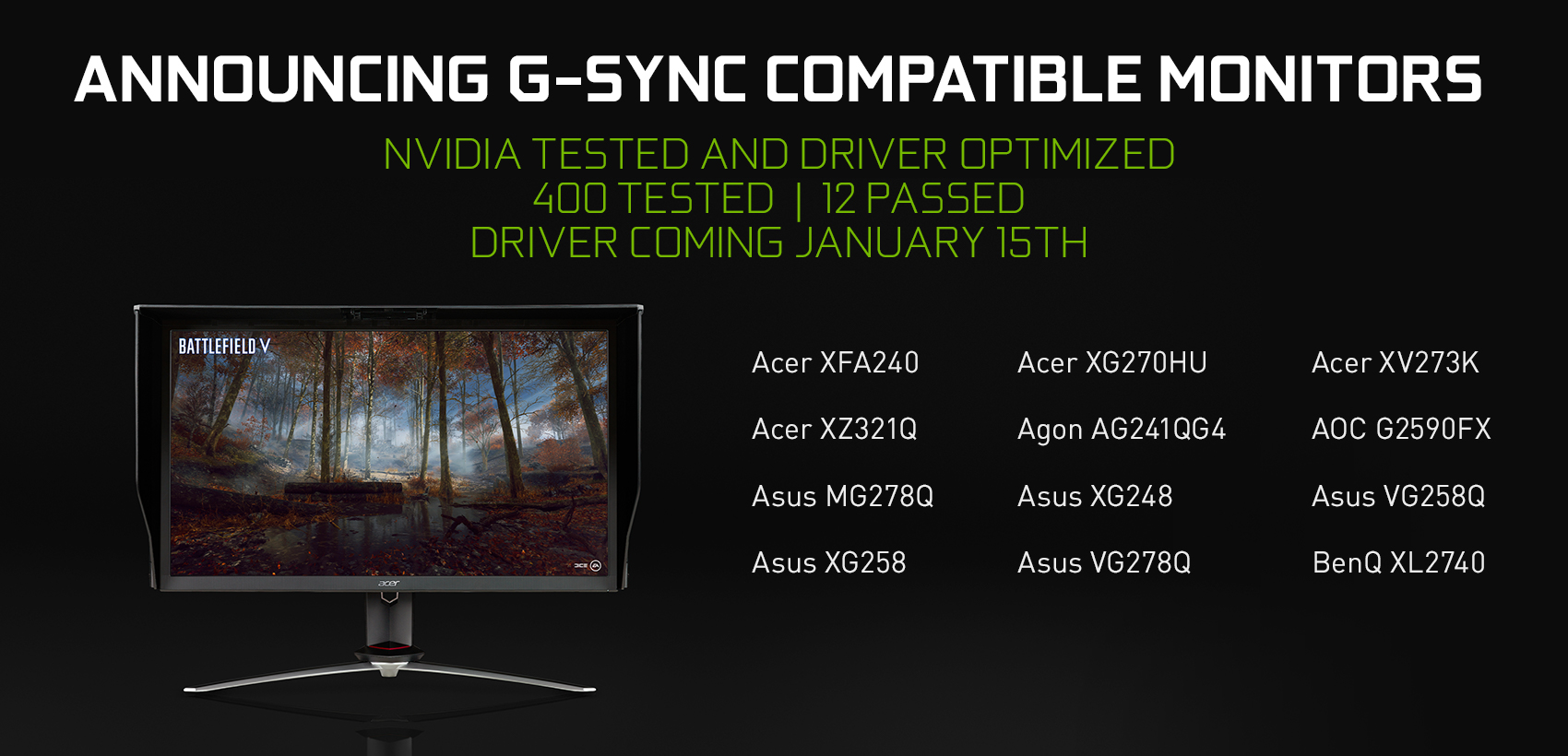
    So far only 12 FreeSync monitors have been given the official “supported” branding by Nvidia out of the 100 they’ve tested with, with more to come. Reportedly even customers with monitors that have “failed” Nvidia’s tests will be able to manually turn VRR on. Whether or not a monitor passes the tests relies on a few criteria. The monitor must not show:

    • Blanking
    • Pulsing
    • Flickering
    • Ghosting
    • Any other artifacts during VRR gaming

    The driver that brings support for all the above will hit January 15th (or 16th since we’re ahead in Australia), so you can try for yourself if you have a FreeSync monitor already.

    Moving forward there will be new tiers of G-Sync. From lowest to highest ranking:

    • G-Sync Compatible – Adaptive Sync monitors with some limited testing
    • G-Sync – Current G-Sync monitors
    • G-Sync Ultimate – Current G-Sync HDR monitors

    Why now, what took so long?

    For those of you who may be wondering why Nvidia didn’t make this change sooner, there are multiple reasons, and they may not all be simply that Nvidia is a “money hungry company”. Instead, consider the following.

    • By having full control over G-Sync all this time, requiring Nvidia’s approval before brands could utilise their tech/branding, Nvidia was able to ensure that the monitors advertising Nvidia’s VRR functionality were of a high quality, without the above mentioned flaws that can occur on low-quality displays
    • There are quite a lot of low-quality displays that advertise being 120Hz, 144Hz, etc. but do so poorly, even with AMD graphics cards
    • With Nvidia’s new approach to VRR, anyone with a capable monitor can now experience adaptive sync. If your monitor is of poor quality, you may witness artifacts during gameplay. Nvidia can stand behind their “told you so” and list of officially supported monitors

    With the above points in mind, perhaps we can now see that Nvidia was interested in ensuring a high quality gaming experience for those who didn’t want to spend hours figuring out which displays were of a high enough quality to support issue-free gaming. It was simply a case of “any monitor with the G-Sync functionality is the one I want”. But now, anyone can get in on the VRR life, albeit with differing degrees of quality. No doubt that with time and driver updates the compatibility can and will improve, but for now this is where we’re at. And we’re plenty excited enough!

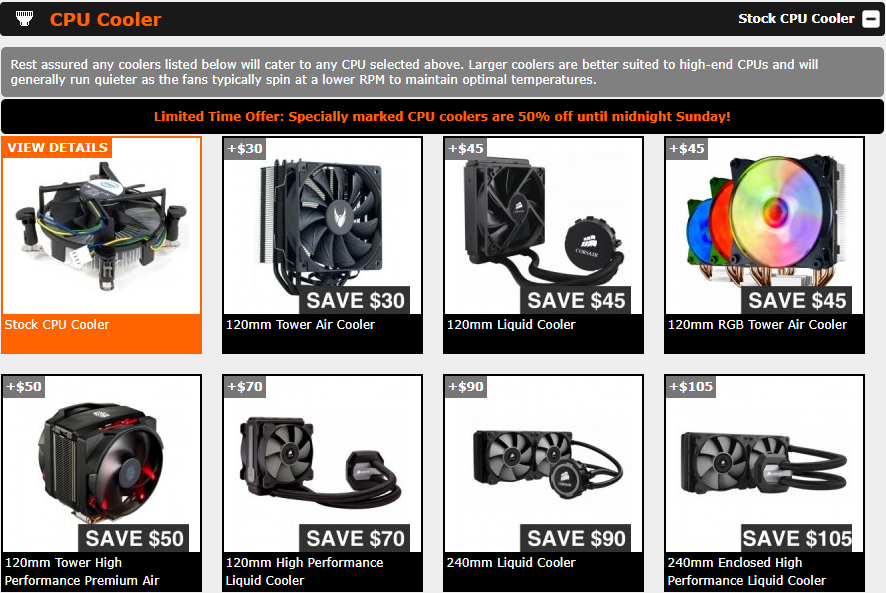
  • Offer: 50% off CPU coolers in Custom PCs [Expired]

    Offer: 50% off CPU coolers in Custom PCs [Expired]

    We’re back for another year, hoping to continue the trend and make 2019 the best year yet. New year, new you, new PC! What better way to kick things into high-gear than offering half-price CPU coolers?! That’s right, every CPU cooler is 50% off the regular “year-round” price. That’s a huge saving of between $30 and $105! But you’d better get your order in quick, this special is only running this weekend, ending 6th Sunday January at 11:59:59pm.

    Start customising your next gaming PC now! Gaming not your thing? Also customise home/office & workstation PCs!

    All you need to do to take advantage of this offer is customise a non-pro PC and select one of the specially marked CPU cooler options, hit Save & Continue, then add the PC to cart (with or without any other items) and checkout!

  • Valkyrie Gaming PC in NZXT H700 White

    Valkyrie Gaming PC in NZXT H700 White

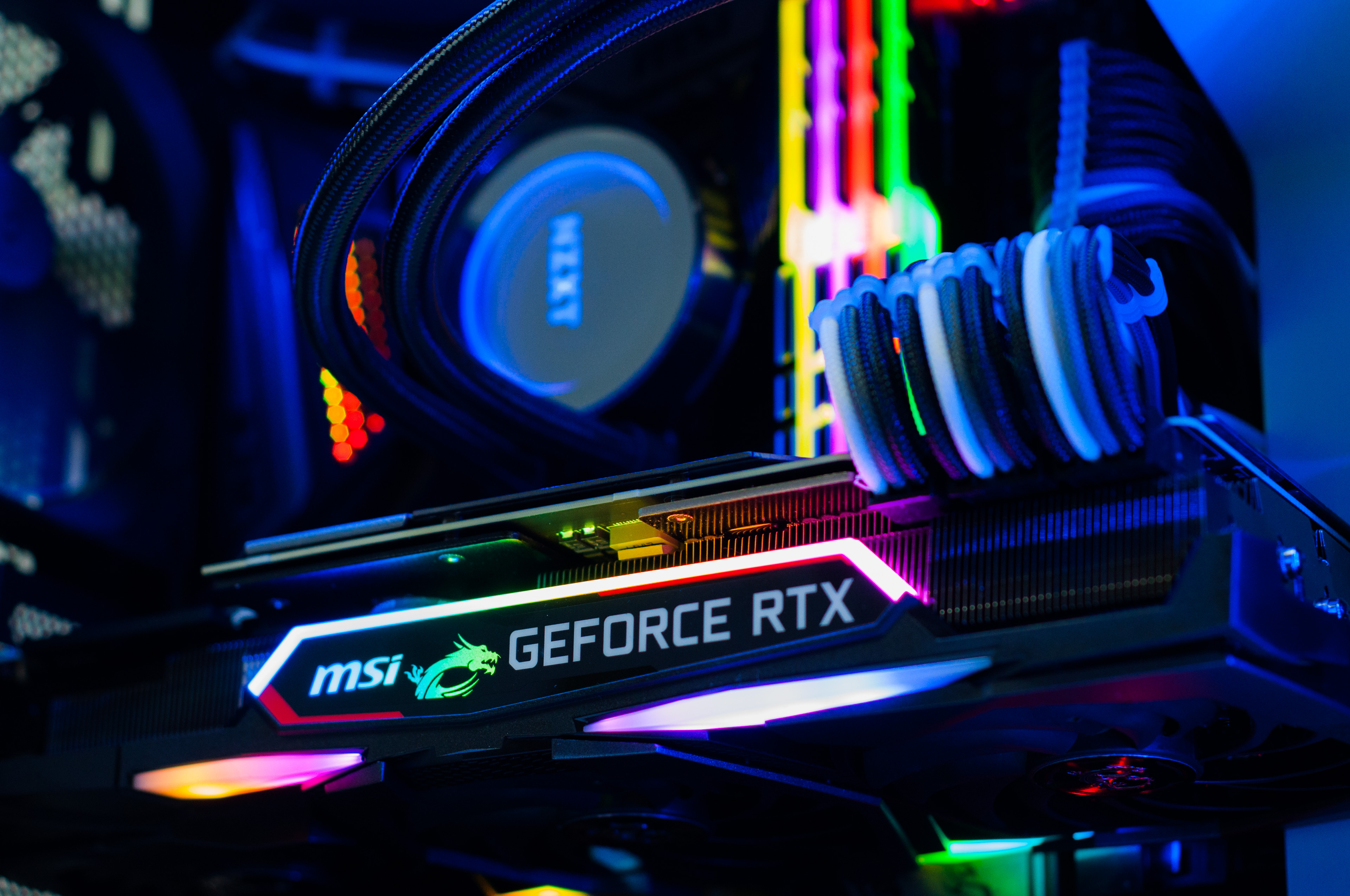
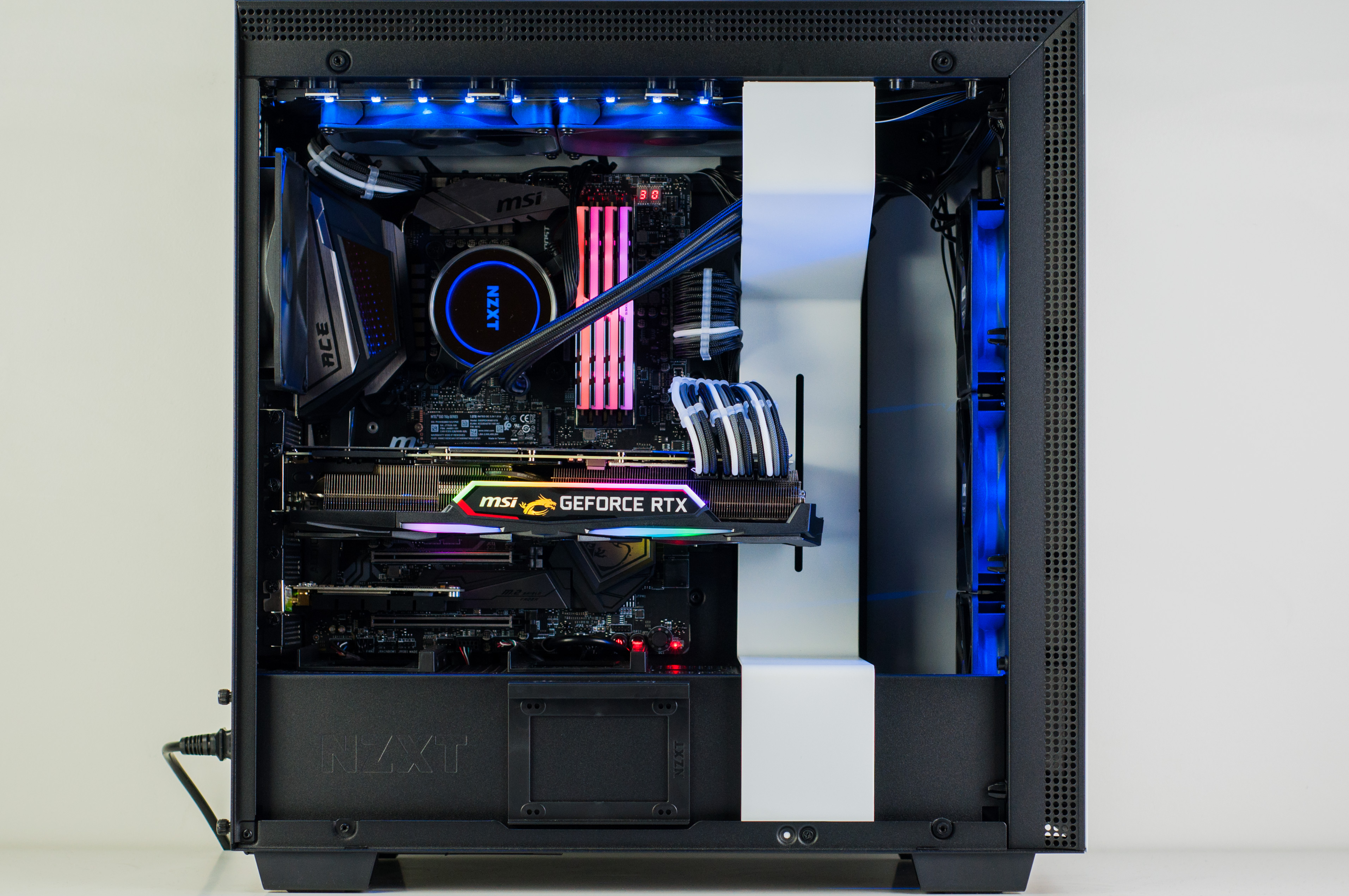
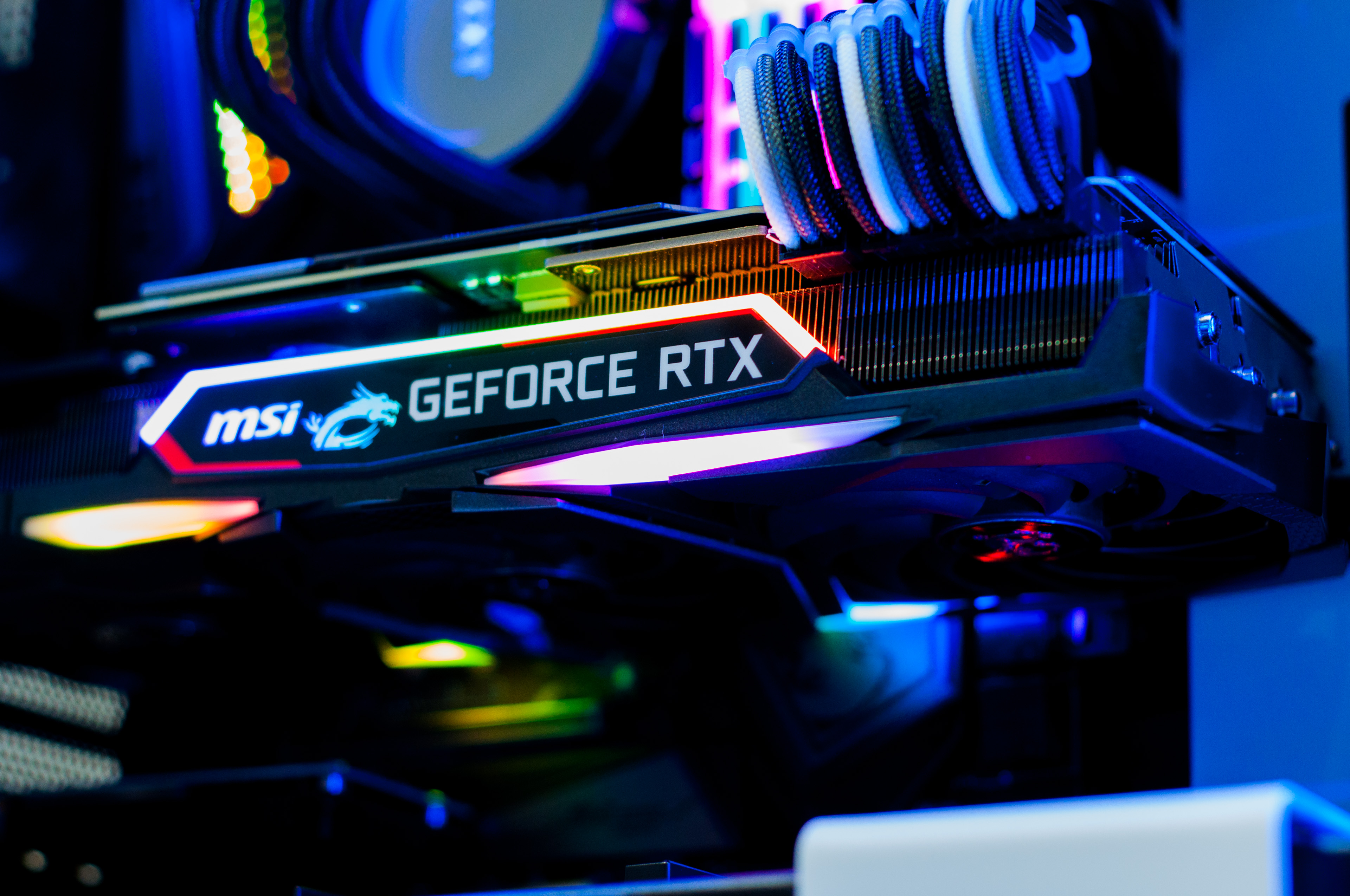
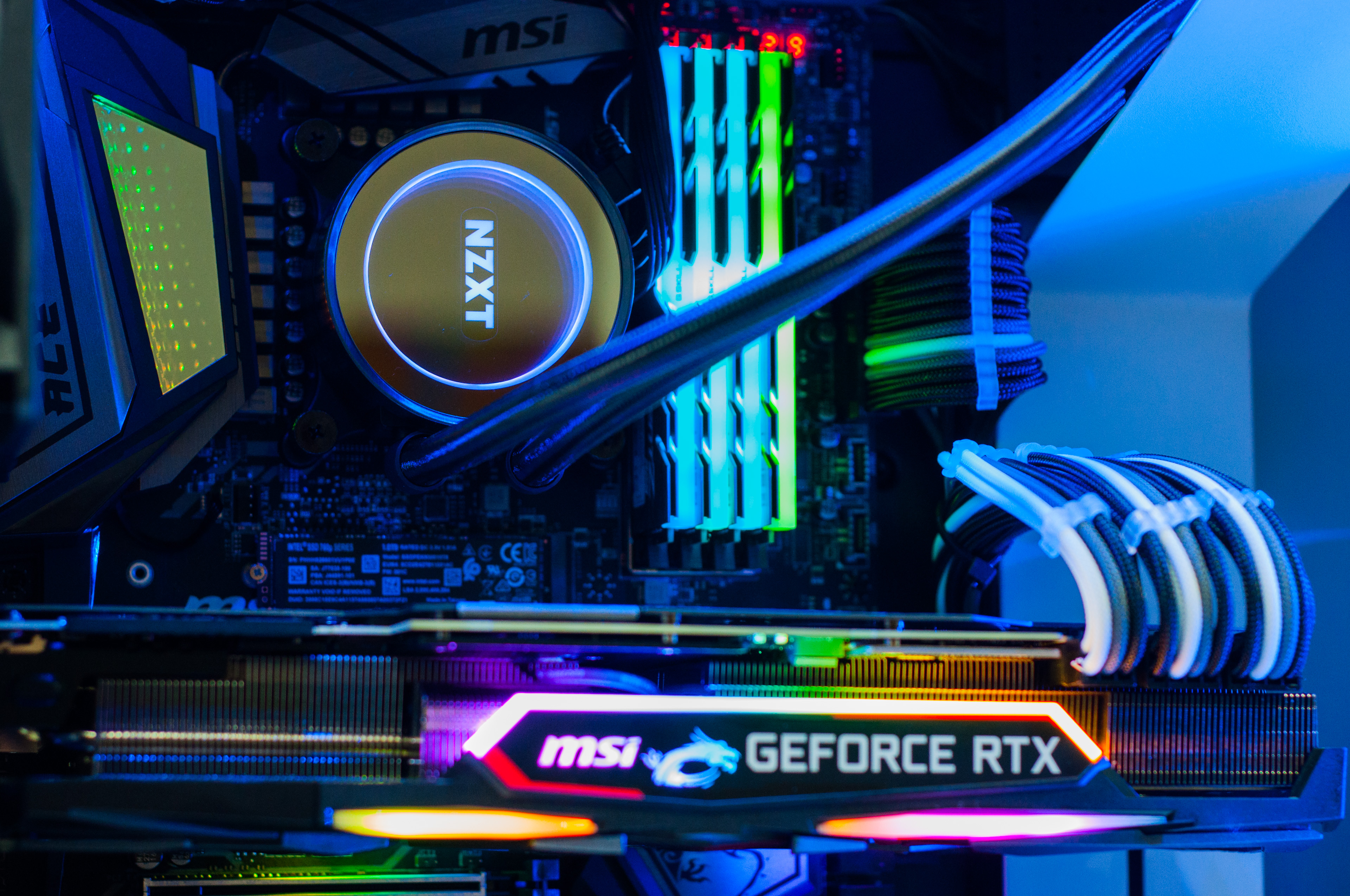
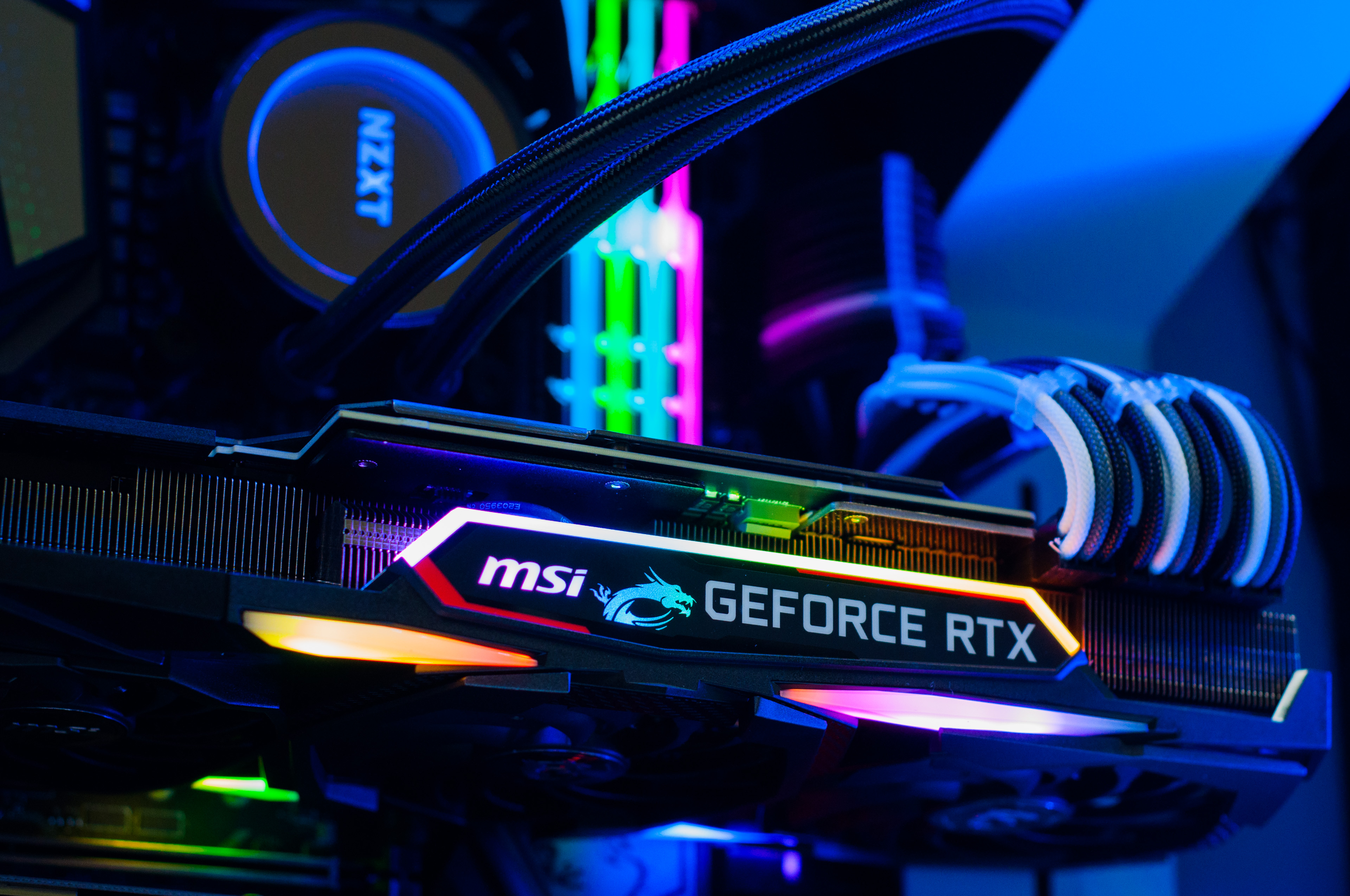
    Not the first, but certainly one of the prettiest so far. Here’s a build we did lately featuring the highly sought after MSI RTX 2080 Ti Gaming X Trio. I’ve gotta say, this matches up perfectly with the G.Skill RGB RAM, and even the MSI MEG Z390 ACE comes in with the ‘infinity’ RGB. Makes me giddy just thinking about it. So, checkout the pictures!

    Don’t forget, you can customise your own PC just the way you want it.

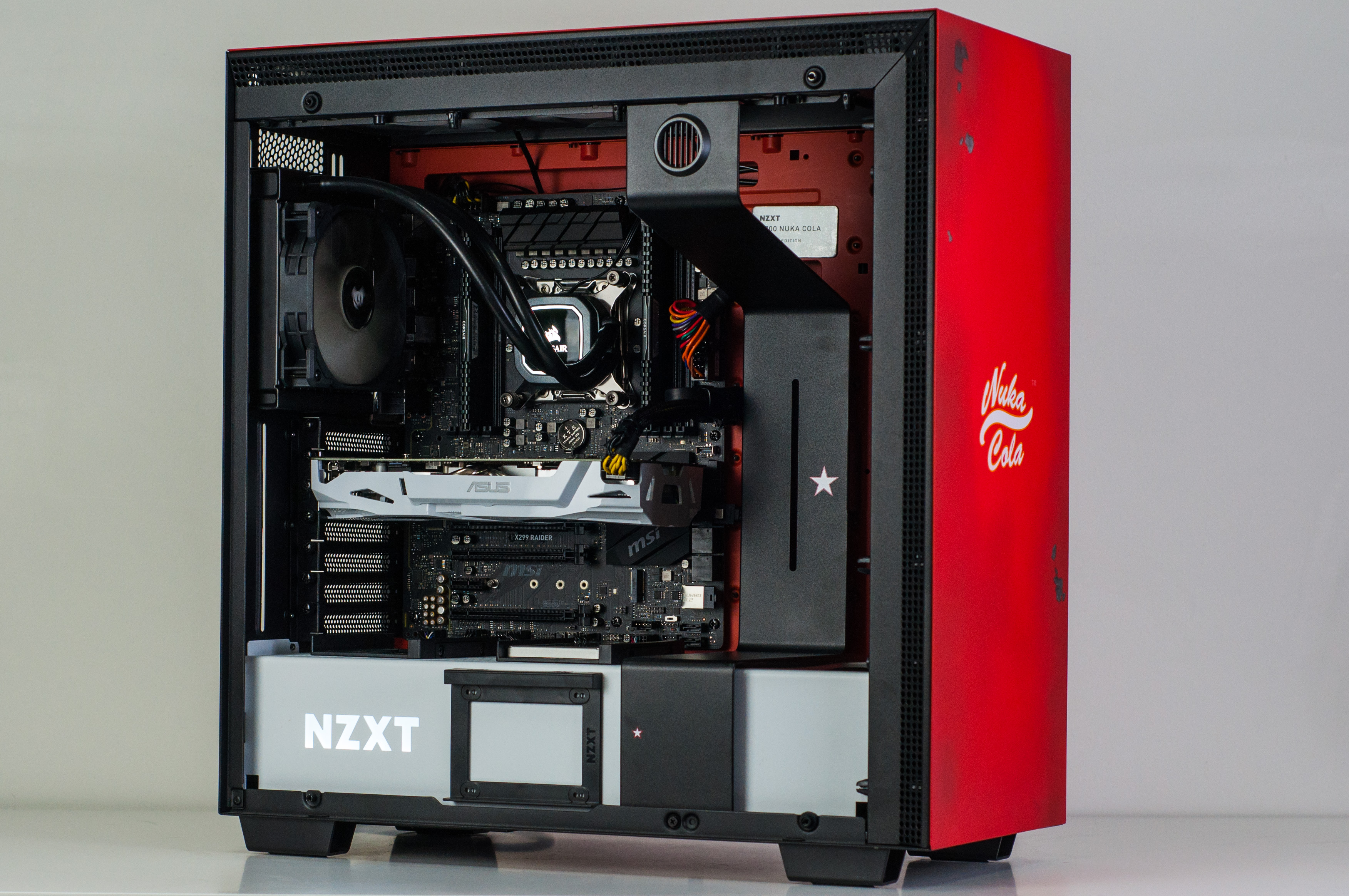
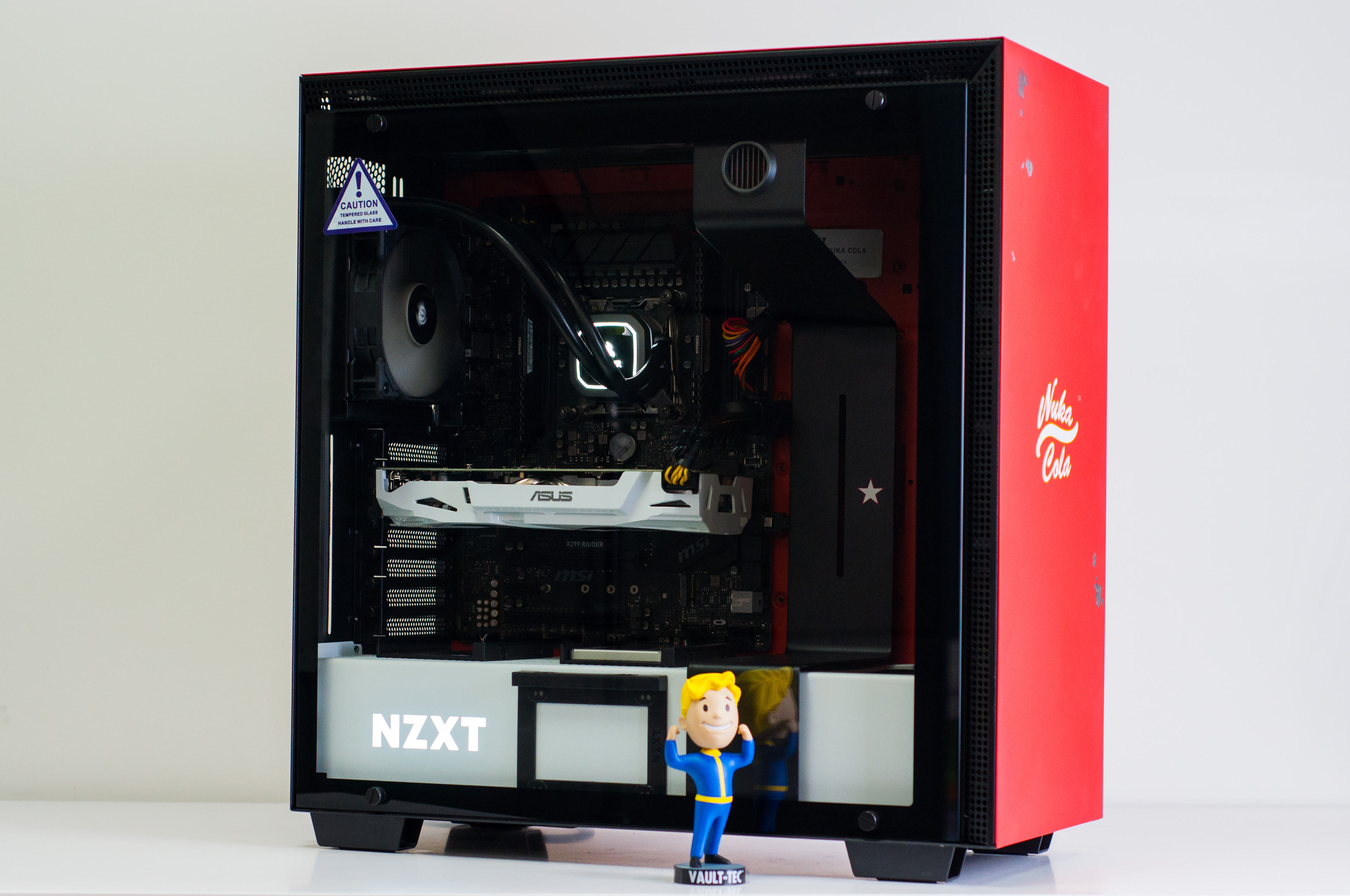
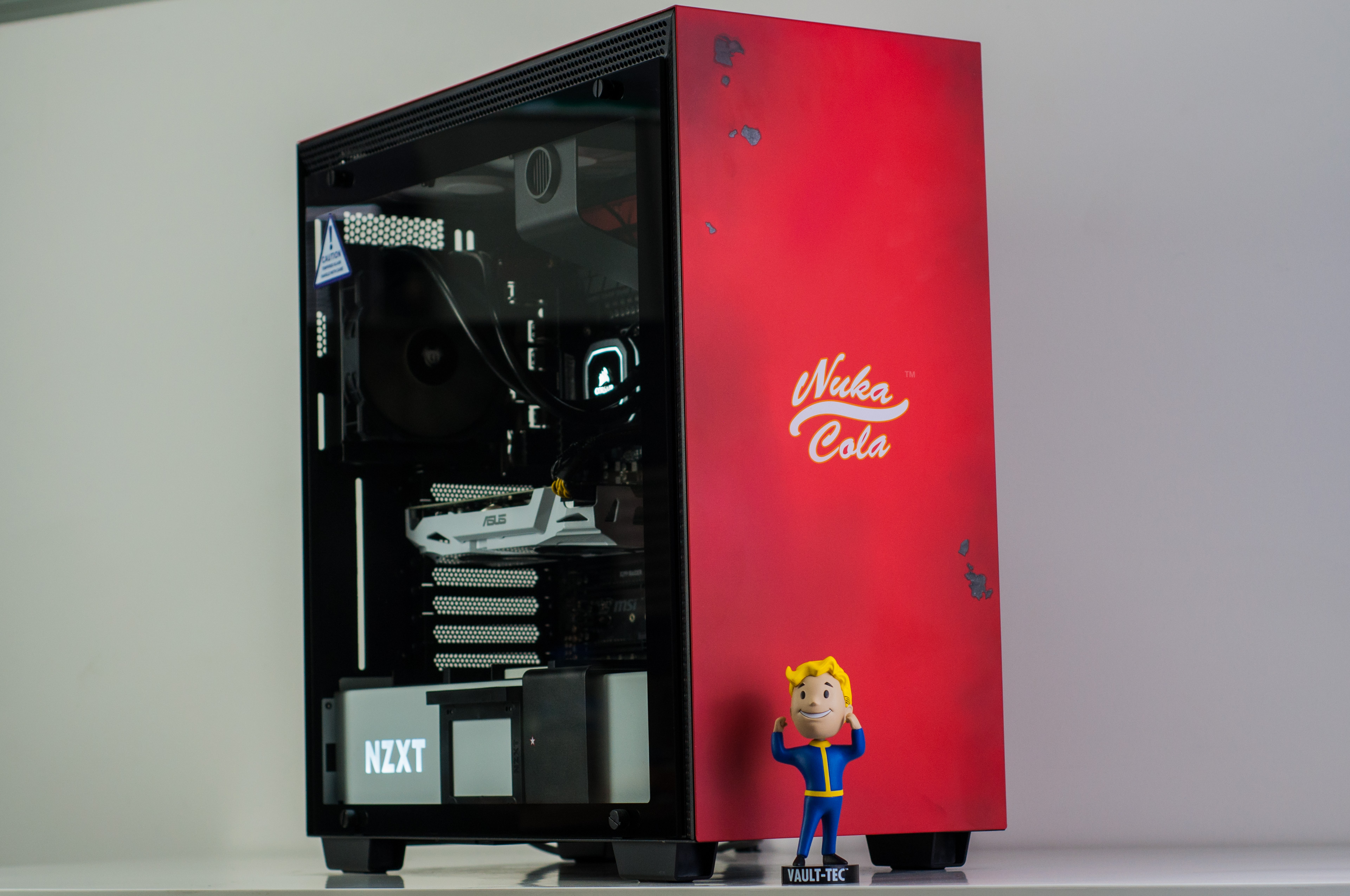
  • Ragnarok Gaming PC in Limited Edition NZXT H700 Nuka Cola

    Ragnarok Gaming PC in Limited Edition NZXT H700 Nuka Cola

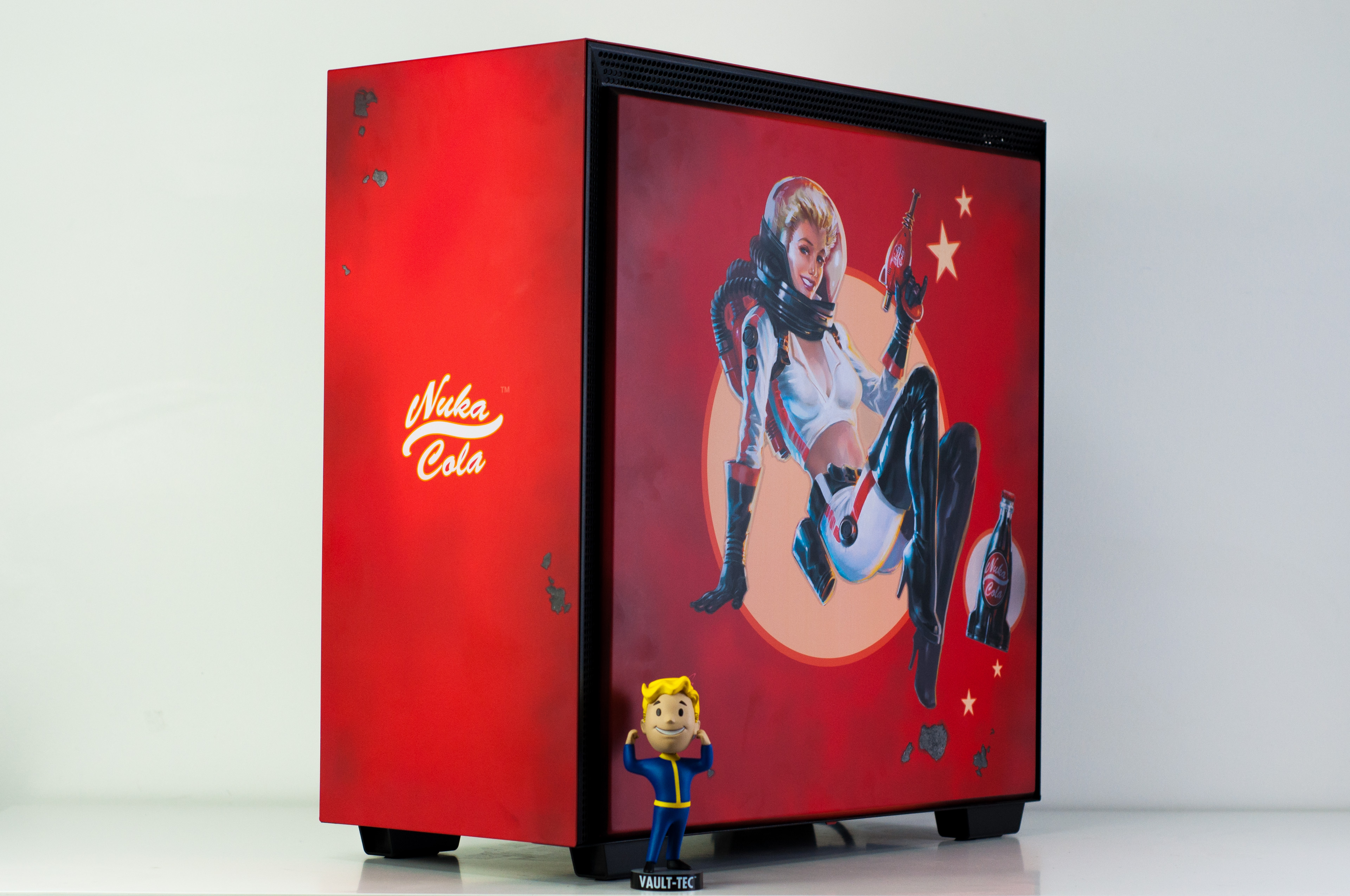
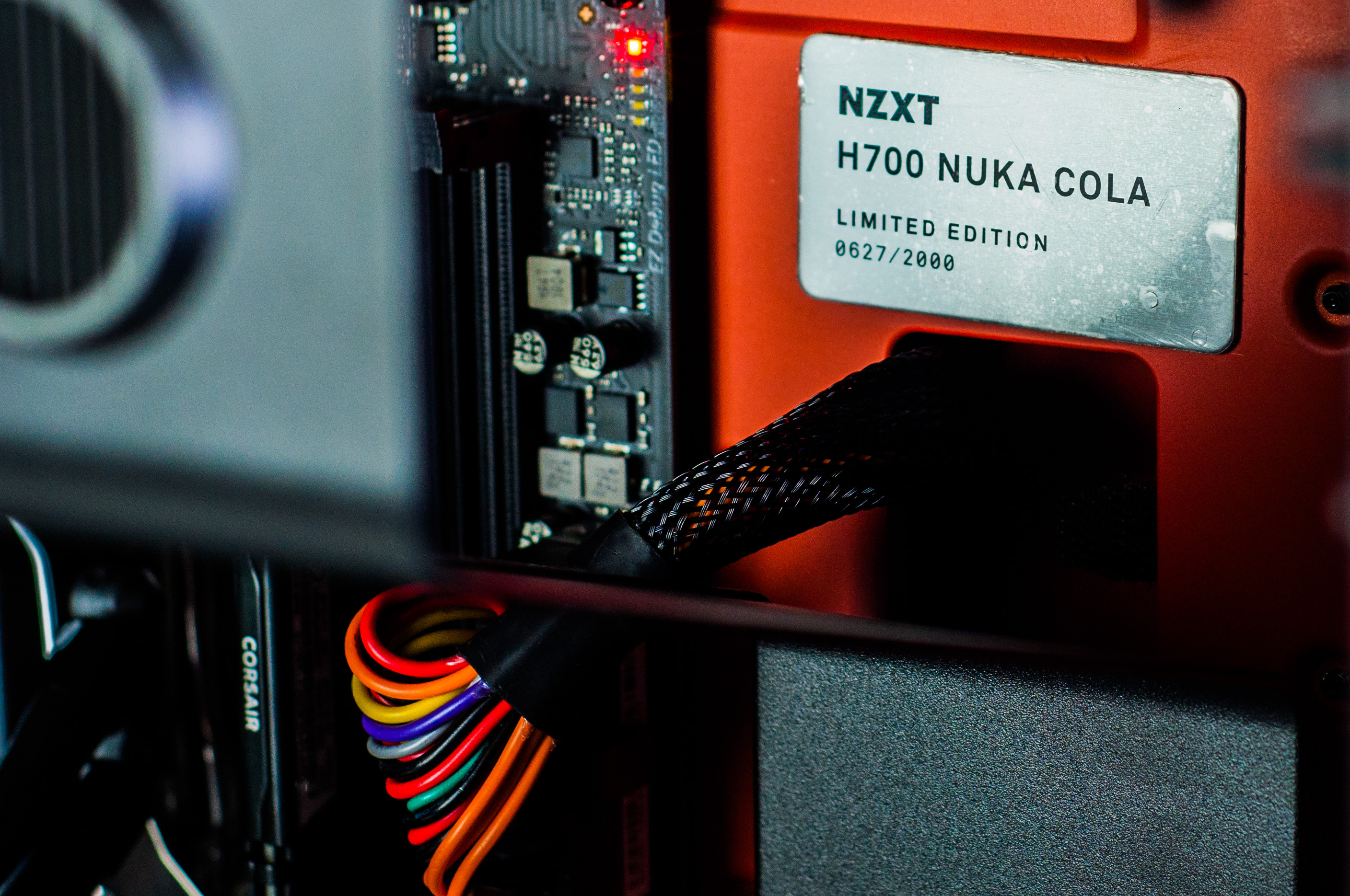
    Prepare yourself for the end of the world with the refreshing taste of Nuka Cola or the next best thing. NZXT brings us a very limited quantity of H700 cases themed around Fallout. Be sure to check out all the pictures!

    While 2,000 may seem like a lot, that’s a worldwide number of units!
    Ever functional for all your gaming PC needs
    Perfect balance of a ‘brand new’ and post-apocalyptic look
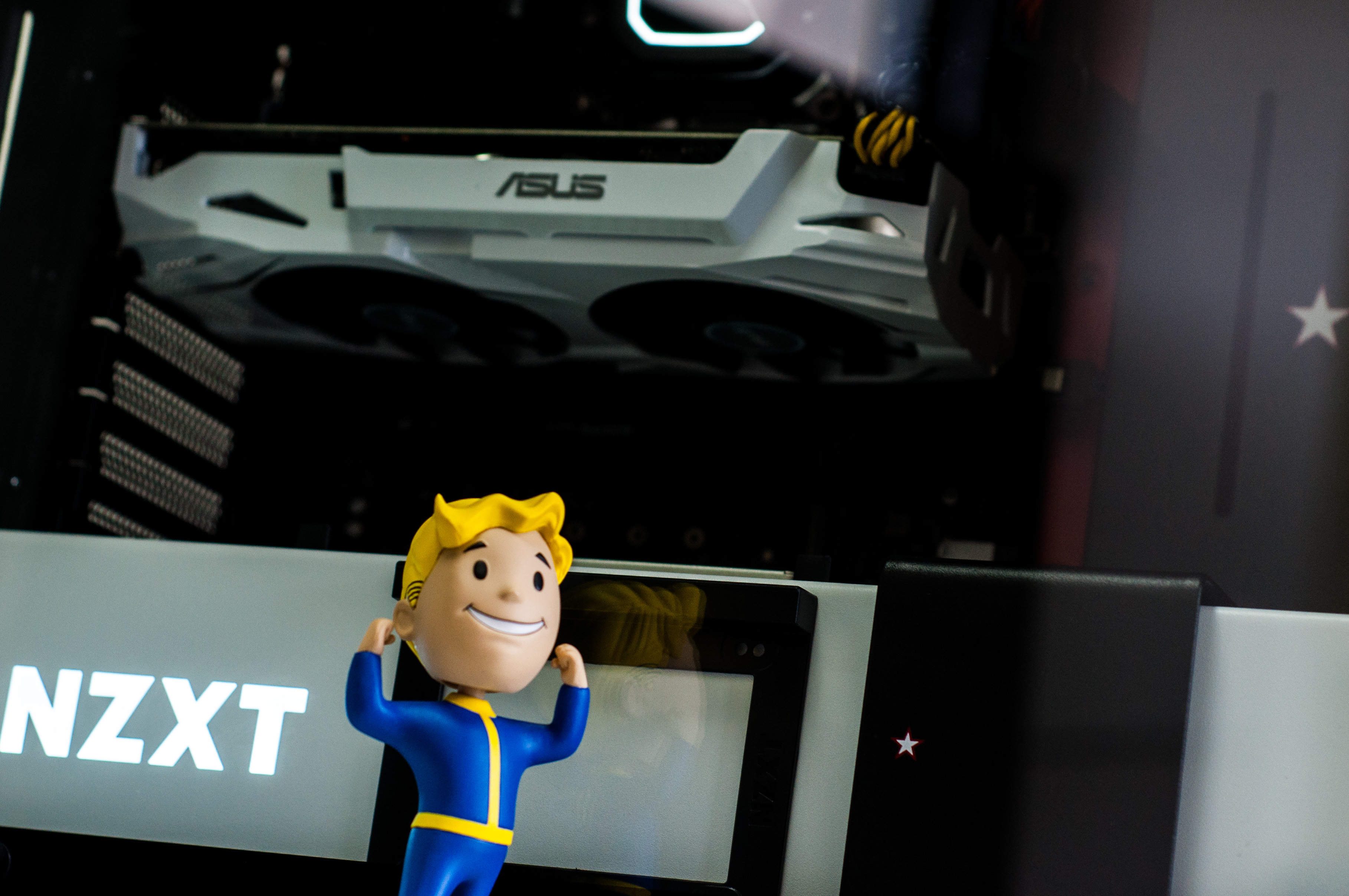
    We let Vault Boy out of his vault. Weird flex, but ok.

    The H700 Nuka Cola is available for purchase strictly while stocks last – also available in gaming system builds!

  • Fallout 76 : Building A Custom Gaming PC For The Wasteland!

    Fallout 76 : Building A Custom Gaming PC For The Wasteland!

    The release of the long anticipated latest Fallout game is finally upon us and to celebrate we’re diving in to exactly what PC hardware you’ll need in your next custom gaming PC to dive in.

    If you’ve found this article you probably already know what Fallout 76 so lets get straight down to business.

    The Hardware Requirements

    Gaming PCs are fueled by three main components. The CPU, the RAM and the GPU (aka video card). In general, if the CPU and RAM isn’t a bottleneck, its the GPU which is the most important for delivering a smooth frame rate with all the fancy graphics setting cranked up.

    The games publisher Bethesda have published their official minimum and recommended hardware specifications online. While these are usually geared very low to capture the widest possible audience, it’s a good indication of the CPU/GPU balance and RAM requirement.

    Processor: Intel Core i7-4790 3.6 GHz/AMD Ryzen 5 1500X 3.5 GHz
    Graphics: Nvidia GTX 970 4GB/AMD R9 290X 4GB
    Memory: 8GB RAM

    Recommended hardware requirements – Bethesda 

    You will probably notice pretty quickly that the listed hardware is older generation models. This might be a little confusing but with a bit of common sense it’s pretty easy to translate in to the current-gen equivalents.


    Processor: Intel Core i5 8600 4.3GHz
    Graphics: Nvidia GTX 1060 6GB
    Memory: 8GB RAM (DDR4)

    The same hardware requirements translated to modern equivalents.

    Making sense of the Requirements

    While some games rely heavier on the GPU than the CPU, others are weighed in the opposite direction. Fallout 76 being a large scale open world RPG, is evidently more CPU depended than most games.

    Bare in mind also that the ‘recommended’ hardware requirements are just a guide issued by the publisher stating that if you meet these requirements you should get a ‘good’ experience playing the game. It doesn’t guarantee a frame rate over 60 at any particular graphics settings although a reasonable gamer may assume it’s at least 60fps @ medium pre-sets.

    If you want higher frame rates, to turn up all the graphics to ultra or to run at 4K, you’ll have to make the necessary adjustments (mostly to GPU) to keep up.

    “Recommended” Requirements

    If you want to take Bethesda’s word for it and don’t mind not playing at the highest settings we’ve put together the following configuration for you to take a look at.

    Note : All our gaming PCs are 100% customisable so feel free to jump in and select a different chassis , add additional hard drive capacity or a WiFi adapter if needed! Our built in error detection will catch any potential conflicts. As long as the CPU, RAM and GPU stay the same, you can expect the same level of performance.

    • Case: Corsair Carbide Spec-04 Tempered Glass Red Mid Tower
    • Motherboard: Intel B360 Gaming Edition mATX Motherboard
    • CPU: Intel i5 8600 6-Core 4.3GHz
    • CPU Cooler: Stock CPU Cooler
    • RAM: 8GB DDR4 Core
    • Primary Storage Device: 250G SATA3 SSD – 420MB/s
    • Second Storage Device: 1TB Hard Drive – 150MB/s
    • Graphics Card: Nvidia GTX 1060 6GB OC
    • Power Supply: 550w 80 Plus Gold [$10 OFF]
    • Operating System: Windows 10 64bit Home Edition USB

    Click here to checkout this configuration on our store page where you can further customize it or order it online!

    “Ultra @1080P” Requirements

    As previously mentioned, all our gaming PCs are customisable and we have a ton of options to choose from. Perhaps you prefer a different case? Want to add a WiFi adapter? Maybe need some extra storage space? Just hit that ‘customise’ button on the page linked below.

    Case: Corsair Carbide Spec-04 Tempered Glass Red Mid Tower
    Motherboard: Intel B360 Gaming Edition mATX Motherboard
    CPU: Intel i5 8600K 6-Core 4.3GHz
    CPU Cooler: 120mm Tower Air Cooler
    RAM:16GB DDR4 Black
    Primary Storage Device: 500G NVMe M.2 SSD – 1500MB/s
    Second Storage Device: 2TB Hard Drive – 150MB/s
    Graphics Card: Nvidia RTX 2070 8GB OC
    Power Supply: 550w 80 Plus Gold [$10 OFF]
    Operating System: Windows 10 64bit Home Edition USB

    Click here to checkout this configuration on our store page where you can further customize it or order it online!

    “ULTRA @4K/UHD” Requirements

    Note for this one we’ve deviated from the more ‘cost-effective’ basic chassis listed for the configurations used above, this time opting to go for the limited edition Nuka Cola NZXT H700. Lets face it, if your building a gaming PC just to play Fallout 76 on ultra settings at 4K, why wouldn’t you splurge a little and get the awesome looking limited edition chassis to match? 

    Case: NZXT H700 Nuka Cola Limited Edition
    Motherboard: Intel B360 Gaming Edition mATX Motherboard
    CPU: Intel i7 8700 6-Core 4.6GHz
    CPU Cooler: 120mm Tower Air Cooler
    RAM: 16GB DDR4 Black
    Primary Storage Device: 500G NVMe M.2 SSD – 1500MB/s
    Second Storage Device: 2TB Hard Drive – 150MB/s
    Graphics Card: Nvidia RTX 2080 8GB OC
    Power Supply: 750w 80 Plus Gold
    Operating System: Windows 10 64bit Home Edition USB

    Click here to checkout this configuration on our storage page where you can further customize it or order it online!

    The take away,

    Hopefully now you’ve got a good idea of what modern day latest gen hardware you need to play the game at the performance level your aiming for. Remember it all comes down to GPU, CPU and RAM (in that order!).

    If you still have questions or just need some help deciding on which of the other components you need please don’t hesitate to get in touch. You can find our contact page here or if you’re local, drop in to our store (Keysborough, VIC) Monday to Friday, 10am to 6pm for a chat!